Warning Signs of Orphaned Cloud Resources and How to Remediate Them
Orphaned resources often remain invisible because they generate no traffic, yet they accumulate costs and expand the attack surface for privilege escalation attempts.

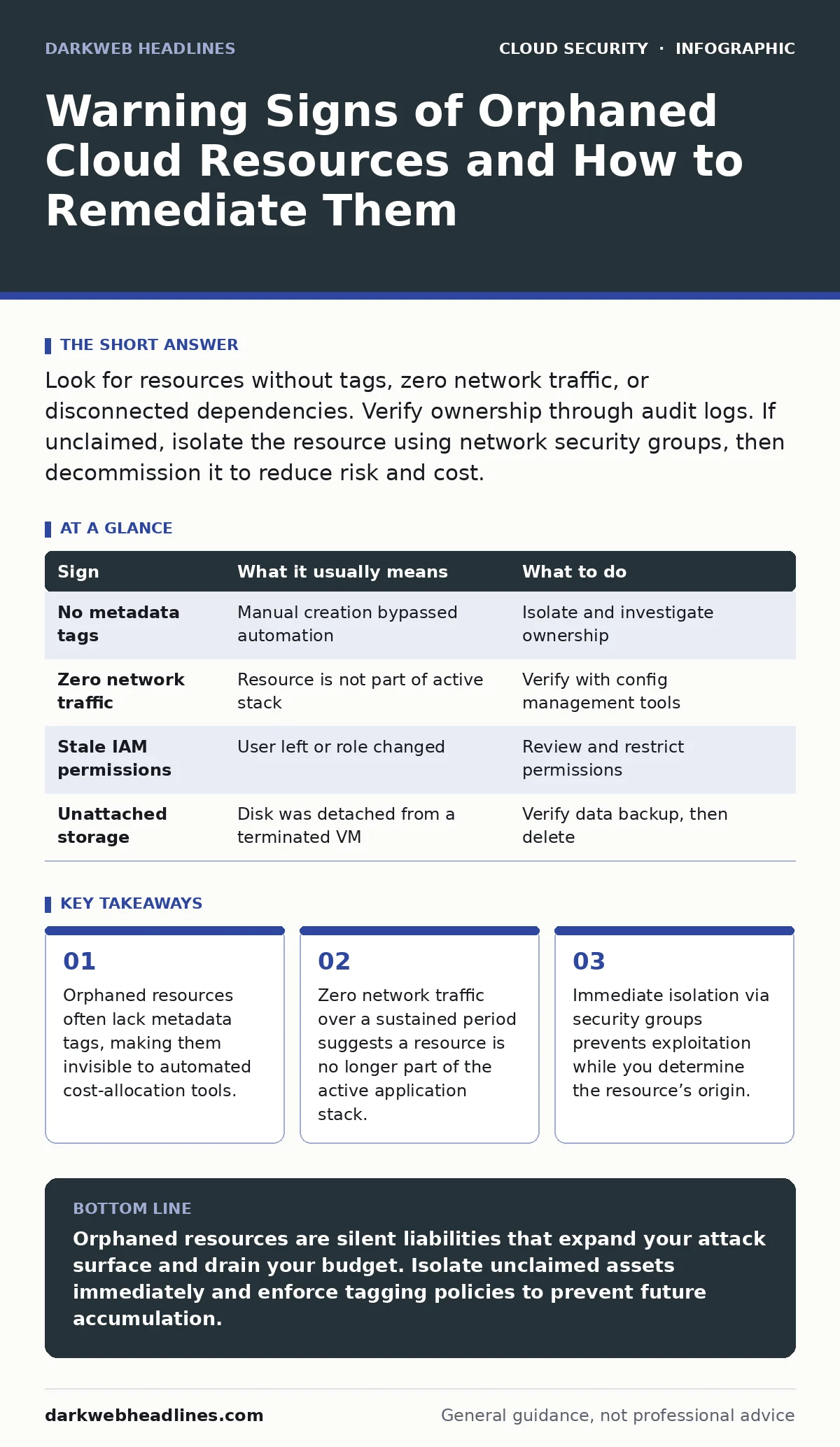
Look for resources without tags, zero network traffic, or disconnected dependencies. Verify ownership through audit logs. If unclaimed, isolate the resource using network security groups, then decommission it to reduce risk and cost.
The Silent Accumulation of Digital Debris
Cloud infrastructure is ephemeral by design. You spin up a virtual machine for testing, deploy a container for a specific task, or create a storage bucket for temporary data. When the work ends, the resource should disappear. In practice, it often does not. These leftover assets are known as orphaned cloud resources. They remain attached to your account but have no active owner or defined purpose. They do not crash. They do not error. They simply exist, consuming budget and expanding the surface area for attackers.
You might assume that unused resources are harmless because they are not processing data. This assumption is dangerous. An orphaned virtual machine still runs an operating system. That system requires patches. If you stop patching it because you forgot it exists, it becomes a low-hanging fruit for exploitation. The attacker does not need to breach your active application. They only need to find the door you left unlocked in the basement.
Early Indicators of Abandonment
The first signs of an orphaned resource are usually visible in your billing dashboard or resource inventory. The most obvious indicator is a resource with no metadata tags. Many organizations use tagging policies to assign ownership, environment, or project codes. When a resource lacks these tags, it is often the result of a manual creation that bypassed automated provisioning pipelines. It is a ghost in the system.
Another early signal is a sudden spike in storage costs without a corresponding increase in application usage. Orphaned snapshots, unattached block storage volumes, and old load balancers accumulate silently. They do not generate network traffic, so they do not appear in performance monitoring tools. They only appear in the finance report. If you see a cost line item that does not map to a known service, investigate it immediately.
Hidden Signs in Network and Identity Logs
The signs that are easy to miss require deeper inspection. You must look at identity and access management (IAM) logs and network flow data. An orphaned resource often retains the permissions of the user who created it. If that user has since left the organization, the resource may still hold elevated privileges. This is a classic vector for cloud privilege escalation. An attacker who compromises the orphaned resource inherits those stale permissions.
Look for resources that have not initiated or received network traffic in an extended period. Active servers send heartbeats, logs, or application data. A resource with zero inbound and outbound traffic for weeks is likely abandoned. However, be careful with intermittent services. A backup server might only communicate once a month. You must distinguish between silence and inactivity.
Check the dependencies. Modern applications use service meshes or internal DNS records to find each other. If a virtual machine is not listed as a target for any load balancer and is not referenced in any configuration management database, it is likely orphaned. This requires cross-referencing your infrastructure as code repositories with your live environment.
Immediate Containment Steps
When you identify a potential orphaned resource, do not shut it down immediately. If it is part of a critical but undocumented process, shutting it down causes an outage. Instead, isolate it. Use security groups or network access control lists to block all inbound and outbound traffic. This preserves the resource for forensic analysis while neutralizing the risk.
Next, attempt to identify the owner. Check the creation timestamp and the user ID associated with the resource in the audit logs. Contact the team responsible for that time period or that user’s former department. Document your findings. If no owner claims the resource within a defined window, proceed to decommissioning.
Remediation and Prevention
Decommissioning involves more than deleting the resource. You must also clean up associated artifacts. This includes security groups, network interfaces, and IAM roles that were created specifically for the orphaned resource. Leaving these behind creates a fragmented environment that is harder to secure.
To prevent recurrence, implement policy as code. This approach enforces tagging requirements and resource lifecycles at the point of creation. If a resource is created without a tag, the automation denies the request or adds a temporary tag that expires after a set period. This shifts the left on security, preventing orphans from forming in the first place.
| Sign | What it usually means | What to do |
|---|---|---|
| No metadata tags | Manual creation bypassed automation | Isolate and investigate ownership |
| Zero network traffic | Resource is not part of active stack | Verify with config management tools |
| Stale IAM permissions | User left or role changed | Review and restrict permissions |
| Unattached storage | Disk was detached from a terminated VM | Verify data backup, then delete |
See also: Identity and Access Management: How Zero Trust Stops Cloud Breaches · Cloud Detection and Response: 8 Practices for Faster Incident Resolution
Integrating with Broader Security Practices
Orphaned resources are not an isolated problem. They intersect with many other security challenges. For instance, an orphaned container might expose an API endpoint, leading to exposed Docker APIs. This is a common entry point for lateral movement. Similarly, if an orphaned resource contains sensitive data, it contributes to SaaS data exposure risks.
Regular cloud security assessments will highlight these gaps. These assessments should include a specific check for resources that do not match your infrastructure as code definitions. When your code says "ten servers" but your cloud console shows "eleven," you have an orphan. This discrepancy is a primary indicator of drift and potential risk.
Furthermore, cloud detection and response tools can automate the identification of these anomalies. Configure these tools to alert on resources that have no associated tags or that have not communicated with other services in a defined timeframe. This shifts the burden from manual auditing to continuous monitoring.
The Cost of Inaction
The cost of orphaned resources is twofold: financial and security. Financially, they drain your budget. You pay for compute, storage, and licenses for assets that provide no value. Security-wise, they create blind spots. Attackers know that security teams focus on active, high-value assets. They look for the neglected edges.
By treating orphaned resources as a critical security issue, you close a significant gap in your defense. You reduce the attack surface and ensure that every asset in your cloud environment is accounted for, tagged, and monitored. This discipline is the foundation of a secure cloud posture.
Key takeaways
- Orphaned resources often lack metadata tags, making them invisible to automated cost-allocation tools.
- Zero network traffic over a sustained period suggests a resource is no longer part of the active application stack.
- Immediate isolation via security groups prevents exploitation while you determine the resource’s origin.
Orphaned resources are silent liabilities that expand your attack surface and drain your budget. Isolate unclaimed assets immediately and enforce tagging policies to prevent future accumulation.
Frequently asked questions
How long should I wait before deleting an orphaned resource?
Isolate the resource immediately. Wait at least one billing cycle or two weeks to allow for owner identification before permanent deletion.
Can automated tools identify all orphaned resources?
Automated tools can identify resources based on tags and traffic patterns, but they may miss resources that are part of undocumented but critical legacy systems.
Do orphaned resources always have security vulnerabilities?
Not always, but they are rarely patched. An unpatched resource is a high-risk target for attackers looking for easy entry points.
How do I prevent orphaned resources in the future?
Implement infrastructure as code and policy as code to enforce tagging and lifecycle management at the point of resource creation.
How this guide was produced: written by the DarkWeb Headlines editorial team with AI assistance, checked against the public references listed below, and reviewed when the facts change. See our editorial policy or report an error.