Cloud Detection and Response: 8 Practices for Faster Incident Resolution
Most cloud breaches succeed because detection relies on logs that arrive too late, allowing attackers to establish persistence before alerts trigger.

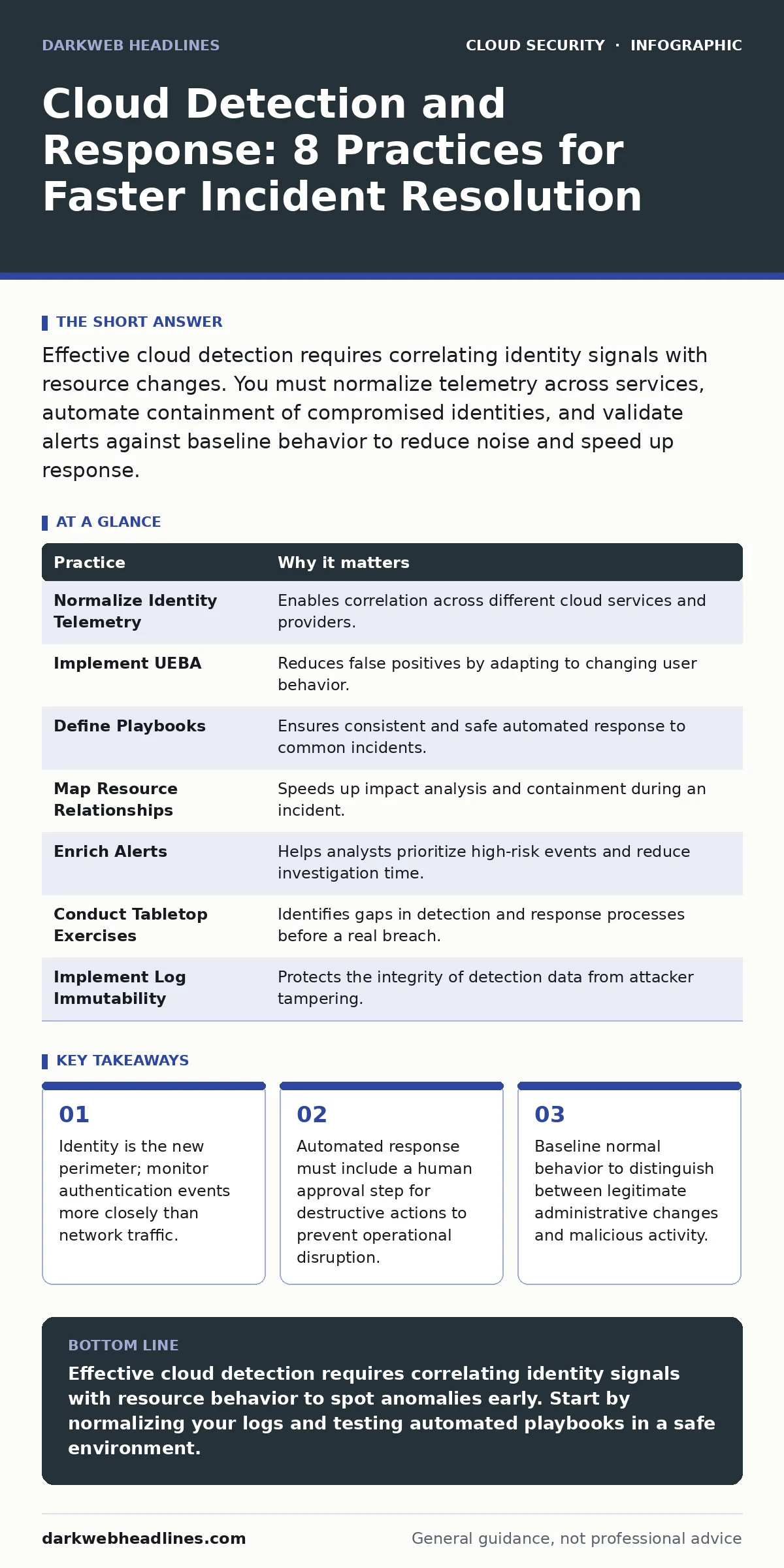
Effective cloud detection requires correlating identity signals with resource changes. You must normalize telemetry across services, automate containment of compromised identities, and validate alerts against baseline behavior to reduce noise and speed up response.
Shift Focus from Perimeter to Identity
Traditional security models protect the network edge. In cloud environments, the perimeter dissolves. Users and services access resources from anywhere. This shift means that identity becomes the primary control point. If an attacker steals credentials, they bypass network defenses entirely. You must treat every authentication event as a potential breach vector.
Monitoring identity signals provides earlier warning than waiting for data exfiltration. Identity and access management practices form the foundation of this approach. When you focus on who is accessing what, you detect anomalies faster.
1. Normalize Identity Telemetry
Cloud providers generate logs in different formats. AWS, Azure, and GCP each use distinct schemas. Comparing these manually is impossible at scale. You must normalize these logs into a common format. This allows you to correlate events across different services and regions. Without normalization, you miss the connection between a login and a subsequent data change.
Tip: Use a centralized log aggregation tool to map provider-specific fields to a standard schema before analysis.
Establish Behavioral Baselines
Anomaly detection relies on knowing what normal looks like. Static rules fail because legitimate business activity changes over time. A developer deploying code at night looks like an attacker if you only check for off-hours access. You need dynamic baselines that adapt to user behavior. This reduces false positives and highlights true deviations.
Imagine a service account that usually reads data but suddenly starts writing. This deviation is visible only if you track historical patterns.
2. Implement User and Entity Behavior Analytics
User and Entity Behavior Analytics, or UEBA, uses machine learning to model normal activity. It assigns risk scores based on deviations from the baseline. This helps you prioritize alerts that represent real threats. It filters out routine administrative tasks that trigger static rules. You gain context without manual investigation of every alert.
Tip: Configure UEBA to flag changes in access patterns, such as new geographic locations or unusual data volumes.
Automate Containment with Care
Speed matters during an incident. Manual response takes too long. Attackers move quickly through cloud environments. Automation allows you to contain threats in seconds. However, automated actions can cause outages if misconfigured. You must balance speed with safety.
3. Define Playbooks for Common Scenarios
Create predefined playbooks for frequent incidents. These playbooks should include steps for containment, investigation, and recovery. Automate the initial containment steps, such as revoking tokens or isolating resources. Leave complex decisions to human analysts. This ensures consistent response while avoiding accidental damage.
Tip: Test playbooks regularly in a sandbox environment to ensure they work as expected and do not cause unintended side effects.
Correlate Signals Across Services
Cloud services are interconnected. An attack often spans multiple services. A compromised identity might lead to cloud privilege escalation. You must correlate signals across these services to see the full picture. Single-service logs provide limited context. Cross-service correlation reveals the attack path.
This approach helps you understand the scope of the breach. It prevents you from addressing only the symptom while the root cause remains.
4. Map Resource Relationships
Maintain a map of how resources relate to each other. This includes which identities access which databases and which services communicate with which APIs. When an alert triggers, you can quickly identify affected resources. This speeds up containment and reduces the blast radius.
Tip: Use infrastructure-as-code tools to automatically update your resource map as the environment changes.
Reduce Noise with Context
Alert fatigue leads to missed threats. Analysts ignore alerts when they receive too many. You must reduce noise by adding context to alerts. Enrich alerts with data about the user, the resource, and the risk score. This helps analysts make faster decisions. It also reduces the time spent investigating false positives.
Identity sprawl often contributes to noise, as unused accounts generate unnecessary activity.
5. Enrich Alerts with Threat Intelligence
Integrate threat intelligence feeds into your detection pipeline. This adds context about known malicious indicators. If an IP address or file hash matches a known threat, the alert receives a higher priority. This helps you focus on high-risk events. It also helps you identify attacks that use known techniques.
Tip: Use open-source threat intelligence frameworks to standardize the integration of external data sources.
See also: Identity and Access Management: How Zero Trust Stops Cloud Breaches · Warning Signs of Orphaned Cloud Resources and How to Remediate Them
Validate and Tune Continuously
Detection rules are not set and forget. They require continuous tuning. False positives erode trust in the system. False negatives allow breaches to go undetected. You must review alerts regularly. Adjust rules based on feedback from analysts. This ensures your detection remains effective over time.
Orphaned cloud resources can trigger false alerts if they are not properly decommissioned.
6. Conduct Regular Tabletop Exercises
Simulate attacks to test your detection and response capabilities. Tabletop exercises involve walking through scenarios with your team. This identifies gaps in your processes and tools. It also improves coordination between teams. You learn what works and what fails under pressure.
Tip: Include scenarios that involve misconfigured IAM roles, as these are common entry points for attackers.
Secure the Data Pipeline
Your detection depends on log data. If the data pipeline is compromised, your detection fails. Attackers may delete logs to cover their tracks. You must protect the integrity and availability of your logs. This includes encrypting logs in transit and at rest. It also means restricting access to log storage.
SaaS data exposure can occur if logs containing sensitive data are not properly protected.
7. Implement Log Immutability
Store logs in a write-once, read-many, or WORM, storage system. This prevents attackers from deleting or altering logs. It also ensures you have a reliable record for forensic analysis. Immutability provides confidence in your data. It supports compliance requirements and legal investigations.
Tip: Configure log retention policies that meet your compliance needs while minimizing storage costs.
| Practice | Why it matters |
|---|---|
| Normalize Identity Telemetry | Enables correlation across different cloud services and providers. |
| Implement UEBA | Reduces false positives by adapting to changing user behavior. |
| Define Playbooks | Ensures consistent and safe automated response to common incidents. |
| Map Resource Relationships | Speeds up impact analysis and containment during an incident. |
| Enrich Alerts | Helps analysts prioritize high-risk events and reduce investigation time. |
| Conduct Tabletop Exercises | Identifies gaps in detection and response processes before a real breach. |
| Implement Log Immutability | Protects the integrity of detection data from attacker tampering. |
Key takeaways
- Identity is the new perimeter; monitor authentication events more closely than network traffic.
- Automated response must include a human approval step for destructive actions to prevent operational disruption.
- Baseline normal behavior to distinguish between legitimate administrative changes and malicious activity.
Effective cloud detection requires correlating identity signals with resource behavior to spot anomalies early. Start by normalizing your logs and testing automated playbooks in a safe environment.
Frequently asked questions
How do I detect cloud metadata service attacks?
Monitor for requests to metadata endpoints from unexpected sources, such as compute instances that should not access them.
What is the difference between cloud detection and response and traditional SIEM?
Cloud detection and response focuses on identity and API activity, while traditional SIEM focuses on network and endpoint logs.
How often should I tune my detection rules?
Review and tune rules regularly, at least monthly, to adapt to changes in your environment and reduce false positives.
Can I automate the termination of compromised instances?
Yes, but only for non-critical resources and with clear validation steps to avoid disrupting production services.
How this guide was produced: written by the DarkWeb Headlines editorial team with AI assistance, checked against the public references listed below, and reviewed when the facts change. See our editorial policy or report an error.