Out-of-Band Security Patches: How Small Teams Handle Critical Fixes
Out-of-band patches bypass standard update cycles to fix severe flaws, requiring immediate testing to prevent service disruption in small business environments.

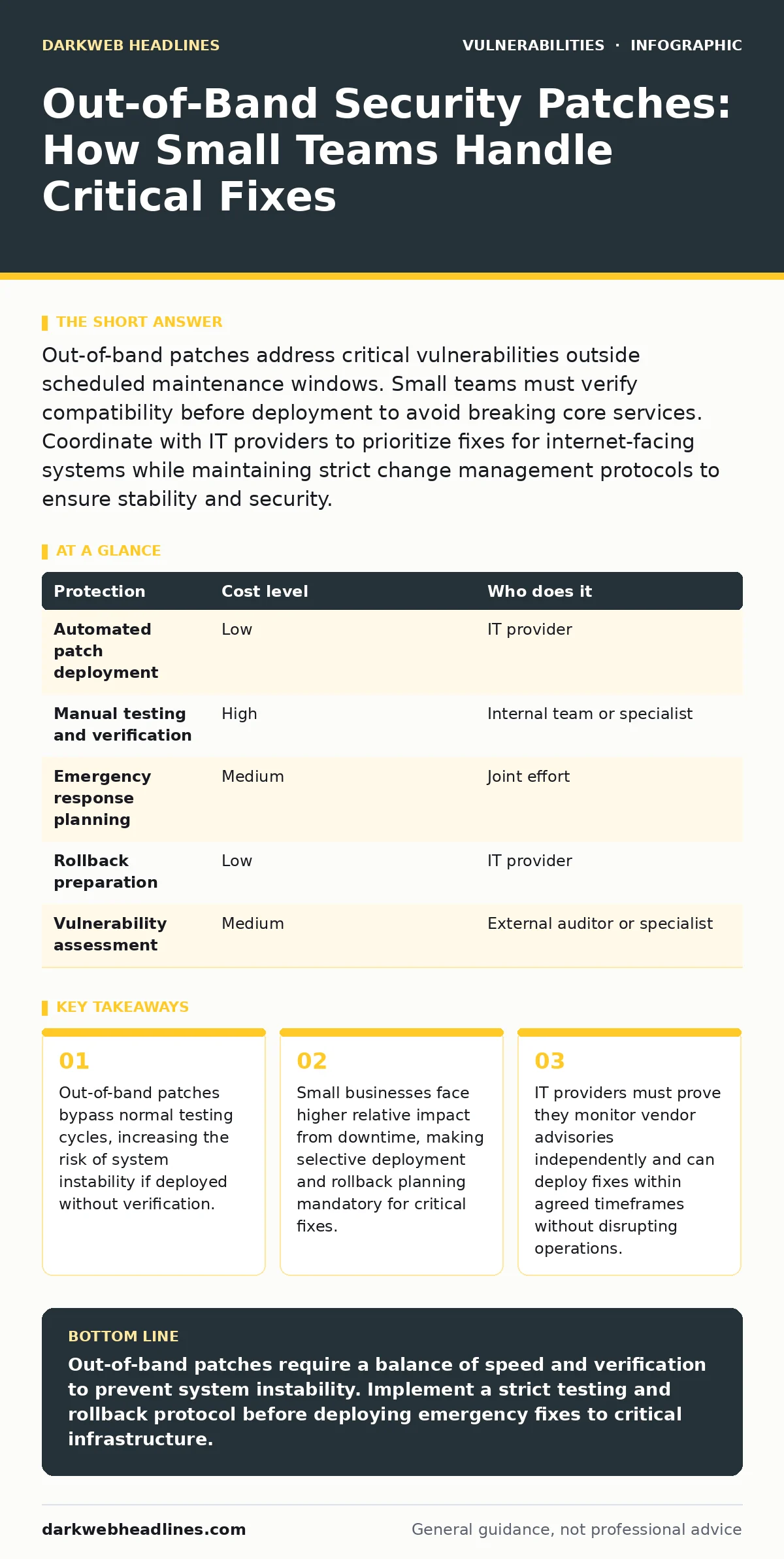
Out-of-band patches address critical vulnerabilities outside scheduled maintenance windows. Small teams must verify compatibility before deployment to avoid breaking core services. Coordinate with IT providers to prioritize fixes for internet-facing systems while maintaining strict change management protocols to ensure stability and security.
The Mechanics of Emergency Patching
Out-of-band patches are software updates released outside the regular maintenance schedule. These updates target severe vulnerabilities that pose an immediate threat to system integrity or data confidentiality. Regular patches follow a predictable rhythm, allowing teams to test changes in controlled environments. Out-of-band releases disrupt this rhythm. The vendor identifies a flaw that allows remote code execution or privilege escalation. They release a fix before the next planned update cycle. You must apply this fix quickly to close the window of exposure.
The speed of release creates a trade-off. The patch may not undergo the same rigorous testing as standard updates. Vendors prioritize closing the vulnerability over ensuring perfect compatibility with all configurations. This means the patch might introduce new bugs or break existing functionality. You balance the risk of remaining vulnerable against the risk of breaking your systems. Understanding this mechanic helps you decide which systems to patch first. Internet-facing servers require immediate attention. Internal, isolated systems may tolerate a short delay while you verify stability.
Why Small Scale Increases Risk
Small businesses often lack the redundancy of larger organizations. You may run critical operations on a single server or a small cluster. A failed patch deployment can take your entire operation offline. Large companies have multiple environments to test changes. They can roll out patches to a small subset of users first. You do not have this luxury. Your testing environment might be identical to your production environment. This limits your ability to detect conflicts before they affect real users.
Resource constraints also impact your response capability. You likely have fewer staff to monitor for new vulnerabilities. You may rely on automated tools to alert you to updates. These tools might miss out-of-band releases if they are not configured to check for emergency advisories. The human cost of downtime is higher for small teams. Every hour of downtime represents a significant portion of your total operational capacity. You must prioritize patching based on risk exposure. Systems that handle customer data or payment information require the fastest response. Internal tools that do not expose sensitive data can wait for verification.
Practical Steps for Immediate Response
- Verify the source of the patch. Ensure the update comes from the official vendor repository. Do not install patches from third-party sites or email attachments.
- Check the vulnerability details. Understand what the flaw allows an attacker to do. This helps you assess the urgency. A flaw that allows remote code execution is more urgent than one that leaks low-sensitivity information.
- Review your current configuration. Identify any custom modifications or plugins that might interact with the patched component. If you have customized the software, the patch might fail.
- Test in a isolated environment. If possible, apply the patch to a copy of your production system. Verify that core functions still work. If you cannot create a test environment, prepare a rollback plan.
- Deploy to critical systems first. Update internet-facing servers and databases immediately after verification. Delay updates for internal, non-critical systems until you confirm stability.
- Monitor system logs. Watch for errors or unusual behavior after deployment. If issues arise, revert to the previous version immediately.
Managing Vendor and Provider Relationships
You likely rely on an IT provider or managed service provider for maintenance. Clear communication is necessary for effective patch management. Your provider must monitor vendor advisories and security bulletins. They should alert you to out-of-band releases promptly. Ask about their process for verifying compatibility. They should have a methodology for testing patches before deployment.
If you use software that has known complex flaws, such as Java deserialization vulnerabilities or unsafe YAML deserialization, the risk of a flawed patch is higher. These components often have deep integration with other system parts. A hasty fix might not address the root cause or might introduce new entry points. Your provider should understand these risks. They should prioritize patches for these components with extra care.
Table: Patch Management Strategy
| Protection | Cost level | Who does it |
|---|---|---|
| Automated patch deployment | Low | IT provider |
| Manual testing and verification | High | Internal team or specialist |
| Emergency response planning | Medium | Joint effort |
| Rollback preparation | Low | IT provider |
| Vulnerability assessment | Medium | External auditor or specialist |
See also: Real-Time Protection for Small Business: Low-Cost Defense Strategies · Data Scraping Risks and Protection for Small Businesses
Questions to Ask Your IT Provider
You need to know how your provider handles emergencies. Do not assume they have a plan. Ask specific questions to verify their capability.
- What is your average response time for critical out-of-band patches?
- How do you test patches before deploying them to production?
- Do you provide a rollback plan for every patch deployment?
- How do you monitor for new vulnerabilities in our specific software stack?
- What is your process for communicating urgent security updates?
- How do you handle patches for software that is no longer supported?
- Can you demonstrate your patch management workflow?
- How do you prioritize patches when multiple vulnerabilities are discovered?
Long-Term Mitigation Strategies
Out-of-band patches are a reaction to new threats. You can reduce your reliance on them by improving your overall security posture. Segmentation limits the impact of a compromised system. If one server is vulnerable, the attacker cannot easily move to others. This gives you more time to apply patches.
Regular software updates reduce the number of vulnerable components. Using the latest stable versions ensures you have the most recent security fixes. You also reduce the complexity of your environment. Fewer components mean fewer potential flaws. Simplifying your stack makes patching easier and less risky.
Consider using tools that automate vulnerability detection. Dynamic application security testing (DAST) can identify flaws in your web applications. This helps you find issues before attackers do. You can also monitor for specific threat patterns. If you rely on external services, watch for subdomain takeover risks. These issues often require quick fixes to prevent domain hijacking.
The Hidden Cost of Speed
The pressure to patch quickly can lead to poor decisions. You might skip documentation or skip testing. This creates technical debt. Future patches become harder to manage because you do not understand the current state of your systems. You might also burn out your staff. Constant emergency response is unsustainable.
You must build a culture of measured response. Speed is not the only metric. Stability and accuracy matter more. A patch that breaks your business is worse than a delayed patch. You have a window of exposure, but that window is rarely zero hours. Most attackers do not exploit a flaw the moment it is published. They wait for widespread adoption. This gives you time to verify the fix.
Key takeaways
- Out-of-band patches bypass normal testing cycles, increasing the risk of system instability if deployed without verification.
- Small businesses face higher relative impact from downtime, making selective deployment and rollback planning mandatory for critical fixes.
- IT providers must prove they monitor vendor advisories independently and can deploy fixes within agreed timeframes without disrupting operations.
Out-of-band patches require a balance of speed and verification to prevent system instability. Implement a strict testing and rollback protocol before deploying emergency fixes to critical infrastructure.
Frequently asked questions
How long should I wait before applying an out-of-band patch?
Apply critical patches within 24 to 48 hours if you can verify compatibility. For internet-facing systems, aim for the fastest safe deployment. Delay only for necessary testing, not for convenience.
What if the patch breaks my application?
Revert to the previous version immediately using your rollback plan. Investigate the conflict. Contact the vendor for support. Do not leave the system vulnerable while you debug the issue unless the risk is minimal.
How do I know if a patch is truly critical?
Check the vendor’s advisory for the severity rating and the type of vulnerability. Remote code execution and privilege escalation are critical. Information disclosure or minor bugs may be lower priority.
Can I automate out-of-band patching?
Automation can help with deployment, but it cannot replace verification. Automated tools should alert you to new patches and deploy them to test environments. Human approval is necessary for production deployment to ensure stability.
How this guide was produced: written by the DarkWeb Headlines editorial team with AI assistance, checked against the public references listed below, and reviewed when the facts change. See our editorial policy or report an error.