Stop Unsafe YAML Deserialization: Practical Prevention Steps
Restricting the parser to plain data structures prevents remote code execution without requiring complex application logic changes.

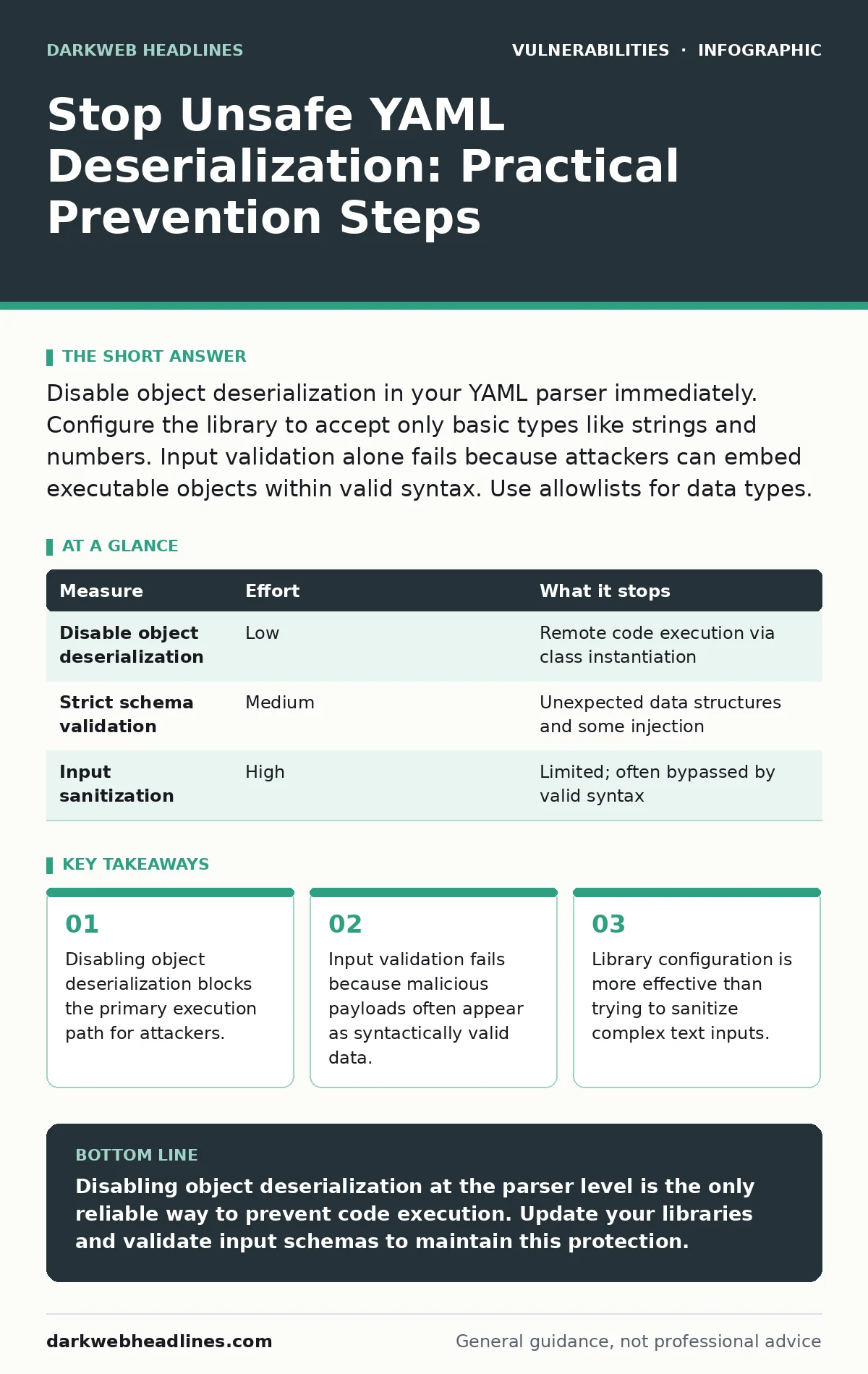
Disable object deserialization in your YAML parser immediately. Configure the library to accept only basic types like strings and numbers. Input validation alone fails because attackers can embed executable objects within valid syntax. Use allowlists for data types.
Understand the Deserialization Risk
Unsafe YAML deserialization occurs when an application converts a YAML document into native objects. The parser reconstructs these objects in memory. If the parser allows arbitrary class instantiation, an attacker can specify a class that executes code upon creation. This mechanism turns data processing into a code execution vector.
The risk stems from the parser's ability to map YAML tags to specific programming classes. When you load a file, the parser looks for tags like !!python/object. These tags instruct the parser to instantiate a specific class. If that class has a constructor that runs system commands, the code executes immediately. You do not need to trick the application into running a separate script. The data itself becomes the script.
Disable Object Deserialization First
The most effective measure is to configure your parser to reject object instantiation entirely. Most modern YAML libraries support a "safe" mode. This mode restricts the parser to basic data types such as strings, integers, booleans, and lists. It refuses to create instances of arbitrary classes.
You must verify that your specific library supports this restriction. Some older libraries lack a safe mode by default. In those cases, you must switch to a library that enforces this constraint. Do not rely on the library's default settings if they allow full object creation. Check the documentation for terms like "safe_load" or "restricted mode."
This measure removes the ability for an attacker to execute code directly through the YAML structure. It forces the application to treat the input as pure data. You still need to handle the data correctly after loading, but you eliminate the immediate execution risk.
Validate Input Structure Strictly
Input validation is necessary but insufficient on its own. Attackers can craft YAML that passes basic syntax checks while still containing dangerous tags. A simple regex check for "import" or "exec" is easily bypassed. The attacker can use encoded characters or alternative syntax to hide the malicious intent.
You must define a strict schema for the expected data. If your application expects a list of user names, the validator should reject any entry that is not a string. This approach limits the surface area. It does not prevent deserialization attacks by itself, but it adds a layer of defense.
Combine schema validation with the disabled object deserialization. The schema ensures the data matches your business logic. The parser configuration ensures the data cannot execute code. Both measures work together to provide depth.
| Measure | Effort | What it stops |
|---|---|---|
| Disable object deserialization | Low | Remote code execution via class instantiation |
| Strict schema validation | Medium | Unexpected data structures and some injection |
| Input sanitization | High | Limited; often bypassed by valid syntax |
Avoid Using Full-Featured Parsers
Many applications use general-purpose YAML parsers for configuration files. These parsers are designed to be flexible. They support complex types and object references. This flexibility introduces risk. A parser that can handle any YAML structure is more likely to have a deserialization vulnerability.
Consider using a simpler parser for configuration data. If you only need key-value pairs, use a format like INI or JSON. These formats do not support object instantiation. They are inherently safer for configuration purposes. Switching formats eliminates the deserialization risk entirely.
If you must use YAML, choose a parser that is designed for security. Some parsers are built specifically to avoid object creation. They treat all input as strings or simple collections. Review the security history of your chosen library. Look for past issues related to CWE weakness categories such as deserialization of untrusted data.
Monitor for Library Updates
Security libraries receive updates to fix vulnerabilities. Some patches address specific bypasses in the safe mode. Others improve the detection of malicious tags. You must keep your dependencies up to date. Outdated libraries may contain known flaws that attackers exploit.
Automate the process of checking for updates. Use tools that scan your project for vulnerable dependencies. When a new version is available, review the changelog. Look for security fixes related to deserialization. Apply the update in a controlled manner. Test your application to ensure the new version does not break existing functionality.
This practice aligns with out-of-band security patches strategies. You are not waiting for a major release to fix critical issues. You are applying fixes as soon as they are verified. This reduces the window of exposure.
See also: File Upload Vulnerabilities: How Malicious Files Break Web Apps
Test with Malicious Payloads
You cannot trust that your configuration is correct without testing. Create test cases that attempt to exploit the deserialization mechanism. Use known payloads from public security research. These payloads attempt to instantiate dangerous classes.
Run these tests against your application in a sandboxed environment. Verify that the parser rejects the input. Check the logs for error messages. Ensure that no code was executed. This testing confirms that your prevention measures are working.
Regular testing is part of a broader security strategy. It helps identify misconfigurations before attackers do. Combine this with attack vectors in CVSS analysis to prioritize fixes. Understanding the severity of potential impacts helps you focus on the most critical areas.
What Does Not Work
Several common measures fail to prevent this specific threat. Blacklisting dangerous classes is ineffective. Attackers can find alternative classes that achieve the same result. There are thousands of classes in a typical runtime environment. You cannot block them all.
Encoding the input before parsing does not help. The parser decodes the input before processing it. The malicious tags remain intact. Sanitizing the text by removing special characters breaks valid YAML syntax. This approach causes more problems than it solves.
Do not rely on network-level protections. The attack occurs within the application process. Firewalls and web application firewalls may not detect the malicious YAML. The payload looks like normal data to external tools. You must secure the deserialization process itself.
Closing Checklist
Use this checklist to secure your application today. These steps address the most critical risks. Implement them in the order listed.
- Disable object deserialization in your YAML parser.
- Validate input against a strict schema.
- Update libraries to the latest secure version.
Key takeaways
- Disabling object deserialization blocks the primary execution path for attackers.
- Input validation fails because malicious payloads often appear as syntactically valid data.
- Library configuration is more effective than trying to sanitize complex text inputs.
Disabling object deserialization at the parser level is the only reliable way to prevent code execution. Update your libraries and validate input schemas to maintain this protection.
Frequently asked questions
Does JSON prevent deserialization attacks?
JSON does not support object tags like YAML, but parsers with custom revivers can still execute code. Always use safe parsing modes for JSON as well.
Can I use regex to block unsafe YAML?
Regex is ineffective because attackers can use encoded characters or alternative syntax. The parser must be configured to reject object instantiation directly.
How do I know if my library is safe?
Check the documentation for "safe" modes. Look for libraries that explicitly restrict class instantiation. Review security advisories for known vulnerabilities.
Is input validation enough?
No. Input validation checks structure, not execution capability. You must disable object deserialization to prevent code execution.
How this guide was produced: written by the DarkWeb Headlines editorial team with AI assistance, checked against the public references listed below, and reviewed when the facts change. See our editorial policy or report an error.