Why Do Browser Hijackers Use Yahoo: The Technical Reasons Explained
Attackers use Yahoo to hide traffic because its scale and reputation make automated security tools treat the connections as harmless background noise.

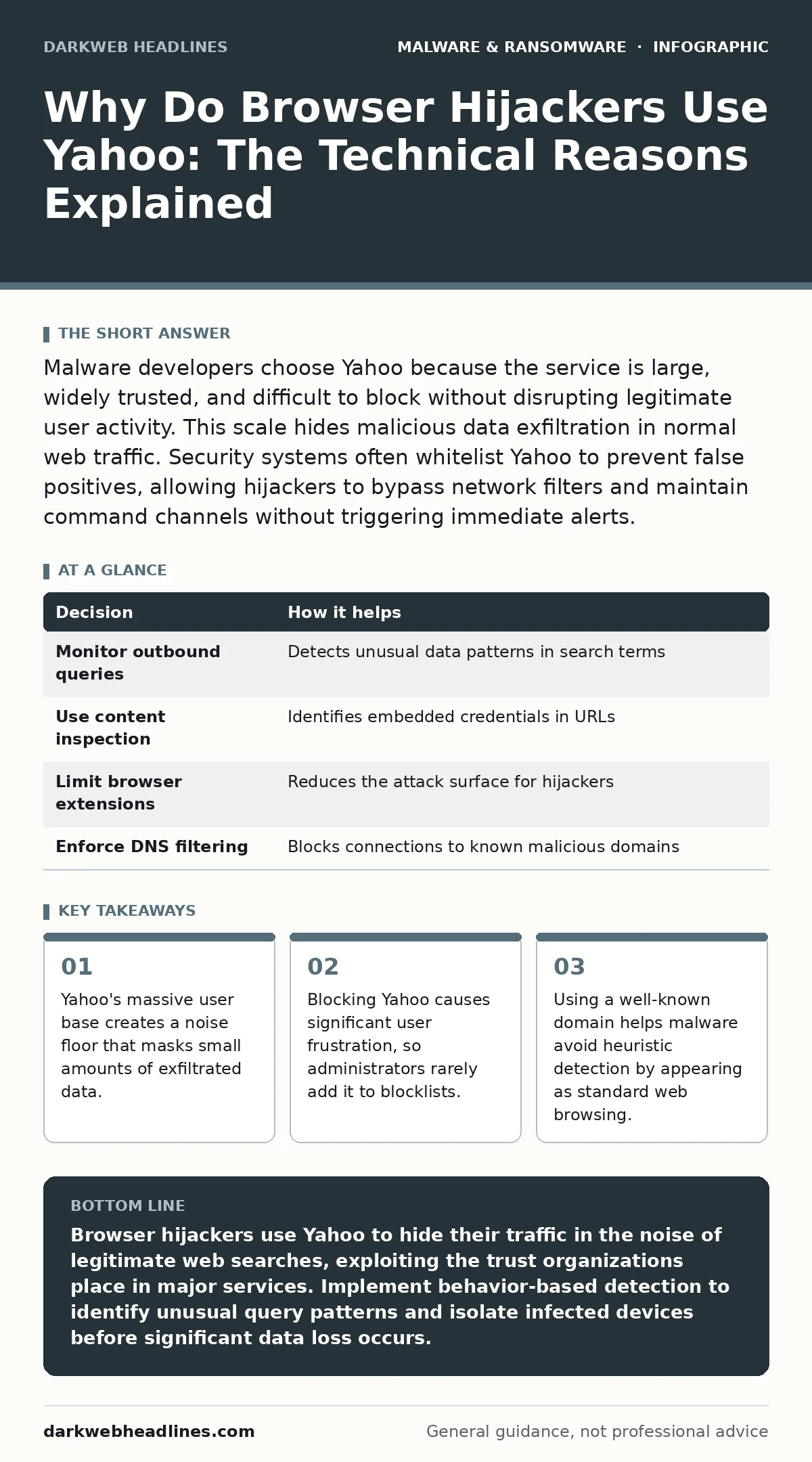
Malware developers choose Yahoo because the service is large, widely trusted, and difficult to block without disrupting legitimate user activity. This scale hides malicious data exfiltration in normal web traffic. Security systems often whitelist Yahoo to prevent false positives, allowing hijackers to bypass network filters and maintain command channels without triggering immediate alerts.
Why Do Browser Hijackers Use Yahoo
Browser hijackers use Yahoo because the search engine’s reputation and scale provide a perfect cover for malicious activity. Security teams struggle to distinguish between a user searching for news and a script exfiltrating credentials through the same domain. The domain carries high trust within security software, reducing the likelihood of automated blocks. This trust allows the hijacker to maintain persistence on the device. The attacker gains a reliable channel for sending stolen data back to their servers. This method exploits the assumption that major public services are inherently safe.
The Mechanics of Traffic Obfuscation
Malware needs to send stolen data out of the infected network. Sending this data to a random, unknown server triggers immediate alarms. Using a popular domain like Yahoo blends the malicious traffic with legitimate web requests. The hijacker often appends stolen data to standard query strings. This technique makes the payload look like a normal search term. The security device sees a request to a known good destination. It does not inspect the content as deeply because the destination is trusted. This reduces the chance of detection by standard firewall rules. The attacker achieves stealth through association with a reputable brand.
The False Positive Dilemma
Security tools must balance protection with usability. Blocking legitimate services causes friction for users. If a firewall blocks Yahoo, employees cannot search for work-related information. This disruption leads to complaints and requests to whitelist the domain. Attackers know this administrative burden exists. They deliberately choose targets that are hard to block. The cost of blocking Yahoo outweighs the perceived risk for many organizations. This economic reality protects the hijacker. The malware leverages the organization’s desire for productivity. It forces a trade-off between security and convenience. The hijacker wins by defaulting to the path of least resistance.
Why Yahoo Specifically Over Others
Not all large domains are equally useful for hijackers. The service must support simple query structures. Complex APIs require more sophisticated code to mimic. Simple GET requests are easier to implement in lightweight malware. Yahoo provides a simple search interface that accepts arbitrary text. This allows the hijacker to embed data directly into the URL. The response from Yahoo is consistent and predictable. The malware can verify the connection is working by checking for a standard HTML response. This reliability ensures the command and control channel remains stable. Other services might change their API structure, breaking the malware.
What Goes Wrong Without Detection
When hijackers operate undetected, they slowly exfiltrate sensitive information. The initial infection often seems harmless. Users notice slower browsing or slight changes in search results. These minor annoyances are ignored or attributed to network lag. Over time, the hijacker captures login credentials and session tokens. It may also record keystrokes and screenshots. The data is sent in small batches to avoid bandwidth spikes. By the time the organization notices the data loss, significant damage has occurred. The attack remains hidden because it uses trusted infrastructure. Traditional signature-based detection fails against this technique. The malware does not look like a known virus.
| Decision | How it helps |
|---|---|
| Monitor outbound queries | Detects unusual data patterns in search terms |
| Use content inspection | Identifies embedded credentials in URLs |
| Limit browser extensions | Reduces the attack surface for hijackers |
| Enforce DNS filtering | Blocks connections to known malicious domains |
See also: Browser Extension Myths: Why Extensions Are Dangerous · Command and Control Traffic Myths That Blind Defenders
Behavior-Based Detection Strategies
You must shift from signature-based detection to behavior-based detection. This approach looks for unusual patterns rather than known threats. Monitor for high volumes of outbound requests to search engines. Flag requests that contain unusually long query strings. Look for connections that occur at irregular intervals. These patterns suggest automated data exfiltration rather than human browsing. Implement rules that alert on these anomalies. This method catches the hijacker even if it changes its code. It focuses on the action, not the identity of the malware. This strategy is more resilient against evolving threats.
Isolating Infected Devices Quickly
Once you detect suspicious activity, you must isolate the affected device. This stops the hijacker from continuing to exfiltrate data. Use network segmentation to separate the device from critical systems. This limits the spread of the infection. Do not simply disconnect the device from the network. This might alert a sophisticated attacker who has other controls on the system. Instead, redirect its traffic to a monitoring segment. This allows you to observe its behavior without helping it. Analyze the traffic to understand the scope of the breach. This information helps you clean the system thoroughly.
The Hidden Cost of Trust
Organizations often trust large public services implicitly. This trust is a vulnerability. Attackers exploit this by hiding in plain sight. The cost of verifying every connection is high. The cost of ignoring suspicious patterns is higher. You must accept that no single tool provides complete protection. Layered defenses are necessary. Combine network monitoring with endpoint protection. Use offline backups to ensure you can recover from severe incidents. This prepares you for the worst-case scenario. Understanding why hijackers use Yahoo helps you prioritize your defenses. You focus on detecting the behavior, not just the domain.
Moving Beyond Basic Blocks
Blocking known bad domains is a basic step. It is not enough against sophisticated hijackers. You need to inspect the content of the traffic. This requires more advanced security tools. These tools analyze the structure of the requests. They look for data that does not belong in a search query. This includes long strings of random characters. It also includes encoded data formats. Implementing these checks requires careful tuning. You must avoid blocking legitimate users. The goal is to find the balance between security and usability. This balance protects your data without hindering work.
Long-Term Mitigation Practices
Preventing hijackers requires ongoing effort. Update your browser and operating system regularly. This closes known vulnerabilities that hijackers exploit. Use standard user accounts for daily tasks. This limits the damage if a hijacker gains access. Enable multi-factor authentication for all critical accounts. This prevents credential theft from being immediately useful. Educate users about the risks of browser extensions. Many hijackers arrive as seemingly useful add-ons. Review installed extensions periodically. Remove any that are unnecessary. This reduces the attack surface of your devices.
RELATED: For more on handling persistent threats, see isolating infected devices. For understanding how to analyze suspicious software, read dynamic malware analysis. To protect your data from destruction, review offline backups. For insights on deceptive software, check scareware.
Key takeaways
- Yahoo's massive user base creates a noise floor that masks small amounts of exfiltrated data.
- Blocking Yahoo causes significant user frustration, so administrators rarely add it to blocklists.
- Using a well-known domain helps malware avoid heuristic detection by appearing as standard web browsing.
Browser hijackers use Yahoo to hide their traffic in the noise of legitimate web searches, exploiting the trust organizations place in major services. Implement behavior-based detection to identify unusual query patterns and isolate infected devices before significant data loss occurs.
Frequently asked questions
Can I block Yahoo completely to stop browser hijackers?
No, blocking Yahoo will disrupt legitimate user activity and is generally not feasible for most organizations. Instead, use monitoring tools to detect unusual traffic patterns directed at the domain. This approach maintains usability while improving security visibility.
How do I know if my browser is hijacked?
Look for unexpected changes in your default search engine or homepage. Notice if you see unusual ads or redirects when browsing. Monitor for slow performance or high network usage. These signs often indicate a hijacker is active on your device.
Do browser hijackers steal passwords?
Yes, many browser hijackers are designed to capture login credentials. They may use keylogging or intercept form submissions. The stolen data is then sent to the attacker via the hijacked search channel. This makes multi-factor authentication critical for account protection.
Is dynamic malware analysis effective against hijackers?
Dynamic malware analysis can help identify the behavior of hijackers in a controlled environment. It allows you to observe how the malware communicates with external servers. This helps in creating detection rules that block the malicious behavior rather than just the file signature.
How this guide was produced: written by the DarkWeb Headlines editorial team with AI assistance, checked against the public references listed below, and reviewed when the facts change. See our editorial policy or report an error.