Dynamic Malware Analysis: Build a Safe Lab Environment
Executing suspicious code in isolation reveals behavioral patterns that static inspection misses, allowing you to map the exact sequence of malicious actions without risking your primary systems.
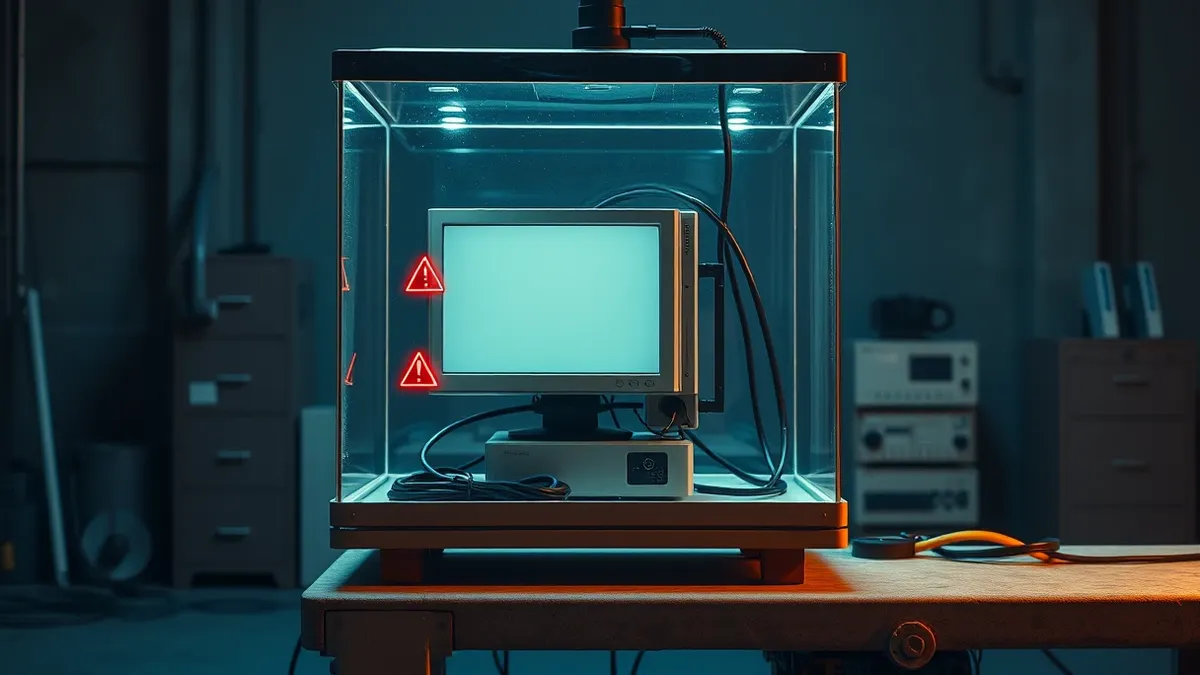
Isolate the sample in a virtual machine with no network access. Record system changes using specialized tools. Revert the environment to a clean state after each test. This process captures runtime behavior, registry modifications, and file system alterations that static analysis cannot detect.
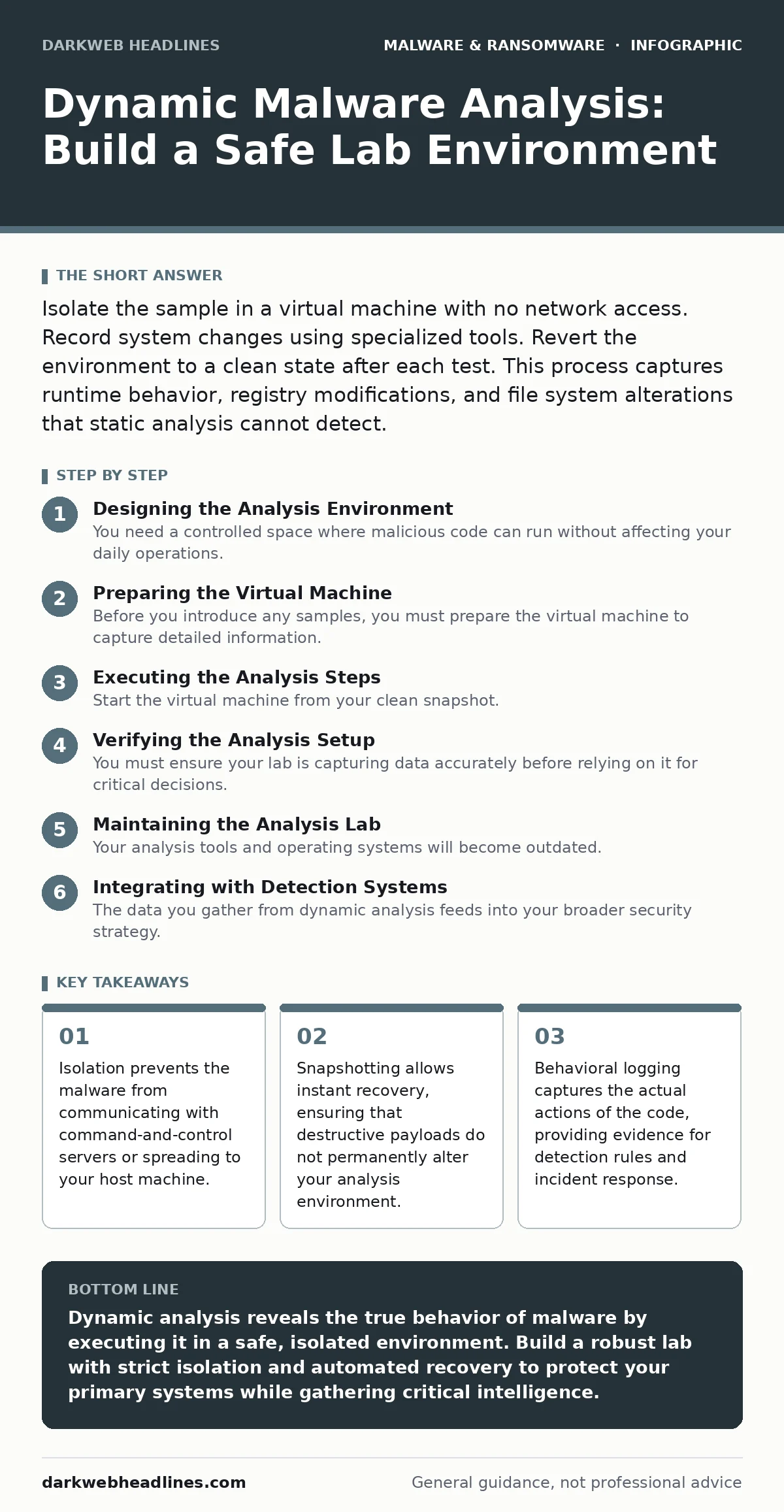
Designing the Analysis Environment
You need a controlled space where malicious code can run without affecting your daily operations. This space is called a sandbox or analysis lab. It must be completely disconnected from your production network and any sensitive data. If the malware escapes this boundary, it could infect your primary systems.
Use a hypervisor to create virtual machines. These are software-based computers that run inside your physical hardware. The hypervisor provides a layer of separation between the guest operating system and your host machine. You should configure the virtual network adapter to host-only mode or disable it entirely. This ensures the malware cannot reach the internet or your local network.
Imagine a banking trojan that attempts to steal credentials by injecting into browser processes. In a connected environment, it would send that data to an attacker. In an isolated lab, the data goes nowhere. You can observe the injection attempt without losing actual credentials. This isolation is the foundation of safe dynamic analysis.
Preparing the Virtual Machine
Before you introduce any samples, you must prepare the virtual machine to capture detailed information. Install a clean operating system that matches the target environment you expect to encounter. If you are analyzing Windows malware, use a standard Windows installation. Do not install unnecessary applications, as they can interfere with detection or provide false positives.
Install monitoring tools that record system activity. Process monitoring tools show which programs are running and how they interact. File system monitors track every read and write operation. Network monitors capture traffic, even if it is blocked from leaving the lab. These tools provide the raw data you need to understand what the malware is doing.
Create a baseline snapshot of the clean system. A snapshot is a point-in-time copy of the virtual machine’s state. You will return to this state after every analysis session. This ensures that any changes made by the malware are wiped out completely. If you skip this step, residual files from previous tests can contaminate future results.
Executing the Analysis Steps
Step 1: Introduce the Sample
Start the virtual machine from your clean snapshot. Copy the suspicious file into the virtual machine using a secure method. Do not use shared folders if they can be accessed by the host system. Some malware detects shared folders and alters its behavior. Use a virtual CD drive or a dedicated analysis tool to transfer the file.
Launch the sample manually. If it is an executable, run it. If it is a document, open it with the appropriate application. Watch for immediate prompts or error messages. Some malware requires user interaction to proceed. Record the time and any user actions you take. This context helps you understand the trigger conditions.
Step 2: Monitor Runtime Behavior
Observe the system while the malware runs. Look for new processes appearing in the task manager. Note any changes to the file system, such as new files being created or existing ones being modified. Check the registry for new keys or values. These changes indicate how the malware establishes persistence or modifies system settings.
Use your monitoring tools to capture network attempts. Even if the network is disconnected, the malware will try to connect to its command-and-control server. These failed connection attempts reveal the IP addresses or domains it is trying to reach. This information is valuable for blocking similar threats in your production environment.
Step 3: Revert and Document
Once the malware has finished running or you have collected sufficient data, stop the analysis. Do not shut down the virtual machine normally, as this might give the malware a chance to clean up its tracks. Power off the virtual machine abruptly. Then, revert the virtual machine to the clean snapshot you created earlier.
Document your findings. List the processes created, files modified, and network addresses contacted. Compare these observations with known indicators of compromise. This documentation becomes part of your threat intelligence. It helps you build detection rules for your security tools.
Verifying the Analysis Setup
You must ensure your lab is capturing data accurately before relying on it for critical decisions. Run a known benign application and check that the monitors record normal activity. Then, run a harmless test script that creates a file and modifies a registry key. Verify that your tools detect these specific changes.
Check for anti-analysis techniques. Some malware detects virtual machines or debugging tools and refuses to run. If your sample does nothing, it might be because it knows it is in a lab. You may need to hide the virtualization environment or use specialized hardware for deeper analysis. This step ensures your findings are not skewed by the malware’s evasion tactics.
Maintaining the Analysis Lab
Your analysis tools and operating systems will become outdated. Keep the virtual machine’s operating system updated with the latest security patches. Update your monitoring tools to ensure they support new file formats and system calls. An outdated tool might miss new techniques used by modern malware.
Regularly review your isolation measures. Check that the network adapter remains disabled or in host-only mode. Verify that shared folders are not enabled. Over time, configuration drift can occur, where settings change accidentally. A routine check prevents accidental exposure of your host system.
Consider the legal and ethical implications of your analysis. Only analyze malware that you own or have permission to test. Distributing malware or analyzing it without proper authorization can lead to legal consequences. Keep your lab secure and access-controlled to prevent unauthorized use.
Integrating with Detection Systems
The data you gather from dynamic analysis feeds into your broader security strategy. Use the indicators you collected to update your behavior-based detection rules. These rules look for specific sequences of actions rather than just file signatures. This approach catches new variants of known malware.
Share the findings with your extended detection and response (XDR) platform. XDR systems correlate data from multiple sources to identify complex attacks. Your dynamic analysis provides the behavioral context that helps XDR distinguish between benign and malicious activity. This integration strengthens your overall defense posture.
If you encounter malicious browser extensions during your analysis, document the specific permissions they request. This helps you refine policies for extension management. Similarly, if you analyze macro security settings bypasses, you can adjust your endpoint policies to block risky macro behaviors. Your lab findings directly improve your preventive controls.
Key takeaways
- Isolation prevents the malware from communicating with command-and-control servers or spreading to your host machine.
- Snapshotting allows instant recovery, ensuring that destructive payloads do not permanently alter your analysis environment.
- Behavioral logging captures the actual actions of the code, providing evidence for detection rules and incident response.
Dynamic analysis reveals the true behavior of malware by executing it in a safe, isolated environment. Build a robust lab with strict isolation and automated recovery to protect your primary systems while gathering critical intelligence.
Frequently asked questions
Can I use a cloud-based sandbox for dynamic analysis?
Cloud sandboxes are convenient but may not provide the same level of control or isolation as a local lab. They are suitable for quick triage but may miss complex, multi-stage attacks.
How do I handle malware that detects virtual machines?
You can use techniques to hide the virtualization environment, such as modifying system calls or using specialized anti-VM tools. However, this increases complexity and may still not fool advanced malware.
Is dynamic analysis enough to identify all malware?
No. Dynamic analysis shows what the malware does, but not necessarily how it works internally. Combine it with static analysis for a complete understanding of the code structure and intent.
What if the malware destroys the virtual machine?
This is why snapshots are critical. If the malware wipes the disk or crashes the system, you can instantly revert to the clean snapshot. Without snapshots, you would have to rebuild the environment from scratch.
How this guide was produced: written by the DarkWeb Headlines editorial team with AI assistance, checked against the public references listed below, and reviewed when the facts change. See our editorial policy or report an error.