Spotting Banking Trojans: Early Signs and Hidden Indicators
Banking trojans often hide in plain sight by mimicking legitimate browser windows, making visual inspection the first line of defense against credential theft.
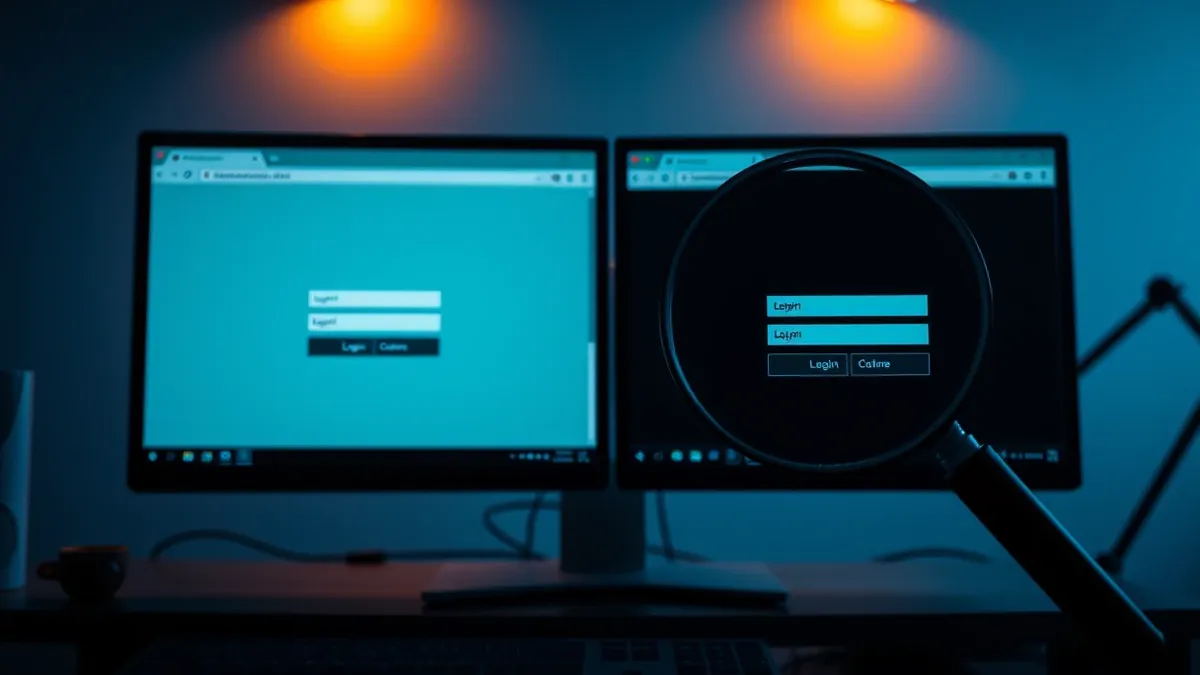
Look for duplicate browser windows, unexpected pop-ups, or delayed page loads. These trojans inject code into legitimate banking sites to steal credentials. Check for unknown processes, verify URLs manually, and use isolated devices for financial transactions to reduce exposure to these stealthy threats.
Visual Anomalies in Browser Windows
Banking trojans operate by injecting malicious code into legitimate web pages. You may notice this when a banking site looks slightly different than usual. The layout might shift, or logos may appear distorted. This happens because the malware intercepts the data between your browser and the bank’s server.
Imagine you log into your account and see a login box that floats strangely over the page. This is often an overlay created by the trojan. It captures your keystrokes while the real page loads behind it. If you see two browser windows for the same site, close them immediately. One is likely a fake replica designed to steal your credentials.
Subtle Performance Degradation
These programs consume system resources to monitor your activity and relay data. You might experience slower page loads or lag when typing. This is not always obvious, especially on powerful machines. The malware runs quietly in the background, waiting for you to visit a financial site.
Check your task manager or activity monitor for unknown processes. Look for programs with generic names that use significant CPU or memory. Banking trojans often disguise themselves as system services. If a process restarts every time you end it, the malware has persistence mechanisms in place. This behavior is a strong indicator of infection.
Network Activity Discrepancies
Trojans must send stolen data to a remote server. This creates network traffic that you can sometimes detect. Look for high outbound data usage when you are not streaming or downloading files. The malware is likely exfiltrating your credentials or screen captures.
Firewalls may block some of this traffic, but not all. If your firewall alerts you about an unknown application trying to connect, investigate it. Do not simply allow the connection. Verify the application’s legitimacy before granting access. This step prevents the trojan from communicating with its command and control server.
Signs Easy to Miss
Some indicators are hidden from casual observation. The malware may disable security tools or modify system settings. You might find that your antivirus software no longer updates or scans properly. This is a deliberate tactic to avoid detection.
Another subtle sign is unexpected browser extensions. Trojans often install extensions to capture form data. Check your browser’s extension list regularly. Remove any extensions you do not recognize or do not use. This reduces the attack surface available to the malware.
Immediate Response Steps
When you suspect a banking trojan, disconnect from the internet immediately. This stops the malware from sending your data. Do not log into any other accounts on that device. Use a separate, trusted device to change your passwords.
Contact your bank to report the potential compromise. They can monitor your account for unauthorized transactions. Run a full system scan with updated security software. If the malware persists, consider wiping the device and restoring from a clean backup. This ensures complete removal of the threat.
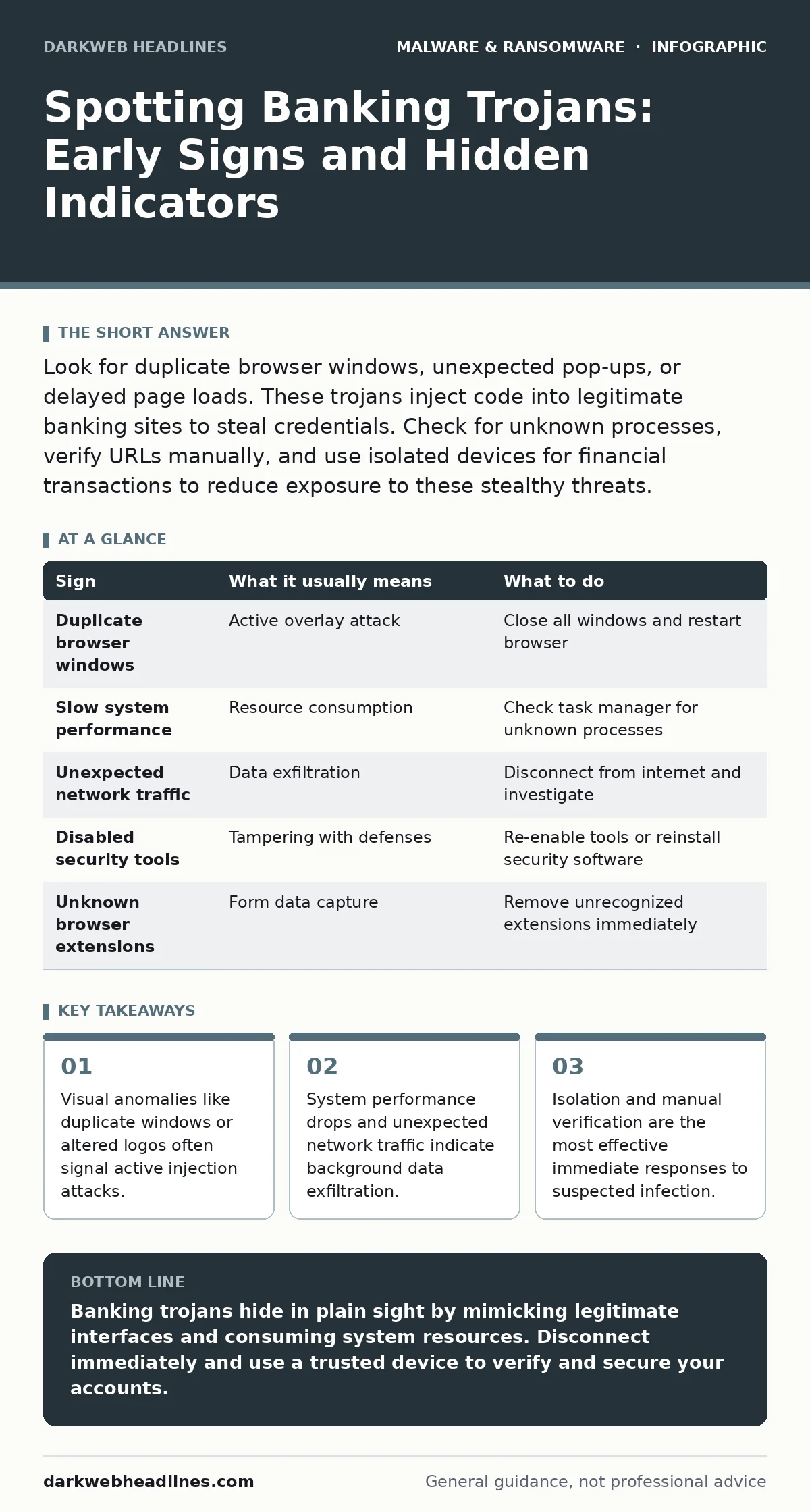
| Sign | What it usually means | What to do |
|---|---|---|
| Duplicate browser windows | Active overlay attack | Close all windows and restart browser |
| Slow system performance | Resource consumption | Check task manager for unknown processes |
| Unexpected network traffic | Data exfiltration | Disconnect from internet and investigate |
| Disabled security tools | Tampering with defenses | Re-enable tools or reinstall security software |
| Unknown browser extensions | Form data capture | Remove unrecognized extensions immediately |
See also: Angler Phishing Myths: What You Believe Is Wrong
Prevention and Long-Term Strategy
Prevention requires a layered approach. Keep your operating system and applications updated. Patches often fix vulnerabilities that trojans exploit. Use standard user accounts for daily tasks. This limits the damage a trojan can do if it gains access.
Consider using isolated devices for financial activities. A separate computer or virtual machine reduces the risk of cross-contination. This strategy is particularly effective for high-value transactions. It creates a barrier between your primary computing environment and sensitive data.
For deeper insights into how these threats evolve, explore our guide on trojans. Understanding the broader category helps you recognize specific banking variants. Additionally, reviewing dynamic malware analysis can provide context on how these programs behave in controlled environments. This knowledge aids in identifying suspicious behavior before it causes harm.
The Role of Advanced Detection
Traditional antivirus may miss new variants. Extended detection and response (XDR) platforms correlate data across endpoints, networks, and clouds. This holistic view helps identify subtle indicators of compromise. If you manage multiple devices, XDR can automate the detection of banking trojans.
However, no tool is perfect. Human vigilance remains critical. Train yourself to recognize the visual and behavioral signs described above. Combine technical controls with careful observation. This dual approach offers the best defense against evolving threats.
Final Considerations
Banking trojans are sophisticated and persistent. They evolve to bypass traditional defenses. Staying informed about the latest tactics is necessary. Regularly review your security posture and update your strategies.
Remember that prevention is cheaper than recovery. Invest time in securing your devices and habits. The effort pays off by protecting your financial identity. Stay proactive, not reactive, in your security approach.
Key takeaways
- Visual anomalies like duplicate windows or altered logos often signal active injection attacks.
- System performance drops and unexpected network traffic indicate background data exfiltration.
- Isolation and manual verification are the most effective immediate responses to suspected infection.
Banking trojans hide in plain sight by mimicking legitimate interfaces and consuming system resources. Disconnect immediately and use a trusted device to verify and secure your accounts.
Frequently asked questions
Can a banking trojan steal money directly?
No, it steals credentials and session tokens. The attacker then uses this information to authorize transactions on your behalf.
Do mobile devices get banking trojans?
Yes, mobile trojans exist and use similar techniques. They often exploit app permissions to capture SMS codes and screen content.
Is two-factor authentication enough?
It adds a layer of security, but trojans can intercept 2FA codes. Use hardware keys or app-based generators instead of SMS for better protection.
How long can a trojan hide?
It can remain dormant for months or years. It waits until you visit a targeted site or perform a specific action before activating.
How this guide was produced: written by the DarkWeb Headlines editorial team with AI assistance, checked against the public references listed below, and reviewed when the facts change. See our editorial policy or report an error.