Chrome Zero-Day Risks: Small Business Protection Strategies
Small teams face disproportionate risk from browser exploits because they lack the isolation layers that large enterprises use to contain unpatched code execution.

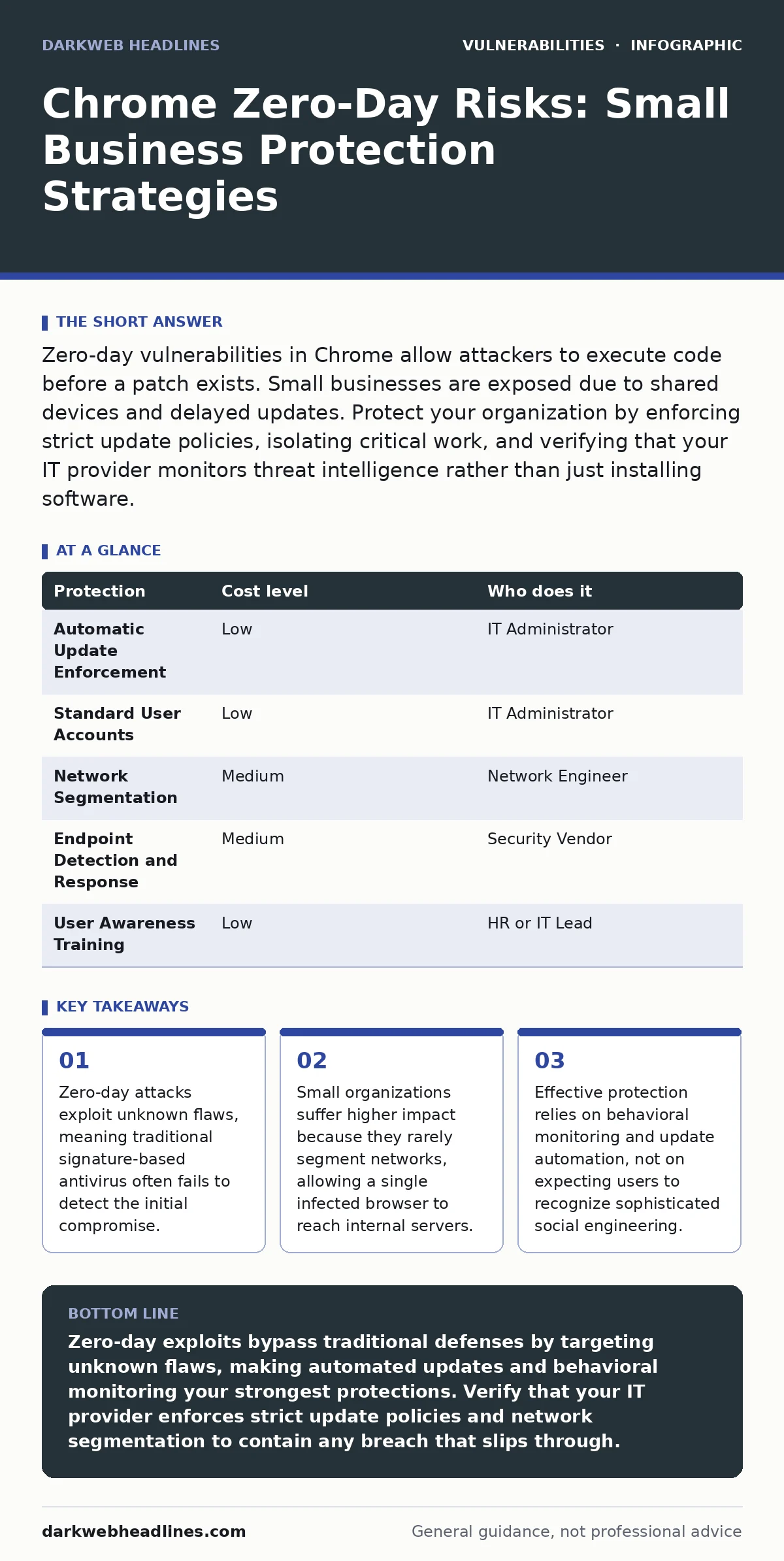
Zero-day vulnerabilities in Chrome allow attackers to execute code before a patch exists. Small businesses are exposed due to shared devices and delayed updates. Protect your organization by enforcing strict update policies, isolating critical work, and verifying that your IT provider monitors threat intelligence rather than just installing software.
Why Small Organizations Face Disproportionate Risk
Small organizations are exposed to Chrome zero-day vulnerabilities because they lack the structural defenses that larger enterprises build around their endpoints. A zero-day vulnerability is a software flaw that is unknown to the vendor and has no available patch. Attackers exploit these gaps to execute malicious code on a victim’s machine.
Large companies often use application whitelisting, which blocks any program not explicitly approved from running. Small teams rarely implement this control because it requires significant administrative overhead. Instead, they rely on standard antivirus software. Antivirus solutions depend on known signatures to identify malware. A zero-day exploit has no signature yet, so the antivirus tool cannot recognize it as malicious.
The risk multiplies when small businesses use shared devices or generic user accounts. When one user’s browser is compromised, the attacker inherits the permissions of that account. If that account has administrative rights, the attacker can modify system settings, install persistence mechanisms, and access all data on the device. This lateral movement happens quickly because small networks often lack segmentation.
Network segmentation separates different parts of a network to limit the spread of an attack. Without it, a breach in one workstation can cascade to the file server or the accounting system. You must assume that any internet-facing application, including the browser, is a potential entry point for attackers.
The Mechanics of Browser Exploits
Understanding how these attacks work helps you choose the right controls. A browser is a complex application that renders web pages by interpreting code from unknown sources. This flexibility is the same feature that makes it vulnerable. Attackers craft malicious web pages that trigger a buffer overflow or a use-after-free error in the browser’s rendering engine.
A buffer overflow occurs when a program writes more data to a memory block than it can hold. This overwrites adjacent memory, potentially allowing the attacker to inject and execute their own instructions. A use-after-free error happens when a program tries to access memory that has already been freed. Both errors can lead to remote code execution, where the attacker runs commands on your computer.
Chrome uses a sandboxing architecture to mitigate these risks. Sandboxing restricts the actions that a compromised process can take. It prevents the malicious code from accessing the rest of the operating system directly. However, sandbox escapes are possible. If an attacker finds a way to break out of the sandbox, they gain full control of the host machine.
This is why relying solely on the browser’s internal security is insufficient. You need external layers of defense. These layers include endpoint detection and response tools that monitor for suspicious behavior, such as a browser process trying to access sensitive system files. Behavioral monitoring looks for actions that deviate from the norm, regardless of whether the specific exploit is known.
Low-Cost Protections for Limited Resources
You do not need a large budget to implement effective defenses. Many high-impact controls are free or low-cost if you configure them correctly. The goal is to reduce the attack surface and limit the damage if a breach occurs.
| Protection | Cost level | Who does it |
|---|---|---|
| Automatic Update Enforcement | Low | IT Administrator |
| Standard User Accounts | Low | IT Administrator |
| Network Segmentation | Medium | Network Engineer |
| Endpoint Detection and Response | Medium | Security Vendor |
| User Awareness Training | Low | HR or IT Lead |
Automatic update enforcement is the most critical control. Chrome releases patches for known vulnerabilities frequently. If your devices do not update automatically, you remain exposed to exploits that have already been publicly disclosed. Configure your device management system to force updates within hours of release, not days.
Standard user accounts limit the damage an attacker can do. When a user logs in with a standard account, they cannot install software or change system settings without an administrator password. If a zero-day exploit succeeds, the attacker is trapped in a low-privilege environment. They cannot install keyloggers or backdoors without escalating privileges.
Network segmentation is harder to implement but highly effective. Separate your guest Wi-Fi from your corporate network. Place sensitive servers in a different subnet from the workstations. This prevents an attacker who compromises a laptop from easily reaching the database.
User awareness training helps but is not a technical control. Teach users to recognize phishing attempts that deliver malicious payloads. However, do not rely on training to stop zero-day attacks. Sophisticated exploits can hide in legitimate-looking websites. Technical controls must catch what human judgment misses.
What to Ask Your IT Provider
Your IT provider is your first line of defense. You need to verify that they are proactive rather than reactive. Many managed service providers focus on keeping systems running, not on securing them against advanced threats.
- How do you enforce Chrome updates across all endpoints?
- Do you monitor for behavioral anomalies, not just known malware signatures?
- Can you demonstrate how you segment the network to contain a breach?
- What is your incident response plan if a zero-day exploit is detected?
- How do you handle privilege escalation vulnerabilities in our environment?
Asking about privilege escalation vulnerabilities shows that you understand the attacker’s goal. After initial access, the attacker wants more power. Your provider should have controls to detect and block this movement.
You should also ask about their monitoring capabilities. Do they use tools that can detect dynamic application security testing (DAST) results? While DAST is usually for web applications, the principle applies: you need continuous testing of your defenses. If your provider cannot answer these questions confidently, they may not be equipped to handle advanced threats.
The Hidden Cost of Delayed Patches
Delaying patches for testing purposes is a common mistake in small organizations. You might worry that an update will break a critical application. However, the risk of an unpatched zero-day far outweighs the risk of a broken feature.
Modern browsers are designed to be stable. Chrome’s update process is mature and rarely causes significant disruptions. If an update does break something, you can roll it back. But you cannot roll back a data breach. The cost of recovering from an incident, including legal fees and reputation damage, is orders of magnitude higher than the cost of fixing a broken application.
Imagine you delay an update for two weeks to ensure compatibility. An attacker exploits the vulnerability during that window. They install ransomware and encrypt your files. The downtime alone could halt your business for days. The patch would have prevented this entirely.
You should also consider the risk of malicious typosquatted packages if you develop software. Developers might accidentally install a fake library that looks like a legitimate one. This is a different vector, but it highlights the importance of supply chain security. Your IT provider should help you secure your development environment as well as your endpoints.
See also: Browser Extension Myths: Why Extensions Are Dangerous · 7 Mistakes That Leave Microsoft Exchange Servers Open to Attack
Beyond the Browser: Comprehensive Defense
Chrome is not the only entry point. Attackers also target Java deserialization vulnerabilities in older applications or clickjacking flaws in web interfaces. You must adopt a defense-in-depth strategy. This means having multiple layers of security that protect each other.
If one layer fails, another should catch the threat. For example, if the browser sandbox is escaped, the endpoint detection tool should alert you. If the alert is missed, the network segmentation should prevent lateral movement. If that fails, the standard user account should limit the damage.
You should also be aware of subdomain takeover risks if you host web services. A misconfigured subdomain can allow an attacker to host their own malicious content. This content could then be used to deliver browser exploits to your users. Regular audits of your DNS settings can prevent this.
Bug bounty programs are another option for larger organizations. These programs pay researchers to find and report vulnerabilities before attackers do. Small businesses cannot run their own bug bounty programs, but they can encourage responsible disclosure in their policies.
Maintaining Security Posture
Security is not a one-time task. It is a continuous process. You must regularly review your configurations and update your defenses. Threat actors are constantly developing new techniques. Your defenses must evolve to match.
Schedule quarterly reviews with your IT provider. Discuss new threats, update your incident response plan, and test your backups. Ensure that you can restore your data from a clean backup if needed. Backups are your last line of defense against ransomware.
Do not ignore the human element. Train your employees regularly. Simulate phishing attacks to test their awareness. Provide clear guidelines on what to do if they suspect a compromise. Early detection can limit the damage of an attack.
Remember that no system is perfectly secure. The goal is to make it difficult and costly for attackers to succeed. By implementing these controls, you significantly reduce your risk of being targeted by Chrome zero-day vulnerabilities.
Key takeaways
- Zero-day attacks exploit unknown flaws, meaning traditional signature-based antivirus often fails to detect the initial compromise.
- Small organizations suffer higher impact because they rarely segment networks, allowing a single infected browser to reach internal servers.
- Effective protection relies on behavioral monitoring and update automation, not on expecting users to recognize sophisticated social engineering.
Zero-day exploits bypass traditional defenses by targeting unknown flaws, making automated updates and behavioral monitoring your strongest protections. Verify that your IT provider enforces strict update policies and network segmentation to contain any breach that slips through.
Frequently asked questions
Can a VPN protect me from Chrome zero-day vulnerabilities?
A VPN encrypts your internet traffic, but it does not stop malware from executing on your device. If a zero-day exploit runs in your browser, the VPN cannot prevent the code from accessing your local files.
Is disabling JavaScript enough to prevent browser exploits?
Disabling JavaScript reduces the attack surface, but many modern websites require it to function. Attackers can also exploit vulnerabilities in the browser’s rendering engine, which does not require JavaScript to trigger.
How often should I update my browser?
You should configure your browser to update automatically. Manual updates are prone to delay, leaving your system exposed to known vulnerabilities for days or weeks. Automatic updates ensure you receive patches as soon as they are available.
What is the difference between a zero-day and a known vulnerability?
A zero-day vulnerability is unknown to the vendor and has no patch. A known vulnerability has been disclosed and a patch is available. Zero-days are more dangerous because you cannot protect against them with traditional signature-based tools until a patch is released.
How this guide was produced: written by the DarkWeb Headlines editorial team with AI assistance, checked against the public references listed below, and reviewed when the facts change. See our editorial policy or report an error.