Prevent Exposed Kubernetes Dashboards: A Security Checklist
Default Kubernetes dashboard configurations often lack authentication, allowing anyone with network access to control your entire cluster infrastructure without credentials.

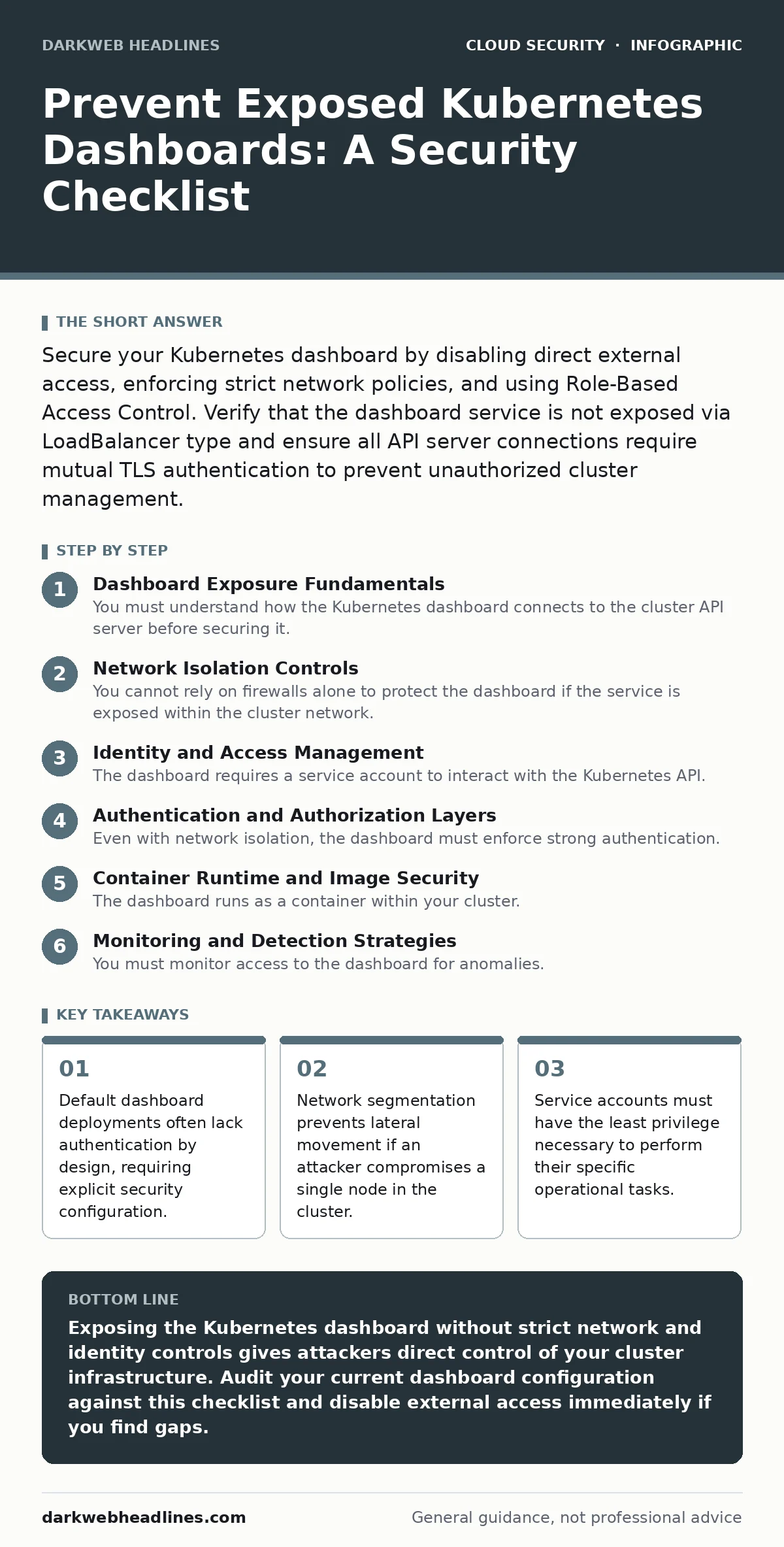
Secure your Kubernetes dashboard by disabling direct external access, enforcing strict network policies, and using Role-Based Access Control. Verify that the dashboard service is not exposed via LoadBalancer type and ensure all API server connections require mutual TLS authentication to prevent unauthorized cluster management.
Dashboard Exposure Fundamentals
You must understand how the Kubernetes dashboard connects to the cluster API server before securing it. The dashboard acts as a graphical interface for the API, meaning any user who can reach the dashboard endpoint inherits the permissions of the service account used by the dashboard itself. If that service account has cluster-admin privileges, an attacker gains full control. This checklist applies to administrators managing production or staging environments where the dashboard remains active for operational visibility. Use this list to verify each control point during your initial setup and during quarterly reviews.
Network Isolation Controls
You cannot rely on firewalls alone to protect the dashboard if the service is exposed within the cluster network. The dashboard service must never use the LoadBalancer type, which creates a public IP address. Instead, use the ClusterIP type to ensure the dashboard is only reachable within the internal cluster network. This prevents external scanners from discovering the interface.
You must also implement network policies that restrict traffic to the dashboard namespace. These policies ensure that only specific administrator pods or nodes can initiate connections to the dashboard service port. Without these policies, any pod in the cluster can attempt to connect to the dashboard, increasing the risk of lateral movement.
- Set dashboard service type to ClusterIP: prevents creation of public IP addresses accessible from the internet.
- Apply network policies to the dashboard namespace: restricts incoming connections to known administrator IPs or pods.
- Disable node port exposure for the dashboard: stops the service from listening on all cluster nodes on a high port.
Identity and Access Management
The dashboard requires a service account to interact with the Kubernetes API. By default, this account may have excessive permissions. You must create a dedicated service account with minimal required roles. Never use the default admin service account for the dashboard. Instead, bind a Role or ClusterRole that grants only the necessary read and write permissions for your specific use case.
This limits the damage if the dashboard is compromised. You should also rotate the associated tokens regularly. Static tokens that remain valid for years increase the window of opportunity for attackers who steal credentials. Review the identity and access management practices in your broader infrastructure to ensure consistency.
- Create a dedicated service account for the dashboard: isolates dashboard permissions from other cluster components.
- Bind minimal roles to the service account: ensures the dashboard cannot delete namespaces or create privileged pods.
- Rotate dashboard API tokens regularly: reduces the risk of long-term credential theft and reuse.
Authentication and Authorization Layers
Even with network isolation, the dashboard must enforce strong authentication. The dashboard should require a valid token or certificate for every session. You must configure the Kubernetes API server to reject anonymous requests. This prevents unauthenticated users from accessing the dashboard interface if network rules fail. Additionally, enable audit logging for all dashboard interactions. These logs provide a trail of who accessed the dashboard and what actions they performed. This visibility is critical for detecting suspicious activity. Compare these settings with your general cloud security assessments to ensure alignment.
- Enforce token-based authentication for all sessions: prevents anonymous users from accessing the interface.
- Disable anonymous authentication on the API server: blocks unauthenticated requests from reaching the dashboard backend.
- Enable audit logging for dashboard actions: creates a record of administrative changes for forensic analysis.
Container Runtime and Image Security
The dashboard runs as a container within your cluster. If the container image is outdated or contains vulnerabilities, attackers can exploit them to gain access. You must use official, signed images from trusted registries. Verify the image signature before deploying. Additionally, ensure the dashboard container runs with non-root privileges. Running as root allows an attacker to escape the container and compromise the host node. This connects to broader container runtime security practices. You should also scan images for known vulnerabilities before deployment. Regular updates to the dashboard software patch security flaws that could allow code execution.
- Use signed images from official sources: ensures the dashboard code has not been tampered with or replaced.
- Run the dashboard container as non-root: limits the ability of attackers to escape the container environment.
- Scan images for vulnerabilities before deployment: identifies known security flaws that could be exploited remotely.
See also: Exposed Docker APIs: The Attack Chain and How to Break It
Monitoring and Detection Strategies
You must monitor access to the dashboard for anomalies. Set up alerts for login attempts from unexpected IP addresses or at unusual times. These alerts help you detect compromise early. Integrate these logs with your cloud detection and response tools for automated response. This allows your security team to block suspicious IPs automatically. You should also monitor for privilege escalation attempts. If the dashboard service account tries to perform actions outside its role, it may indicate an attacker is trying to expand their access. Regularly review these logs to ensure the controls remain effective.
- Alert on logins from new IP addresses: detects potential credential theft or unauthorized access attempts.
- Monitor for privilege escalation attempts: identifies attackers trying to expand their access beyond dashboard permissions.
- Integrate logs with cloud detection and response: enables automated blocking of suspicious activity in real time.
Encryption and Data Protection
Data transmitted to and from the dashboard must be encrypted. Use mutual TLS to ensure both the client and server verify each other's identity. This prevents man-in-the-middle attacks where an attacker intercepts traffic. You must also ensure that secrets stored in the dashboard configuration are encrypted at rest. This protects sensitive data if an attacker gains access to the underlying storage. Review your cloud encryption standards to ensure compliance. Without encryption, an attacker who intercepts network traffic can capture session tokens and credentials.
- Enforce mutual TLS for dashboard connections: verifies the identity of both the client and the server.
- Encrypt dashboard secrets at rest: protects sensitive configuration data from unauthorized disk access.
- Validate certificate chains regularly: ensures that expired or compromised certificates are not used.
Key takeaways
- Default dashboard deployments often lack authentication by design, requiring explicit security configuration.
- Network segmentation prevents lateral movement if an attacker compromises a single node in the cluster.
- Service accounts must have the least privilege necessary to perform their specific operational tasks.
Exposing the Kubernetes dashboard without strict network and identity controls gives attackers direct control of your cluster infrastructure. Audit your current dashboard configuration against this checklist and disable external access immediately if you find gaps.
Frequently asked questions
Can I secure the dashboard by just adding a password?
Passwords alone are insufficient because the dashboard relies on Kubernetes service accounts and tokens for actual API access. You must configure RBAC and network policies.
Should I keep the dashboard enabled in production?
It is safer to disable the dashboard in production. Use command-line tools for management. If you must keep it, ensure it is strictly isolated and monitored.
How do I know if my dashboard is exposed?
Check the service type in your cluster. If it is LoadBalancer or NodePort, it is likely exposed. Use network scanning tools to verify external accessibility.
What is the risk of using the default admin account?
The default admin account has full cluster privileges. If compromised, an attacker can delete all data, install malware, or pivot to other cloud resources.
How this guide was produced: written by the DarkWeb Headlines editorial team with AI assistance, checked against the public references listed below, and reviewed when the facts change. See our editorial policy or report an error.