Malvertising Explained: How Legitimate Ads Deliver Malware
Malvertising hides inside legitimate ad networks, making it nearly impossible for standard filters to block without breaking the ads themselves.

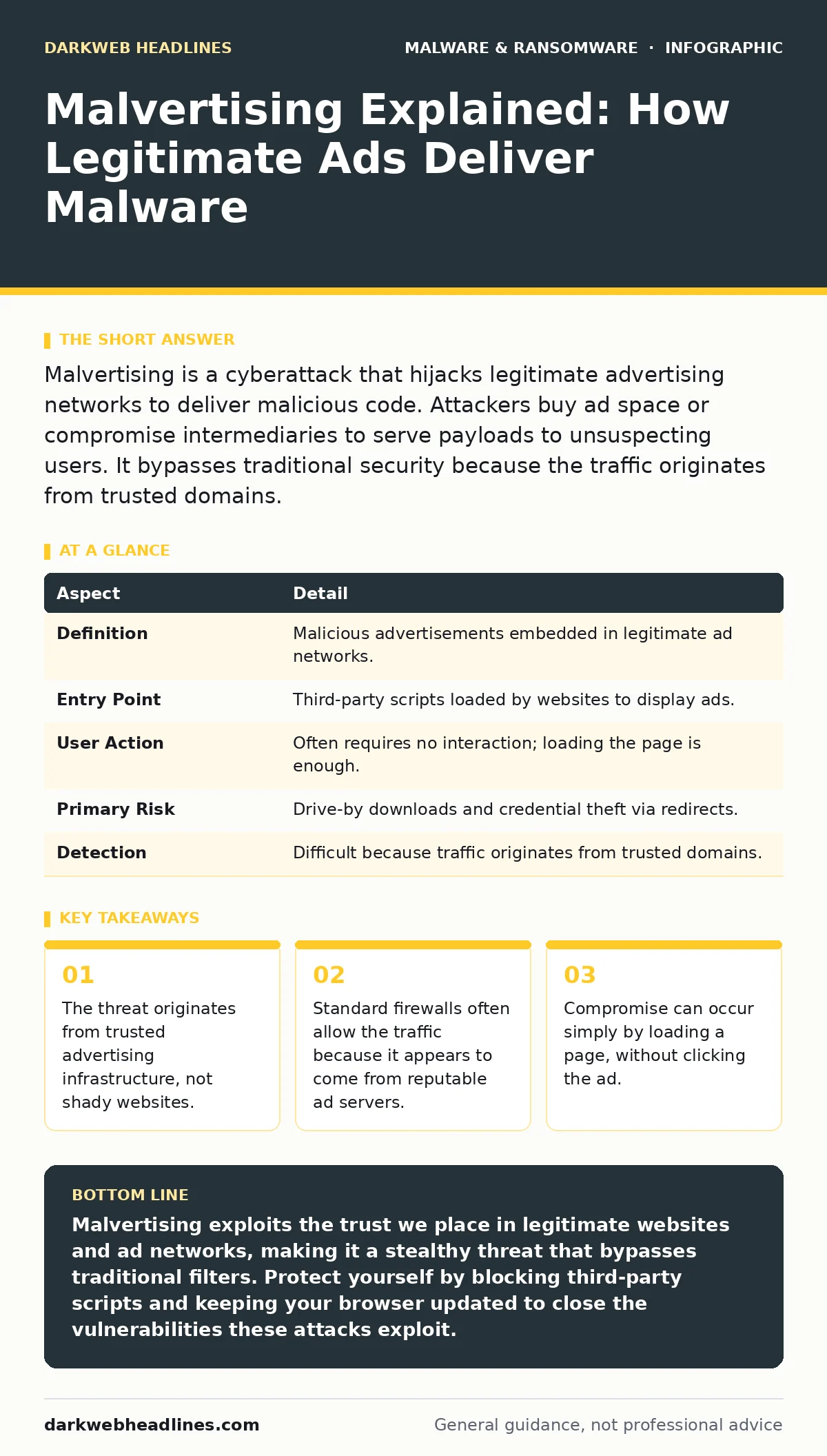
Malvertising is a cyberattack that hijacks legitimate advertising networks to deliver malicious code. Attackers buy ad space or compromise intermediaries to serve payloads to unsuspecting users. It bypasses traditional security because the traffic originates from trusted domains.
The Invisible Carrier
Imagine a postal worker delivering a sealed letter. The envelope is stamped with a legitimate post office mark, the address is correct, and the sender is a known business. You expect a bill or a newsletter. Inside, however, is a weapon. Malvertising operates on this same principle of trust abuse. It hides inside the legitimate advertising ecosystem that powers much of the free web.
You do not need to visit a sketchy website to encounter this threat. Major news sites, social media platforms, and even banking portals often rely on third-party ad networks to display content. These networks aggregate demand from thousands of advertisers. An attacker needs to compromise only one node in this supply chain to reach millions of users.
The core mechanism relies on the fact that browsers trust the domain serving the ad. If the ad comes from a reputable advertising exchange, your security tools assume the content is safe. This assumption is the primary vector for the attack.
| Aspect | Detail |
|---|---|
| Definition | Malicious advertisements embedded in legitimate ad networks. |
| Entry Point | Third-party scripts loaded by websites to display ads. |
| User Action | Often requires no interaction; loading the page is enough. |
| Primary Risk | Drive-by downloads and credential theft via redirects. |
| Detection | Difficult because traffic originates from trusted domains. |
How the Chain Breaks
The advertising supply chain is complex and fragmented. Advertisers buy space through demand-side platforms. These platforms sell inventory to supply-side platforms used by publishers. Between these layers are ad exchanges and ad servers. At any point in this chain, a single compromised account or a single vulnerable server can introduce malicious code.
Attackers often use a "watering hole" strategy. They do not target you specifically. They target a popular website you are likely to visit. Once they inject their code into the ad stream, anyone who loads that page becomes a potential victim. The malicious code usually takes the form of a JavaScript redirect.
This redirect sends your browser to a secondary server controlled by the attacker. From there, the payload is delivered. The initial ad might look like a normal banner for a software product or a news headline. The visual content is irrelevant; the code behind it is the weapon.
Common Forms of Payloads
The code delivered via malvertising varies based on the attacker’s goal. Some attacks aim for immediate financial gain, while others seek long-term access. Understanding the form helps you recognize the symptoms.
Drive-by downloads are the most common form. The malicious script exploits a vulnerability in your browser or its plugins to execute code on your machine. This happens automatically. You may not see any download prompt. The code installs silently in the background.
Cryptojacking is another frequent payload. Instead of stealing data, the ad forces your computer to mine cryptocurrency for the attacker. This consumes your processing power and electricity. You might notice your fans spinning louder or your device slowing down, but no files are stolen.
Trojans are often delivered this way. The ad tricks you into downloading a seemingly legitimate file, such as a video codec or a PDF reader. Once installed, the trojan opens a backdoor for the attacker. This allows them to move laterally through your network or steal credentials. See our guide on trojans for more on how these backdoors operate.
Phishing redirects send you to a fake login page. The ad might claim your account is suspended or that you have won a prize. The page looks identical to the real service. When you enter your credentials, they are sent to the attacker. This is similar to the risk posed by malicious browser extensions, which can also inject fake login forms.
Who Gets Hit
Malvertising is indiscriminate. It does not care about your industry, your location, or your technical skill. It targets traffic volume. The more people visit a site, the more valuable the ad space becomes. This means high-traffic news sites, entertainment portals, and social media platforms are prime targets.
Students and professionals are equally at risk. If you use a browser with outdated plugins, you are more vulnerable to drive-by downloads. If you have weak macro security settings, you might fall for a second-stage attack where the malvertising delivers a malicious document.
Businesses are also affected. If an employee visits a compromised site on a company device, the malware can spread to the internal network. This is why device hardening is critical. Limiting what users can install and run reduces the impact of a successful download.
What People Usually Get Wrong
Many users believe that if they do not click an ad, they are safe. This is incorrect. Modern malvertising often executes simply by loading the page. The browser’s rendering engine processes the JavaScript associated with the ad. If that script contains an exploit, it runs regardless of user interaction.
Another common misconception is that antivirus software will catch it. Traditional antivirus relies on signatures of known malware. Malvertising often uses polymorphic code, which changes its appearance every time it is served. This makes signature-based detection ineffective. You need behavior-based detection to spot the anomalous activity of a redirect or a hidden download.
People also assume that reputable websites are safe. While the website itself may be secure, the third-party scripts it loads are not under its direct control. A breach in the ad network affects every publisher using that network. Trusting the domain name is not enough.
Reducing the Risk
You cannot control the ad networks, but you can control how your browser interacts with them. The most effective defense is to limit the attack surface. This means reducing the amount of code your browser is allowed to execute.
Use browser extensions that block third-party scripts. These tools prevent the ad code from loading in the first place. This stops the attack before it starts. However, this may break some website functionality. You must balance security with usability.
Keep your browser and operating system updated. Patches fix the vulnerabilities that drive-by downloads exploit. If a new exploit is discovered, attackers will use it until users patch their systems. Delaying updates extends your window of vulnerability.
Consider using dynamic malware analysis tools if you suspect an infection. These tools run suspicious files in a safe, isolated environment to observe their behavior. This helps security teams understand the threat without risking the main network. For broader monitoring, look into extended detection and response (XDR) systems, which correlate data from multiple sources to spot anomalies.
Finally, maintain offline backups. If ransomware is delivered via malvertising, your data can be encrypted. Restoring from an offline backup is the only guaranteed way to recover without paying. See our guide on offline backups for best practices on storage and testing.
The Hidden Cost of Blocking
Blocking all ads is not always practical. Many services rely on ad revenue to remain free. If you block everything, you may lose access to useful content. Additionally, some security tools that block ads can be overly aggressive, blocking legitimate scripts required for site functionality.
This creates a trade-off. You must decide which sites are worth the risk. For high-risk sites, such as those with user-generated content, strict blocking is advisable. For trusted news sources, you might allow ads but ensure your browser is hardened.
There is also a cost to vigilance. Constantly monitoring logs and analyzing traffic requires time and expertise. For individuals, this means staying informed about new threats. For organizations, it means investing in the right tools and training. The cost of prevention is always lower than the cost of recovery.
Key takeaways
- The threat originates from trusted advertising infrastructure, not shady websites.
- Standard firewalls often allow the traffic because it appears to come from reputable ad servers.
- Compromise can occur simply by loading a page, without clicking the ad.
- Defense requires isolating browser processes and restricting JavaScript execution from untrusted sources.
Malvertising exploits the trust we place in legitimate websites and ad networks, making it a stealthy threat that bypasses traditional filters. Protect yourself by blocking third-party scripts and keeping your browser updated to close the vulnerabilities these attacks exploit.
Frequently asked questions
Can malvertising infect my phone?
Yes, mobile devices are common targets. Malicious ads can exploit vulnerabilities in mobile browsers or apps, leading to malware installation or data theft.
Does using a reputable antivirus stop malvertising?
Not always. Traditional antivirus may miss new or polymorphic code delivered via ads. You need behavior-based detection and browser-level protections for better security.
Is it safe to disable JavaScript?
Disabling JavaScript breaks many modern websites. Instead, use script blockers that allow scripts from trusted sources while blocking unknown or suspicious ones.
How do I know if I have been hit by malvertising?
Signs include unexpected pop-ups, browser redirects, slow performance, or unknown files downloading. If you suspect an infection, run a scan and check for unauthorized extensions.
How this guide was produced: written by the DarkWeb Headlines editorial team with AI assistance, checked against the public references listed below, and reviewed when the facts change. See our editorial policy or report an error.