Initial Access Broker Response: Containment and Recovery Steps
Initial access brokers sell entry points to ransomware groups, meaning your network is already compromised even if no data has been encrypted yet.

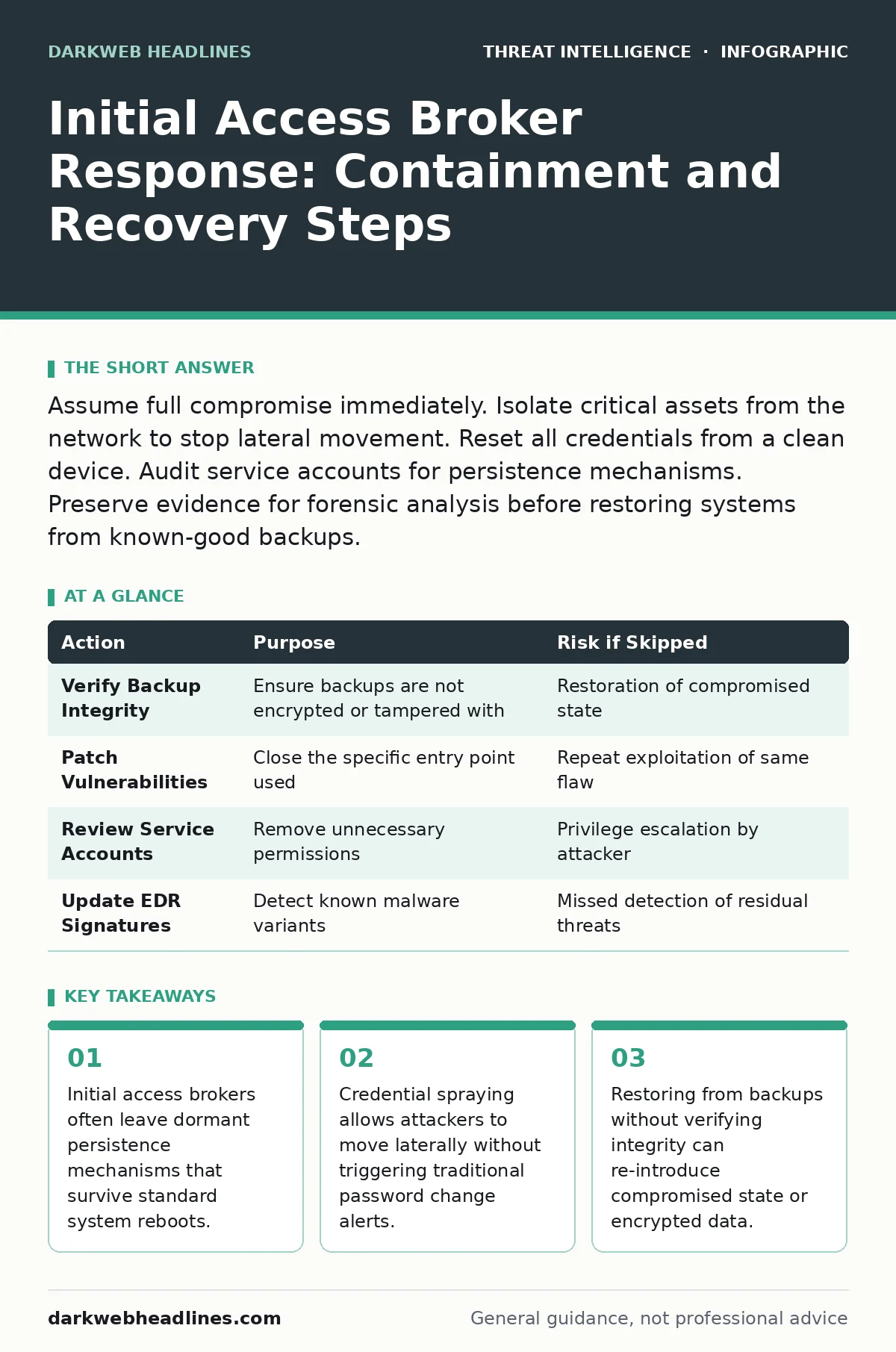
Assume full compromise immediately. Isolate critical assets from the network to stop lateral movement. Reset all credentials from a clean device. Audit service accounts for persistence mechanisms. Preserve evidence for forensic analysis before restoring systems from known-good backups.
First hour: Isolate and Preserve
The immediate priority is stopping the attacker from moving deeper into your environment. Initial access brokers typically sell low-privilege access, but they provide the foothold for ransomware groups to escalate privileges. You must assume the attacker has already mapped your network.
- Identify the entry point using alert data from email gateways or web proxies.
- Isolate the compromised endpoint from the internal network using network segmentation or host-based firewalls.
- Capture memory dumps from critical servers if possible, as malware often resides only in RAM.
- Disable single sign-on (SSO) tokens to force re-authentication for all users.
- Notify the incident response team and legal counsel to establish a chain of custody for evidence.
Imagine a scenario where an attacker uses a stolen session cookie to access a web application. If you simply shut down the server, you lose the active session data that proves how they entered. Preserving this state allows analysts to reconstruct the attack path. This is why careful isolation matters more than blunt disconnection.
First day: Containment and Credential Reset
Once the immediate bleed is stopped, you must contain the threat across the broader infrastructure. Attackers use the initial access to hunt for high-value targets like domain controllers or backup servers. They often employ process injection to hide their activities within legitimate system processes.
You must treat every credential as compromised. This includes service accounts, API keys, and administrative passwords. Resetting passwords is not enough; you must revoke active sessions. Many enterprise applications maintain session caches that remain valid even after a password change.
- Reset all privileged credentials from a known-clean device that was not connected to the compromised network.
- Revoke all active SSO tokens and force global sign-outs for critical applications.
- Disable any user accounts that showed anomalous login behavior in the hours preceding the detection.
- Rotate API keys for cloud services and third-party integrations.
Check for lateral movement by analyzing network traffic logs for unusual internal connections. Look for connections from a user workstation to a domain controller or a file server. These patterns indicate the attacker is mapping privileges. Reference our guide on defense evasion to understand how attackers mask these movements within normal traffic noise.
First week: Recovery and Hardening
Recovery requires more than just restoring files. You must verify that the restored systems are clean. Ransomware operators often encrypt backups to prevent recovery, but initial access brokers may have already exfiltrated data or installed backdoors in backup repositories.
Before reconnecting isolated systems, scan them for persistence mechanisms. Attackers often install scheduled tasks, registry run keys, or new services that survive system reboots. If you restore a system from a backup taken after the compromise, you may reintroduce the malware.
| Action | Purpose | Risk if Skipped |
|---|---|---|
| Verify Backup Integrity | Ensure backups are not encrypted or tampered with | Restoration of compromised state |
| Patch Vulnerabilities | Close the specific entry point used | Repeat exploitation of same flaw |
| Review Service Accounts | Remove unnecessary permissions | Privilege escalation by attacker |
| Update EDR Signatures | Detect known malware variants | Missed detection of residual threats |
Consider the impact of PowerShell abuse. Attackers often use legitimate PowerShell scripts to download tools or execute commands without creating files on disk. Standard antivirus solutions may miss these fileless attacks. You must review PowerShell execution policies and enable module logging to detect future abuse. This logging provides the audit trail necessary to prove what commands were run.
Who to Tell: Internal and External Communication
Communication during an incident must be precise and controlled. You need to inform stakeholders without revealing sensitive technical details that could aid the attacker or cause panic. Define the message for each audience before sending any notifications.
Internal staff need to know what to do, not what happened. Tell them to reset passwords and ignore suspicious emails. Do not share internal IP addresses or account names in mass emails. This information could help the attacker identify specific targets.
External partners and customers should be notified only if their data was accessed. Determine this by reviewing the scope of the compromise. If the attacker only accessed the HR server and not the customer database, you may not need external notification. Consult legal counsel to determine regulatory requirements.
Refer to threat intelligence feeds to understand if the breach is part of a broader campaign. This context helps you prioritize which systems are most likely to be targeted next. It also helps you communicate with industry peers who may be facing similar threats.
How to Stop a Repeat: Structural Changes
Preventing recurrence requires fixing the underlying weakness that allowed the initial access. Initial access brokers often exploit misconfigured services or weak authentication. You must address these root causes.
Implement multi-factor authentication (MFA) for all users, especially those with administrative privileges. MFA prevents attackers from using stolen passwords to gain access. Ensure MFA is configured correctly, as some implementations can be bypassed through token theft.
Review your external-facing services. Close any ports or services that are not strictly necessary. Attackers scan for exposed services like Remote Desktop Protocol (RDP) or SSH. If these services are exposed to the internet, they are prime targets for initial access brokers.
Use honeypots to detect scanning activity. These decoy systems attract attackers and alert you to their presence before they reach critical assets. This provides early warning and helps you understand the attacker's methods.
See also: Isolating Infected Devices: 7 Mistakes That Spread Malware · How SOC Playbooks Work: Mechanism, Limits, and Execution
Long-Term Monitoring and Verification
After recovery, you must monitor for signs of residual compromise. Attackers often leave dormant tools to regain access if their primary foothold is discovered. This is known as persistence.
Establish a new baseline for normal network behavior. Use this baseline to detect anomalies that may indicate a return of the attacker. Look for unusual login times, large data transfers, or connections to unknown IP addresses.
Conduct a post-incident review to identify gaps in your detection and response capabilities. Did your logs capture the initial access? Did your alerts trigger in time? Use these insights to improve your security posture.
Review OSINT investigations techniques to understand how much information about your organization is publicly available. Attackers use this information to craft targeted phishing campaigns. Reducing your digital footprint makes it harder for them to find entry points.
Key takeaways
- Initial access brokers often leave dormant persistence mechanisms that survive standard system reboots.
- Credential spraying allows attackers to move laterally without triggering traditional password change alerts.
- Restoring from backups without verifying integrity can re-introduce compromised state or encrypted data.
Frequently asked questions
How long should I keep isolated systems offline?
Keep systems isolated until you have completed forensic analysis and verified they are clean. This may take several days or weeks depending on the complexity of the attack.
Can I trust my backups if I detect an initial access broker?
No. Assume backups are compromised. Verify the integrity of backups by checking for encryption or unauthorized changes before using them for recovery.
Should I hire external incident responders?
Yes. External responders bring specialized expertise and objectivity. They can help contain the threat, preserve evidence, and guide the recovery process.
How do I know if the attacker is still inside?
Monitor for unusual activity such as lateral movement, privilege escalation, or data exfiltration. Use endpoint detection and response tools to scan for known malware and suspicious behavior.
How this guide was produced: written by the DarkWeb Headlines editorial team with AI assistance, checked against the public references listed below, and reviewed when the facts change. See our editorial policy or report an error.