Stop Public Code Repository Leaks: Risks and Protection for Small Teams
Small teams often expose secrets because they prioritize speed over security, making automated scanning the only reliable defense against accidental disclosure.

Prevent data exposure by scanning code before it leaves your environment. Use pre-commit hooks to block secrets locally. Integrate continuous monitoring to catch leaks in public repositories. Ask providers for automated remediation workflows, not just alerts.
The Hidden Cost of Speed
Small organizations move quickly. You iterate on features, fix bugs, and deploy updates with minimal friction. This speed is an advantage. It is also a vulnerability. When you push code to a public repository, you expose every line to anyone with an internet connection. This includes configuration files, environment variables, and hardcoded credentials.
You might assume that only large corporations face this risk. That assumption is incorrect. Small teams often lack dedicated security staff. They rely on developers to remember security checks. Memory fails. Fatigue sets in. A single accidental commit can compromise your entire infrastructure.
The risk is not just about stolen data. It is about trust. If you cannot protect your own code, customers will not trust you with theirs. The cost of remediation far exceeds the cost of prevention. You spend days rotating keys, investigating breaches, and repairing reputational damage.
Why Small Teams Are Exposed
Your exposure stems from structural gaps, not malice. You likely use public repositories for collaboration and visibility. These platforms are convenient. They are also open. Any script can scrape them for patterns that look like secrets. Attackers do not need to hack your system. They only need to find what you left behind.
Small teams often reuse credentials across environments. A password for a development database might be the same as the production one. This practice simplifies local testing. It amplifies the damage when a leak occurs. You also may lack formal code review processes. Without a second pair of eyes, mistakes slip through.
Another factor is the complexity of modern applications. You use multiple services, each with its own authentication method. OAuth tokens, API keys, and SSH certificates all serve different purposes. Managing them manually is error-prone. You need a system that understands the context of each secret.
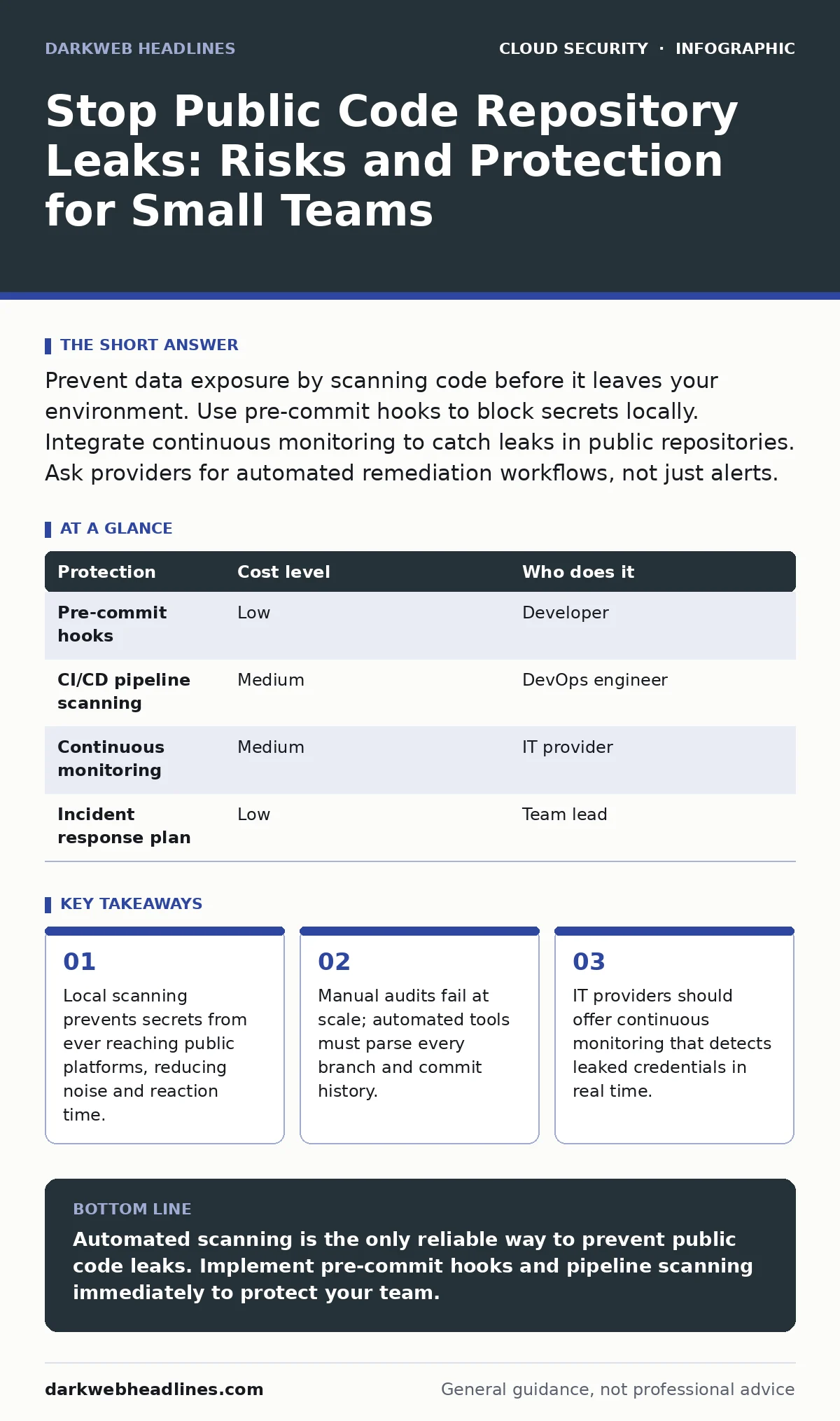
| Protection | Cost level | Who does it |
|---|---|---|
| Pre-commit hooks | Low | Developer |
| CI/CD pipeline scanning | Medium | DevOps engineer |
| Continuous monitoring | Medium | IT provider |
| Incident response plan | Low | Team lead |
Local Defense with Pre-Commit Hooks
The first line of defense is local. You want to stop secrets before they leave your machine. Pre-commit hooks are scripts that run automatically when you attempt to commit code. They scan your changes for patterns that resemble secrets. If they find one, they block the commit.
This approach reduces noise. You do not need to scan the entire repository history every time. You only check the new changes. It also provides immediate feedback. You learn from your mistakes in real time. This builds muscle memory for secure coding practices.
You can configure these hooks to recognize various secret types. They can detect AWS access keys, private SSH keys, and generic passwords. The rules are customizable. You can add patterns specific to your stack. This ensures you catch the secrets that matter most to you.
Pipeline Scanning for Depth
Local hooks are not enough. Developers can bypass them. They can force push code or work on branches that skip the checks. You need a second layer of defense in your continuous integration pipeline. This layer scans every pull request and merge.
Pipeline scanning provides a safety net. It catches secrets that bypassed local checks. It also scans the entire codebase periodically. This ensures that old secrets in the history are identified. You can configure the pipeline to fail the build if secrets are found. This forces resolution before the code reaches production.
This method requires more resources. It slows down the build process slightly. However, the trade-off is worth it. You gain confidence that your code is clean. You also create an audit trail. You can see when and where secrets were detected and resolved.
Continuous Monitoring for Public Exposure
Even with strong internal controls, leaks happen. A developer might push to the wrong repository. A third-party library might contain a secret. You need continuous monitoring to detect exposure in public repositories. These tools scan the internet for your code and secrets.
They use heuristics and machine learning to identify potential leaks. They alert you when a secret appears in a public forum, repository, or paste site. This allows you to react quickly. You can revoke the compromised credentials before attackers exploit them.
Monitoring is not just about detection. It is about context. You need to know which service the secret belongs to. You need to know its criticality. This helps you prioritize your response. Not all secrets are equal. A test API key is less urgent than a production database password.
See also: Identity and Access Management: How Zero Trust Stops Cloud Breaches · Warning Signs of Orphaned Cloud Resources and How to Remediate Them
What to Ask an IT Provider
When you engage an IT provider, you need to know their capabilities. Do not accept vague promises. Ask specific questions. You need to ensure they have the tools and expertise to protect your code.
- Do you offer automated secret scanning in our CI/CD pipelines?
- How do you handle false positives in monitoring alerts?
- Can you integrate with our existing identity and access management systems?
- What is your response time for critical leaks?
- Do you provide training for developers on secure coding practices?
You should also ask about their experience with cloud security assessments. This ensures they understand the broader context of your infrastructure. They should be able to identify misconfigured IAM roles that could exacerbate a leak.
Integrating with Broader Security
Code repository leaks do not exist in a vacuum. They interact with other security domains. For example, a leaked OAuth token can lead to OAuth token abuse. Attackers can use the token to access linked services without a password.
You must also consider identity sprawl. As you add more services, you create more identities. Each identity is a potential attack vector. If you leak a credential, you must revoke it immediately. This requires a robust identity and access management strategy.
Furthermore, leaked code can reveal orphaned cloud resources. These are unused services that still incur costs and pose risks. By cleaning up your code, you can identify and remove these resources. This reduces your attack surface and saves money.
Key takeaways
- Local scanning prevents secrets from ever reaching public platforms, reducing noise and reaction time.
- Manual audits fail at scale; automated tools must parse every branch and commit history.
- IT providers should offer continuous monitoring that detects leaked credentials in real time.
Automated scanning is the only reliable way to prevent public code leaks. Implement pre-commit hooks and pipeline scanning immediately to protect your team.
Frequently asked questions
How often should I scan my code for secrets?
Scan every commit locally and every pull request in the pipeline. Perform full repository scans weekly to catch historical issues.
Can I use free tools for secret scanning?
Yes, many open-source tools offer basic scanning. However, they may lack advanced features like false positive reduction and integration support.
What should I do if I find a leaked secret?
Revoke the secret immediately. Rotate the credentials. Investigate how the leak occurred. Update your scanning rules to prevent recurrence.
Do I need a dedicated security team for this?
No, automated tools can handle most of the work. A dedicated team helps with complex incidents and policy development, but is not strictly necessary for small teams.
How this guide was produced: written by the DarkWeb Headlines editorial team with AI assistance, checked against the public references listed below, and reviewed when the facts change. See our editorial policy or report an error.