Accidental Data Disclosure: How to Stop Unintentional Leaks
Most data leaks happen not because of a hack, but because someone shared the wrong file, configured a server incorrectly, or left sensitive information visible to the public.

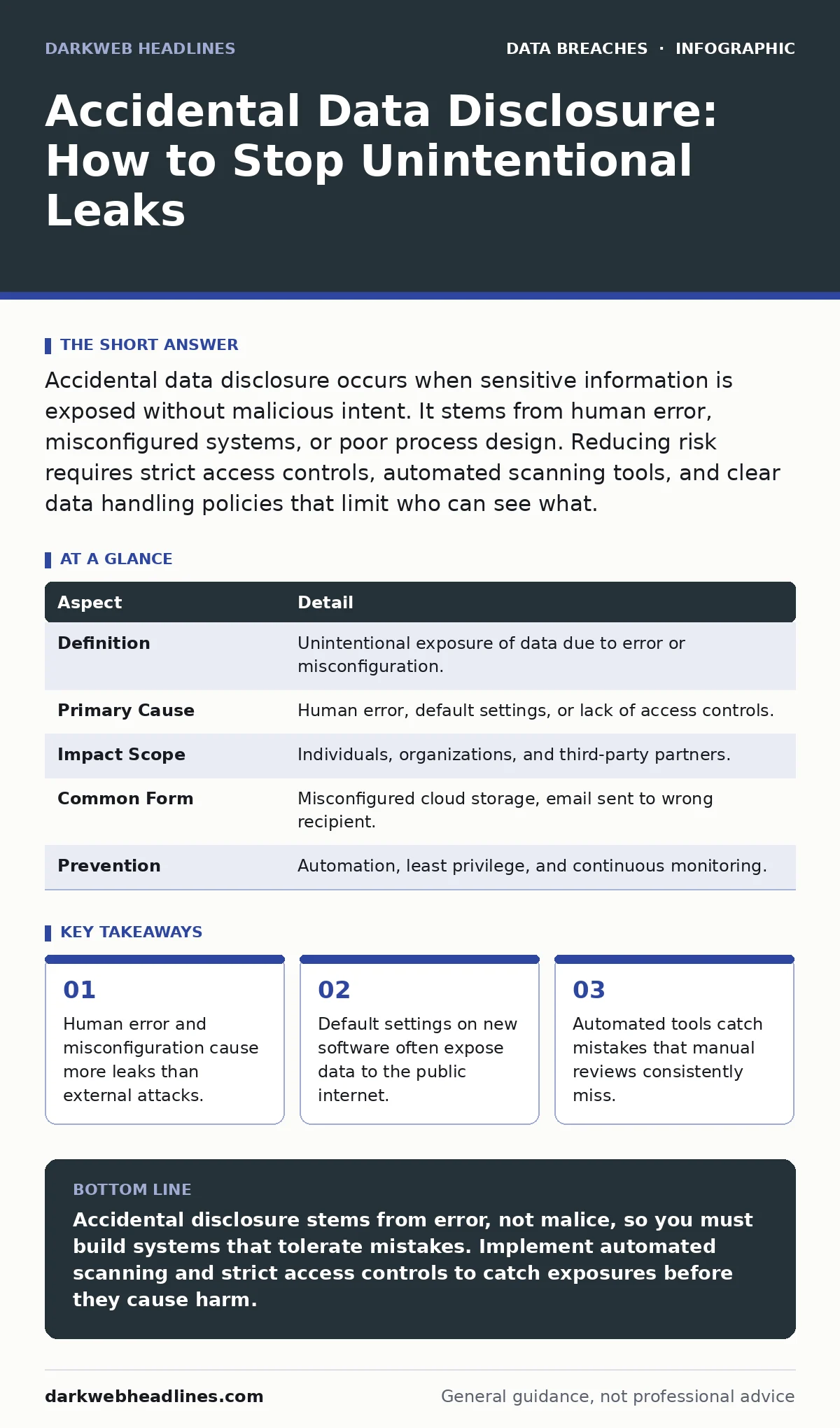
Accidental data disclosure occurs when sensitive information is exposed without malicious intent. It stems from human error, misconfigured systems, or poor process design. Reducing risk requires strict access controls, automated scanning tools, and clear data handling policies that limit who can see what.
The Coffee Shop Analogy
Imagine leaving your laptop open on a table while you step away to buy coffee. You did not intend for strangers to read your emails or see your project files. You simply forgot to lock the screen. Accidental data disclosure works the same way in digital environments. It is the unintentional exposure of sensitive information due to oversight, mistake, or lack of awareness.
Unlike a targeted breach where an attacker breaks in, accidental disclosure happens because the door was left unlocked. The data was never stolen; it was merely visible to anyone who looked. This distinction matters because the prevention strategies are different. You cannot patch a human mistake with a firewall. You must change the environment so that the mistake does not lead to exposure.
At a Glance
| Aspect | Detail |
|---|---|
| Definition | Unintentional exposure of data due to error or misconfiguration. |
| Primary Cause | Human error, default settings, or lack of access controls. |
| Impact Scope | Individuals, organizations, and third-party partners. |
| Common Form | Misconfigured cloud storage, email sent to wrong recipient. |
| Prevention | Automation, least privilege, and continuous monitoring. |
How Disclosures Occur
Accidental disclosure usually follows a pattern of routine action gone wrong. An employee tries to share a document with a colleague but adds the wrong email address. A developer uploads a database backup to a public repository because they followed a tutorial without checking the privacy settings. These are not acts of malice. They are failures of process and attention.
Technology often amplifies these errors. Modern tools are designed for speed and ease of use. They often prioritize convenience over security by default. When a new service is launched, its settings might allow public access to data until an administrator explicitly changes them. If that step is skipped, the data remains open. This is a common cause of misconfigured cloud storage leaks. The infrastructure works exactly as programmed, but the program was not secure.
Another vector is the lack of visibility. Organizations often have thousands of accounts and storage buckets. It is impossible for humans to check every single one regularly. Over time, accounts become orphaned, permissions creep, and data sits in places no one remembers. When an external scanner finds this data, the organization learns about it for the first time.
Who Bears the Cost
You might think only large corporations suffer from accidental disclosure. This is incorrect. Small teams, startups, and even individual researchers face the same risks. The cost is not always financial. Reputation damage, loss of trust, and regulatory penalties can cripple a small operation.
The impact extends beyond the direct owner of the data. When a company discloses customer information, those individuals become targets for fraud and harassment. The burden shifts to the victims to monitor their accounts and change credentials. This is why understanding credit freezes is relevant for anyone whose data might be exposed. It is a defensive measure that limits the damage after a leak occurs.
Third-party partners are also affected. If a vendor accidentally exposes your proprietary data, your relationships with other partners may suffer. The chain of trust is broken. In supply chains, a single weak link can expose the entire network. This interconnectedness means that your security posture is only as strong as the weakest party you share data with.
Common Forms of Exposure
Data does not leak in one way. It escapes through various channels, each with its own characteristics. Understanding these forms helps you recognize the signs before they become incidents.
Misconfigured Access Controls
This is the most frequent cause. Systems often have default settings that are too permissive. A database might be accessible without authentication. A file server might allow anonymous downloads. These settings are rarely malicious; they are simply lazy defaults. Fixing them requires a rigorous review of permissions for every new asset.
Human Error in Communication
Email remains a primary vector. Sending an attachment to the wrong person is a classic mistake. It happens when auto-complete suggests a similar name, or when a user selects multiple recipients without checking. The data is sent to an unintended party who can then forward it, print it, or leak it. This is distinct from credential exposure, where passwords are stolen. Here, the content itself is the problem.
Public Code Repositories
Developers often store code in public repositories. Sometimes, they accidentally commit configuration files that contain passwords, API keys, or database connection strings. These secrets are then visible to anyone on the internet. Bots scan these repositories constantly. Once a secret is found, it is used immediately. This is why data masking is critical for any code that handles sensitive information.
See also: Data Inventory Errors: 6 Misunderstandings That Leave Secrets Exposed · Unauthorized Access Prevention Checklist for Systems
What People Usually Get Wrong
Many organizations believe that training users is the solution to accidental disclosure. Training helps, but it is not enough. People are busy and make mistakes. Expecting perfect behavior from humans is a flawed security strategy. You must design systems that tolerate human error.
Another common mistake is assuming that internal data is safe. Organizations often focus on external threats and neglect internal visibility. They do not know what data they have or where it is stored. Without a clear map of your data, you cannot protect it. This is where data classification becomes necessary. You must label data based on its sensitivity. If you do not know which files are confidential, you cannot apply the right protections.
Finally, many assume that once a file is deleted, it is gone. In cloud environments, deletion is often not immediate. Data may remain in backups or temporary storage. If that storage is accessible, the data is still exposed. You must understand the lifecycle of your data and ensure that deletion is thorough and verified.
Reducing the Risk
To reduce accidental disclosure, you must shift from manual checks to automated controls. Automation removes the variable of human attention. It applies rules consistently, every time.
Implement Principle of Least Privilege
This means giving users and systems only the access they need to do their job. Nothing more. If a user does not need to see customer addresses, they should not be able to see them. This limits the damage if an account is compromised or if a user makes a mistake. It is a core tenet of principle of least privilege. By restricting access, you reduce the surface area for accidental exposure.
Use Automated Scanning Tools
Deploy tools that continuously scan your environment for exposed data. These tools can detect public folders, unencrypted files, and hardcoded secrets. They alert you before an external actor finds the data. This is proactive defense. It catches the mistakes that manual reviews miss.
Enforce Data Handling Policies
Create clear rules for how data is shared, stored, and deleted. Use technical controls to enforce these rules. For example, block the ability to send large attachments to external email addresses. Require approval for sharing files outside the organization. These barriers slow down accidental leaks and give you a chance to intervene.
The Role of Data Scraping
Accidental disclosure often feeds into larger threats. When data is exposed publicly, it becomes available for data scraping. Automated bots collect this information and aggregate it. This aggregated data can be used for targeted attacks, phishing campaigns, or identity theft.
By preventing accidental disclosure, you deny attackers the raw material they need. You make their job harder and more expensive. This is a form of defense in depth. It does not stop all attacks, but it raises the bar. It forces attackers to work harder to find valuable information.
Conclusion on Prevention
Accidental data disclosure is a persistent risk because it is rooted in human nature and system complexity. You cannot eliminate it entirely, but you can minimize its impact. Focus on automation, strict access controls, and continuous monitoring. Treat every piece of data as if it will be exposed, and design your systems to withstand that reality.
Key takeaways
- Human error and misconfiguration cause more leaks than external attacks.
- Default settings on new software often expose data to the public internet.
- Automated tools catch mistakes that manual reviews consistently miss.
Accidental disclosure stems from error, not malice, so you must build systems that tolerate mistakes. Implement automated scanning and strict access controls to catch exposures before they cause harm.
Frequently asked questions
How do I know if my data has been accidentally disclosed?
Use automated scanning tools to check for public files and misconfigured permissions. Monitor access logs for unusual activity and review external reports of exposed data.
Is training enough to prevent accidental leaks?
No. Training helps, but humans make mistakes. You need technical controls and automation to enforce security policies and catch errors that training cannot prevent.
What is the difference between accidental disclosure and a data breach?
A breach implies malicious intent, while accidental disclosure is unintentional. Both result in data exposure, but the root causes and prevention strategies differ significantly.
How often should I review access permissions?
Continuously. Use automated tools to monitor permissions in real-time. Manual reviews should happen at least quarterly, but automation provides constant protection.
How this guide was produced: written by the DarkWeb Headlines editorial team with AI assistance, checked against the public references listed below, and reviewed when the facts change. See our editorial policy or report an error.