Typosquatting Explained: How Misspelled Domains Steal Your Data
Attackers register domains that look like yours to capture traffic, bypassing standard security checks by exploiting human reading habits rather than technical vulnerabilities.

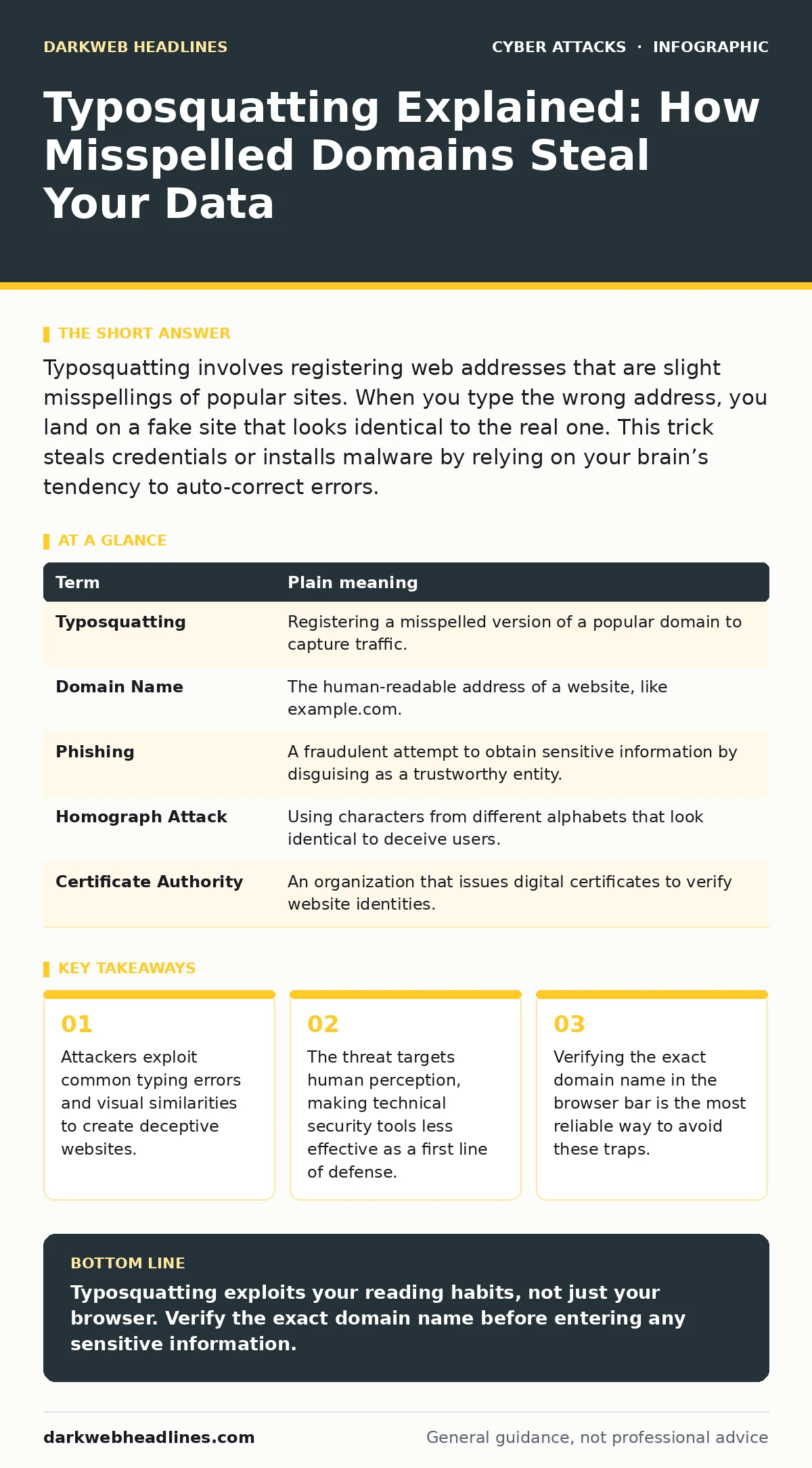
Typosquatting involves registering web addresses that are slight misspellings of popular sites. When you type the wrong address, you land on a fake site that looks identical to the real one. This trick steals credentials or installs malware by relying on your brain’s tendency to auto-correct errors.
The Coffee Shop Analogy
Imagine you are walking into your favorite coffee shop. You know the name is "Bean There." On your way, you see a shop called "Bean Their." The sign is similar. The logo looks familiar. The interior design mimics the place you trust. You walk in, expecting your usual routine. You are not being forced inside. You made a choice based on a slight visual error.
This is how typosquatting works. The attacker does not break into the real coffee shop. They build a convincing replica next door, hoping you will make a small mistake. You hand over your money and your loyalty card number because the environment feels correct. The deception relies on your brain filling in the gaps, not on the attacker having superior technology.
Defining the Deception
Typosquatting is a form of domain squatting where an attacker registers a domain name that is a slight variation of a legitimate one. The goal is to intercept users who make typing errors. These errors can be simple transpositions, like "goggle.com" instead of "google.com." They can also be omissions, such as "netflix.com" becoming "netflx.com."
The attacker often uses this traffic to serve malware or to host a phishing page. A phishing page is a fraudulent website designed to look like a trusted service to steal login credentials. In this context, the domain name is the bait. The fake website is the trap. The similarity is the mechanism that makes the trap effective.
| Term | Plain meaning |
|---|---|
| Typosquatting | Registering a misspelled version of a popular domain to capture traffic. |
| Domain Name | The human-readable address of a website, like example.com. |
| Phishing | A fraudulent attempt to obtain sensitive information by disguising as a trustworthy entity. |
| Homograph Attack | Using characters from different alphabets that look identical to deceive users. |
| Certificate Authority | An organization that issues digital certificates to verify website identities. |
The Visual Trap
The danger increases when the misspelling is not just a typo, but a visual trick. This is known as a homograph attack. Attackers use characters from the Cyrillic or Greek alphabet that look exactly like Latin letters. For example, the Cyrillic "а" looks identical to the Latin "a."
When you see "yаndex.com" with a Cyrillic "а," your brain reads it as the legitimate search engine. The browser address bar shows the correct-looking text. However, the underlying code points to a different server. This bypasses simple visual checks. It turns a reading habit into a security vulnerability. You are not being hacked by code; you are being tricked by font rendering.
Why Standard Defenses Fail
Many security tools focus on network traffic or file signatures. They are less effective against typosquatting because the initial connection is often legitimate. You initiated the request. You typed the address. The connection is encrypted, just like the real site.
This highlights the human factor in security. Technology cannot always predict where a user will click or type. A firewall cannot stop you from visiting a site you intended to visit, even if that site is a clone. The vulnerability is cognitive, not just technical. It exploits the speed at which humans process information. We skim. We assume. We rarely read character by character.
The Cost of a Mistake
When you land on a typosquatted site, the consequences vary. The simplest case is a redirect to an ad-heavy page. The more dangerous case is a credential harvester. You enter your username and password. The site stores this data and sends you to the real login page. You think you logged in successfully. You do not notice the delay.
Imagine you log into your bank. The site asks for a second verification code. You enter it. The attacker now has your password and your one-time code. Your account is compromised. This scenario mirrors clone phishing, where attackers copy the exact layout of a service. The difference is that typosquatting relies on your input error, while clone phishing relies on a deceptive link. Both result in the same loss of trust and data.
See also: Clone Phishing Response: Containment and Recovery Steps
Safety Habits for Users
You can reduce the risk by changing how you interact with browsers. The first step is to avoid typing long domain names manually. Use bookmarks or search engines. Search engines verify the canonical address of a site. They act as a filter between your memory and the address bar.
The second step is to inspect the address bar carefully. Look for subtle differences in letter shapes. If a site looks slightly off, check the domain name character by character. This is tedious, but it is the only way to catch homograph attacks. Modern browsers are improving at flagging these, but they are not perfect.
The third step is to use passkeys instead of passwords. Passkeys are cryptographic keys that bind your login to a specific device and domain. If you try to use a passkey on a typosquatted site, the login will fail. The fake domain will not match the real one. This technical barrier stops the attack even if you made a typing error.
Building Resilience
Typosquatting is a persistent threat because the cost to attack is low. Registering a domain is cheap. The reward can be high. Defense requires a mix of awareness and technology. You must understand that your brain is part of the security chain. It is also part of the vulnerability.
Organizations also play a role. They can use DMARC to prevent email spoofing, which often accompanies typosquatting campaigns. DMARC helps email servers reject messages that claim to come from a domain but do not match its records. This limits the attacker’s ability to send convincing emails that link to their fake sites.
Try This Now
- Open your browser history. Look for any domains that look like popular sites but have a slight misspelling. Delete them immediately.
- Enable strict autofill settings in your password manager. Configure it to only match exact domain names, not similar ones.
- Practice reading URLs backwards. Read the domain name from right to left. This breaks your brain’s pattern recognition and reveals visual tricks.
Key takeaways
- Attackers exploit common typing errors and visual similarities to create deceptive websites.
- The threat targets human perception, making technical security tools less effective as a first line of defense.
- Verifying the exact domain name in the browser bar is the most reliable way to avoid these traps.
Typosquatting exploits your reading habits, not just your browser. Verify the exact domain name before entering any sensitive information.
Frequently asked questions
Can antivirus software stop typosquatting?
Antivirus software can block known malicious sites, but it cannot stop you from visiting a new, unlisted typosquatted domain. It is a reactive measure, not a preventive one.
Is typosquatting illegal?
It often violates trademark laws and computer fraud statutes. However, enforcement is difficult because domains are registered globally and attackers use anonymous payment methods.
Do search engines help prevent this?
Search engines rank legitimate sites higher and may flag known typosquatting domains. They reduce the chance of accidental visits but do not eliminate the risk of manual typing errors.
What is the difference between typosquatting and phishing?
Phishing is a broad term for deceptive attempts to steal data. Typosquatting is a specific method of phishing that relies on misspelled domain names to attract victims.
How this guide was produced: written by the DarkWeb Headlines editorial team with AI assistance, checked against the public references listed below, and reviewed when the facts change. See our editorial policy or report an error.