DMARC Implementation: Step-by-Step Guide for Email Security
Deploying DMARC with strict policy from day one breaks legitimate email flows, forcing a slow, data-driven rollout to prevent business disruption.

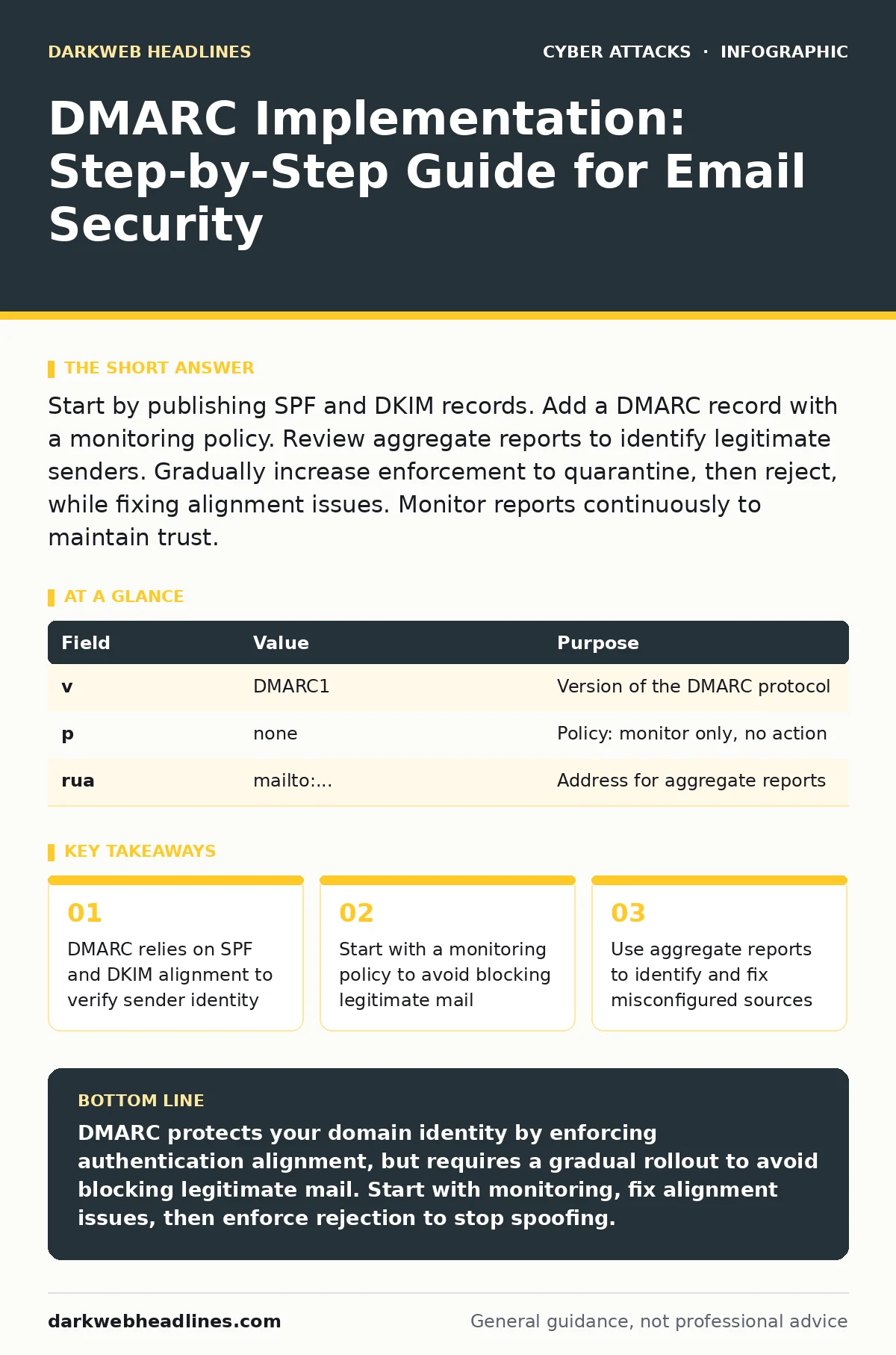
Start by publishing SPF and DKIM records. Add a DMARC record with a monitoring policy. Review aggregate reports to identify legitimate senders. Gradually increase enforcement to quarantine, then reject, while fixing alignment issues. Monitor reports continuously to maintain trust.
Understanding Domain Alignment Mechanics
Domain-based Message Authentication, Reporting, and Conformance (DMARC) protects your domain identity by telling receiving servers how to handle messages that fail authentication. It does not verify the content of the email, only the identity of the sender. DMARC works by checking two underlying protocols: Sender Policy Framework (SPF) and DomainKeys Identified Mail (DKIM).
SPF lists the IP addresses authorized to send mail for your domain. DKIM adds a cryptographic signature to the email header, proving the message was not altered in transit. DMARC requires that the domain in the "From" header matches the domain authenticated by either SPF or DKIM. This match is called alignment. If the domains do not match, the message fails DMARC, even if SPF or DKIM passed individually.
Imagine you send an email from [email protected]. If the sending server is authorized via SPF but the DKIM signature belongs to a third-party provider, DMARC checks if the DKIM domain aligns with the "From" domain. If it does not, and SPF failed, the message is rejected or quarantined based on your policy. This mechanism prevents attackers from spoofing your domain in angler phishing attacks, where they mimic your brand to steal credentials.
Preparing Your DNS Infrastructure
Before publishing a DMARC record, you must ensure your SPF and DKIM records are correct. A broken SPF record will cause DMARC to fail immediately, blocking legitimate mail. Check your SPF record to ensure it includes all sending sources, such as marketing platforms, CRM systems, and internal servers.
DKIM requires a public key published in your DNS and a private key held by your sending server. The server signs outgoing mail with the private key. Receivers use the public key to verify the signature. If your DKIM record is missing or the key is incorrect, alignment fails.
You must also decide on a reporting address. DMARC sends aggregate reports to an email address you specify. These reports contain data about who is sending mail using your domain, whether it passed authentication, and where it originated. Choose a dedicated address for these reports to keep them organized. Do not use a general inbox that receives high volumes of unrelated mail.
Step 1: Publish a Monitoring Policy
The first step in implementation is to publish a DMARC record with a policy of "none." This tells receiving servers to monitor authentication results but take no action on failing messages. The record looks like this: v=DMARC1; p=none; rua=mailto:[email protected].
This step allows you to collect data without risking business disruption. Review these reports for at least a few weeks. Look for sources that are failing authentication. These are likely legitimate services that need configuration updates.
| Field | Value | Purpose |
|---|---|---|
| v | DMARC1 | Version of the DMARC protocol |
| p | none | Policy: monitor only, no action |
| rua | mailto:... | Address for aggregate reports |
Step 2: Fix Misaligned Sources
Once you have collected data, identify sources that are failing alignment. Common culprits include third-party marketing platforms, newsletter services, and internal applications that send notifications. Contact the administrators of these services to ensure they are configured to use your domain correctly.
For SPF, ensure the service is listed in your SPF record. For DKIM, ensure the service is signing emails with a DKIM key that aligns with your domain. Some services allow you to use a subdomain for sending, which can help isolate alignment issues. If a service cannot align, consider moving to a different provider or using a different sending method.
This step is critical because moving to enforcement with misaligned sources will block legitimate mail. You must fix these issues before proceeding. If you cannot fix a source, you must accept that it will fail DMARC enforcement and plan to remove it from your sending infrastructure.
Step 3: Enforce Quarantine
After fixing misaligned sources, update your DMARC record to a policy of "quarantine." This tells receiving servers to treat failing messages as spam. The record looks like this: v=DMARC1; p=quarantine; rua=mailto:[email protected].
Quarantine is a softer enforcement than rejection. It allows you to catch remaining issues without completely blocking mail. If a legitimate message fails alignment, it may land in the recipient's spam folder. This is better than blocking it entirely, as the recipient can still retrieve it if they recognize the sender.
Monitor your reports closely during this phase. Look for spikes in failure rates. If you see legitimate mail being quarantined, investigate the cause. Fix the alignment issue or adjust the sending configuration. Continue this phase until failure rates drop to near zero.
Step 4: Enforce Rejection
The final step is to update your DMARC record to a policy of "reject." This tells receiving servers to discard failing messages entirely. The record looks like this: v=DMARC1; p=reject; rua=mailto:[email protected].
Rejection is the strongest protection against domain spoofing. It prevents attackers from using your domain in phishing campaigns. However, it also blocks any legitimate mail that fails alignment. Ensure you have thoroughly tested your configuration before moving to this step.
Verification and Upkeep
To verify your implementation, send test emails from various sources and check if they pass DMARC. You can use online tools to simulate DMARC checks. Review your aggregate reports to ensure failure rates are low. If you see failures, investigate and fix the source.
DMARC is not a one-time setup. You must maintain it as your sending infrastructure changes. Add new sending sources to your SPF and DKIM records. Update your DMARC record if you change your reporting address. Monitor reports regularly to detect unauthorized usage.
| Check | Action |
|---|---|
| SPF Record | Ensure all sending IPs are listed |
| DKIM Key | Ensure keys are rotated and valid |
| DMARC Policy | Verify policy matches current state |
| Reports | Review aggregate reports weekly |
Common Pitfalls and Edge Cases
One common pitfall is subdomain alignment. If you use subdomains for sending, ensure they are included in your SPF record. DMARC checks the domain in the "From" header against the authenticated domain. If you send from sub.yourdomain.com, the SPF record for sub.yourdomain.com must be correct.
Another issue is third-party integrations. Many services allow you to send mail on your behalf. Ensure these services are configured to align with your domain. If they use their own domain for DKIM, DMARC will fail unless you allow their domain in your DMARC record, which reduces protection.
Long-Term Strategy and Maintenance
DMARC is part of a broader email security strategy. It works best when combined with other controls. For example, it complements passkeys by ensuring that password reset emails are not spoofed. It also mitigates the human factor in security by reducing the likelihood of successful phishing.
Regularly review your DMARC policy and reports. Update your SPF and DKIM records as needed. Educate your team on DMARC basics so they understand how to troubleshoot issues. Consider using automated tools to parse aggregate reports and alert you to anomalies.
Key takeaways
- DMARC relies on SPF and DKIM alignment to verify sender identity
- Start with a monitoring policy to avoid blocking legitimate mail
- Use aggregate reports to identify and fix misconfigured sources
- Enforce rejection only after verifying all legitimate traffic aligns
DMARC protects your domain identity by enforcing authentication alignment, but requires a gradual rollout to avoid blocking legitimate mail. Start with monitoring, fix alignment issues, then enforce rejection to stop spoofing.
Frequently asked questions
What is the difference between SPF and DMARC?
SPF lists authorized sending IPs, while DMARC defines the policy for handling messages that fail SPF or DKIM alignment. SPF is a component of DMARC.
Can I use DMARC without DKIM?
Yes, but it is less secure. DMARC requires either SPF or DKIM alignment. Using both provides stronger protection against spoofing.
How long should I stay in monitoring mode?
Stay in monitoring mode until you have reviewed reports
How this guide was produced: written by the DarkWeb Headlines editorial team with AI assistance, checked against the public references listed below, and reviewed when the facts change. See our editorial policy or report an error.