Passkeys Explained: How Passwordless Login Actually Works
Passkeys replace shared secrets with cryptographic keys stored on your device, making account takeover significantly harder than with traditional passwords.
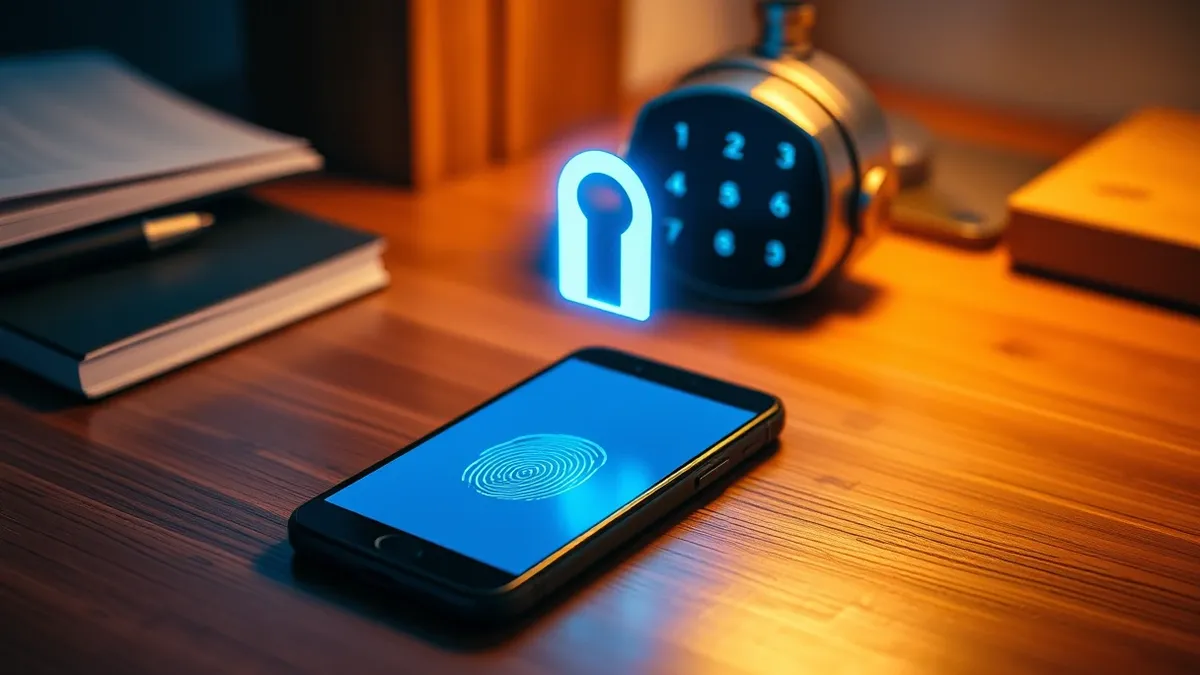
Passkeys use public-key cryptography to verify your identity. Your device holds a private key that never leaves it, while the website stores a public key. You unlock the private key with biometrics or a PIN, creating a secure login that resists phishing and credential theft.
The Digital Lockbox Analogy
Imagine you rent a safe deposit box at a bank. The bank keeps the large master key, and you keep a small personal key. To open the box, you must present your key to the bank’s key. If you lose your key, the bank cannot open the box for you. They can only verify that you are the person who owns the matching key. This is how passkeys work. The website is the bank, holding the public key. Your device is you, holding the private key. The two keys are mathematically linked but functionally separate.
Cryptographic Foundations
This system relies on public-key cryptography, a method where two mathematically related keys are generated. One key is public and shared with the service. The other is private and kept secret on your device. When you log in, the website sends a challenge. Your device signs this challenge with the private key. The website verifies the signature using the public key. If the signature matches, access is granted. No password is transmitted over the network.
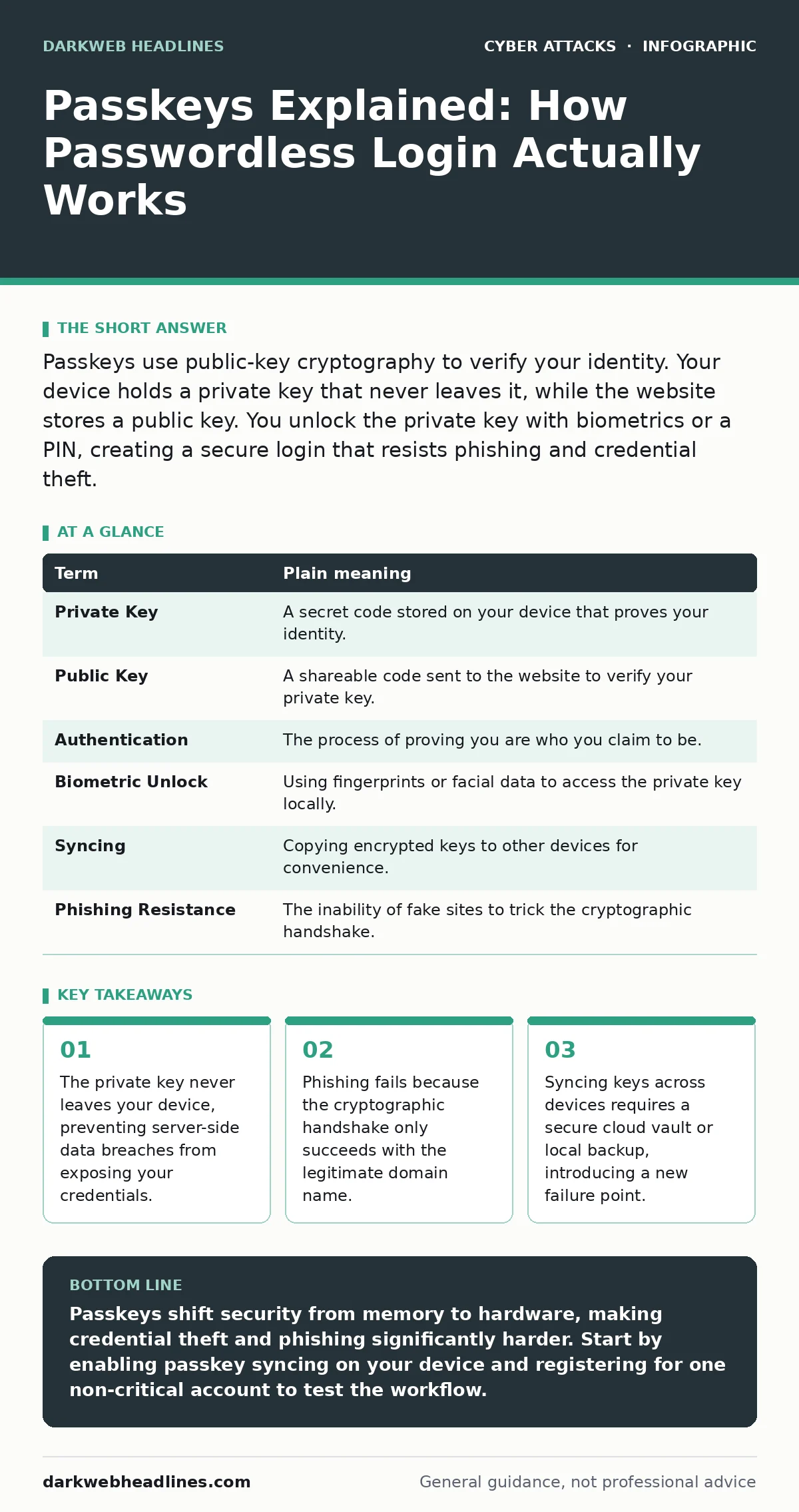
| Term | Plain meaning |
|---|---|
| Private Key | A secret code stored on your device that proves your identity. |
| Public Key | A shareable code sent to the website to verify your private key. |
| Authentication | The process of proving you are who you claim to be. |
| Biometric Unlock | Using fingerprints or facial data to access the private key locally. |
| Syncing | Copying encrypted keys to other devices for convenience. |
| Phishing Resistance | The inability of fake sites to trick the cryptographic handshake. |
Why Passwords Fail
Traditional passwords are shared secrets. You type the same string into your device and send it to the server. If a hacker intercepts that transmission or steals the server database, they have your password. This vulnerability enables session hijacking, where an attacker steals the active login token. It also fuels angler phishing, where attackers mimic support channels to steal credentials. Passkeys eliminate the shared secret. There is nothing to steal from the server because the private key never leaves your device.
The Phishing Defense
Consider a scenario where you receive an email pretending to be your bank. The email contains a link to a fake login page. If you enter your password, the attacker captures it immediately. With passkeys, this attack fails. The browser checks the domain name of the website. The public key stored by the bank is bound to the bank’s specific domain. The fake site has a different domain. Your device refuses to sign the challenge. The cryptographic handshake never completes. This protection works even if the fake site looks identical to the real one. It mitigates risks associated with typosquatting, where attackers register domains that look like legitimate ones.
Device Dependency and Backup
The convenience of passkeys comes with a dependency on your hardware. If you lose your phone or break your laptop, you lose access to the private key. The website cannot reset it because they do not have it. You must rely on callback verification or other recovery methods to prove your identity and restore access. Many operating systems allow you to sync passkeys to a cloud vault. This vault encrypts your keys so only your devices can read them. This solves the backup problem but introduces a new trust relationship. You must trust the cloud provider to protect the encrypted vault.
See also: Threat Intelligence Feeds: 10 FAQs on Quality, Noise, and Integration
The Human Element
Technology alone does not guarantee security. You still need to recognize legitimate login prompts. If a malicious app on your device asks for permission to use your passkey, you might approve it unknowingly. This is where the human factor in security becomes critical. You must understand what you are approving. The system prevents remote theft, but it cannot stop a user from authorizing a local compromise. Always check the application requesting access.
First Practical Steps
Adopting passkeys requires small, deliberate actions. Start with low-risk accounts to understand the flow. Use a device that supports biometric authentication for the best experience. Ensure your operating system is updated to support the latest standards.
- Check if your operating system supports passkey syncing. This feature allows you to use passkeys on multiple devices without manual backup.
- Register a passkey for a non-critical account. Choose a service that offers both password and passkey login. This lets you compare the experience.
- Test the recovery process. Log in from a different device or browser to ensure the sync works correctly.
Limitations and Trade-offs
Passkeys are not a silver bullet. They do not protect against malware on your device. If your computer is infected with keylogging software or remote access trojans, the attacker may trigger the passkey prompt. You must still maintain good device hygiene. Additionally, not all websites support passkeys. You will continue to use passwords for many services. This hybrid state creates complexity. You must manage two different authentication methods.
Key takeaways
- The private key never leaves your device, preventing server-side data breaches from exposing your credentials.
- Phishing fails because the cryptographic handshake only succeeds with the legitimate domain name.
- Syncing keys across devices requires a secure cloud vault or local backup, introducing a new failure point.
Passkeys shift security from memory to hardware, making credential theft and phishing significantly harder. Start by enabling passkey syncing on your device and registering for one non-critical account to test the workflow.
Frequently asked questions
Can I use passkeys on multiple devices?
Yes, if your operating system supports syncing. Your keys are encrypted and stored in the cloud, allowing you to log in from any trusted device.
What happens if I lose my phone?
You can restore your passkeys from your cloud backup on a new device. If you do not have a backup, you must use the account recovery process provided by the service.
Are passkeys better than two-factor authentication?
Passkeys replace both passwords and traditional two-factor codes. They provide a smoother experience and stronger protection against phishing than SMS or app-based codes.
Do passkeys work offline?
Yes, the private key is stored locally on your device. You can log in without an internet connection, though the device must eventually connect to verify the signature with the server.
How this guide was produced: written by the DarkWeb Headlines editorial team with AI assistance, checked against the public references listed below, and reviewed when the facts change. See our editorial policy or report an error.