Phishing in Video Call Invites Explained: Spot Fake Meeting Links
Video conferencing invitations bypass traditional email filters because platforms rely on legitimate scheduling domains.
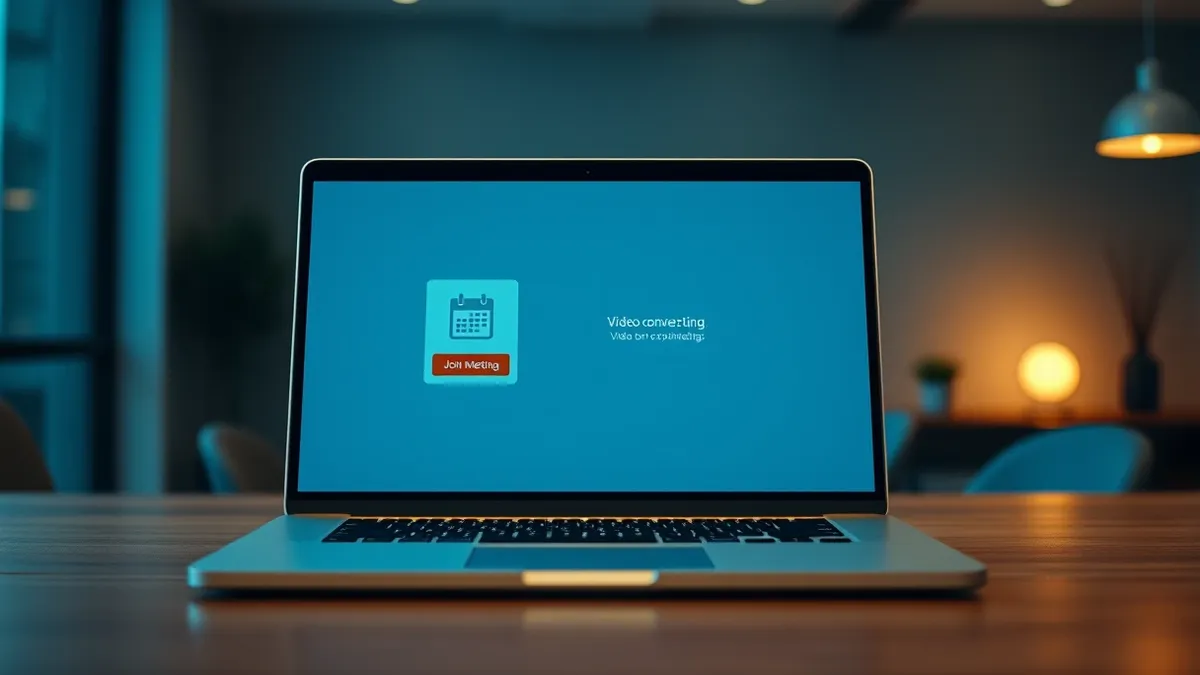
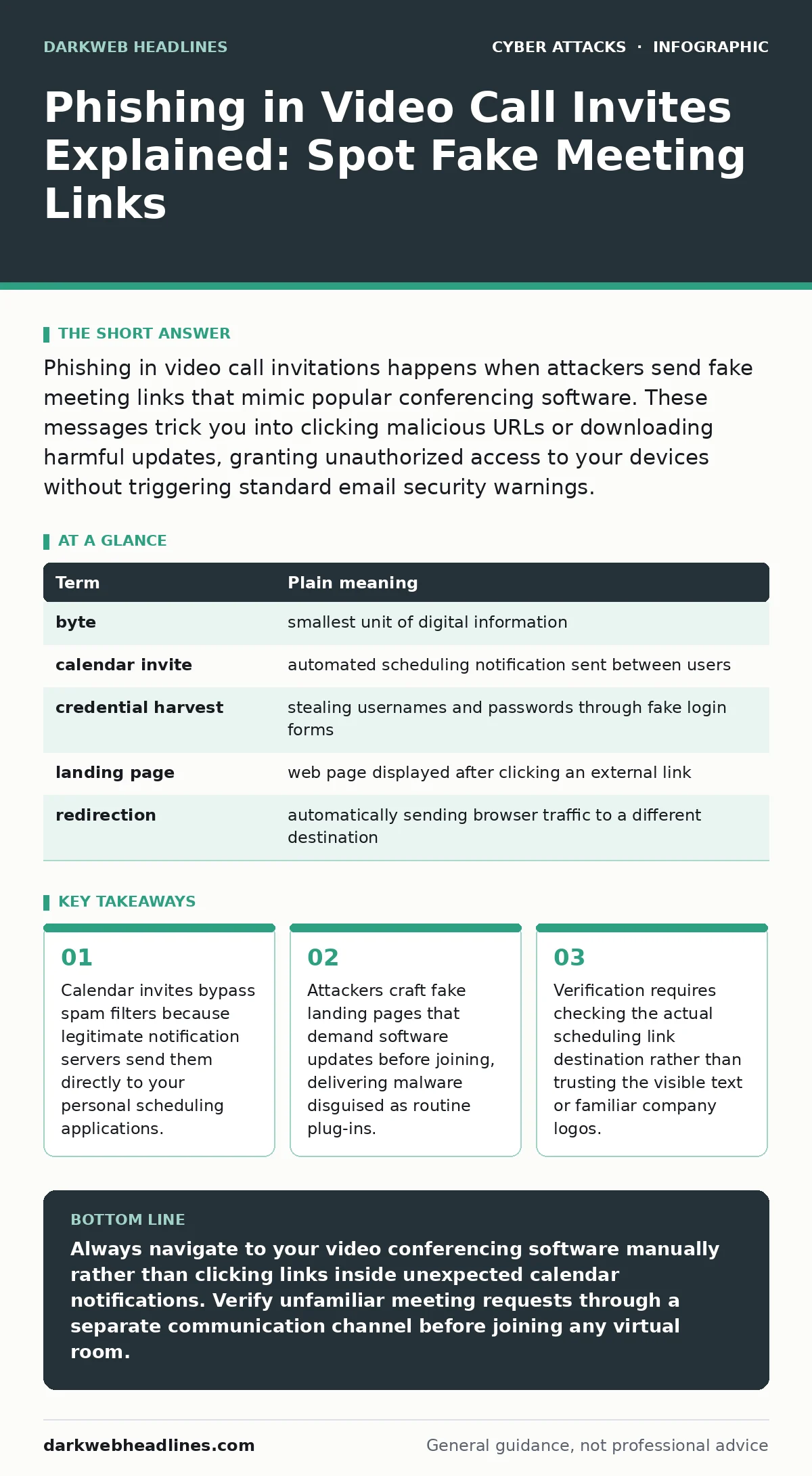
Phishing in video call invitations happens when attackers send fake meeting links that mimic popular conferencing software. These messages trick you into clicking malicious URLs or downloading harmful updates, granting unauthorized access to your devices without triggering standard email security warnings.
How Video Call Phishing Works
Imagine receiving a paper invitation slipped under your front door bearing the crest of a prestigious club, inviting you to an exclusive members-only gathering. Inside the envelope, the handwriting looks genuine and the wax seal appears authentic, yet the address leads to an empty warehouse run by impostors. Online meeting invitations function on the same principle by hijacking trusted calendar notification systems to deliver malicious links straight to your digital workspace. Attackers exploit the inherent trust users place in video conferencing platforms, sending calendar alerts that slip past ordinary security controls because the notification originates from legitimate infrastructure.
Calendar applications automatically ingest incoming event notices and populate your daily schedule without demanding authentication from the sender. This automated convenience creates a blind spot where malicious actors inject harmful URLs directly into the description fields of standard meeting requests. When you inspect the notification, the platform interface appears completely normal, masking the underlying deception until you interact with the embedded controls.
The Anatomy of a Meeting Deception
Visual familiarity lowers your guard faster than any technological exploit because your brain recognizes the shapes and colors of trusted software instantly. Attackers replicate the exact branding of popular collaboration tools inside email notifications and calendar entries, making the fake invitation look indistinguishable from a legitimate work sync. This form of brand impersonation relies on human habit rather than software vulnerabilities, tricking you into skipping basic security checks.
The deceptive URL inside the meeting description often points to a domain controlled by the attacker, disguised behind text that displays a completely different web address. Clicking that link transports you to a replica login portal designed to harvest your credentials or prompt an unnecessary application update. Understanding how malicious email attachments differ from browser-based traps helps clarify why meeting link attacks succeed where traditional file drops fail.
| Term | Plain meaning |
|---|---|
| byte | smallest unit of digital information |
| calendar invite | automated scheduling notification sent between users |
| credential harvest | stealing usernames and passwords through fake login forms |
| landing page | web page displayed after clicking an external link |
| redirection | automatically sending browser traffic to a different destination |
Why Scheduling Tools Bypass Traditional Defenses
Traditional email filters analyze message bodies and attachments for known threat signatures, but calendar notifications operate on different protocols designed for rapid communication. Security gateways frequently allow these event notices through unhindered because blocking them would disrupt normal business operations and schedule coordination. Attackers abuse this permissive filtering policy, turning legitimate productivity features into covert delivery mechanisms for social engineering campaigns.
Another hidden cost of this delivery method involves the difficulty of revoking malicious calendar entries after ingestion. Once an event populates your schedule, reminders trigger automatically throughout the day, repeatedly tempting you to click the harmful link while distracted by back-to-back commitments. This psychological pressure exploits your desire to arrive on time, short-circuiting analytical thinking when dealing with unexpected meeting requests.
The Trap of Fake Software Updates
Joining a virtual room sometimes triggers a prompt demanding an immediate browser extension or application patch before granting audio access. Attackers weaponize this common technical hiccup by displaying convincing error messages that claim your current video client is outdated or incompatible. Complying with this demand downloads an executable file containing malicious code rather than a routine platform upgrade.
This scenario exposes a major edge case where the usual advice to keep your software updated actually works against you. When a fake update prompt mimics a legitimate system requirement, your habit of maintaining secure applications gets twisted into a vector for compromise. Recognizing that video platforms rarely require external executable downloads for standard browser participation serves as a vital defense against this tactic.
See also: The Human Factor in Security: Meaning, Risks, and Real-World Impact
Simple Safety Habits for Every Meeting
- Inspect the underlying destination URL by hovering your cursor over the join button before clicking anything inside an unexpected calendar event.
- Navigate to your collaboration software independently and enter the meeting code manually rather than clicking links embedded directly in notification emails.
- Verify the identity of the meeting organizer through a separate communication channel if the invitation arrives from an unfamiliar or unexpected source.
Establishing these routines creates friction that slows down your response time just enough to spot discrepancies in the sender address or domain structure. While these habits significantly reduce your exposure, they cannot guarantee complete protection against sophisticated campaigns targeting zero-day vulnerabilities in browser rendering engines. Consistency remains your strongest countermeasure against automated social engineering.
Key takeaways
- Calendar invites bypass spam filters because legitimate notification servers send them directly to your personal scheduling applications.
- Attackers craft fake landing pages that demand software updates before joining, delivering malware disguised as routine plug-ins.
- Verification requires checking the actual scheduling link destination rather than trusting the visible text or familiar company logos.
Always navigate to your video conferencing software manually rather than clicking links inside unexpected calendar notifications. Verify unfamiliar meeting requests through a separate communication channel before joining any virtual room.
Frequently asked questions
Can attackers access my webcam through a malicious meeting link?
Clicking a phishing link typically directs your browser to a fake login portal or downloads unauthorized software rather than instantly activating your camera. However, if you mistakenly install a malicious executable disguised as a software update, that payload could potentially grant unauthorized access to your device peripherals.
Why do calendar invites appear in my schedule even if I never accepted them?
Many scheduling applications are configured by default to automatically accept and display all incoming event notices from any sender. This default setting allows malicious actors to push calendar notifications directly onto your daily timeline without requiring your manual confirmation.
How can I tell if a meeting URL is legitimate?
Legitimate meeting URLs always resolve to the official domain of the conferencing provider rather than a randomized string of characters or an unrelated third-party website. Hovering your mouse cursor over the link reveals the true destination address in the corner of your browser window.
How this guide was produced: written by the DarkWeb Headlines editorial team with AI assistance, checked against the public references listed below, and reviewed when the facts change. See our editorial policy or report an error.