Whaling Attack Mistakes That Leave Executives Exposed
Whaling attacks bypass technical controls by exploiting the unique authority and visibility of senior leaders, making standard employee training insufficient for high-value targets.

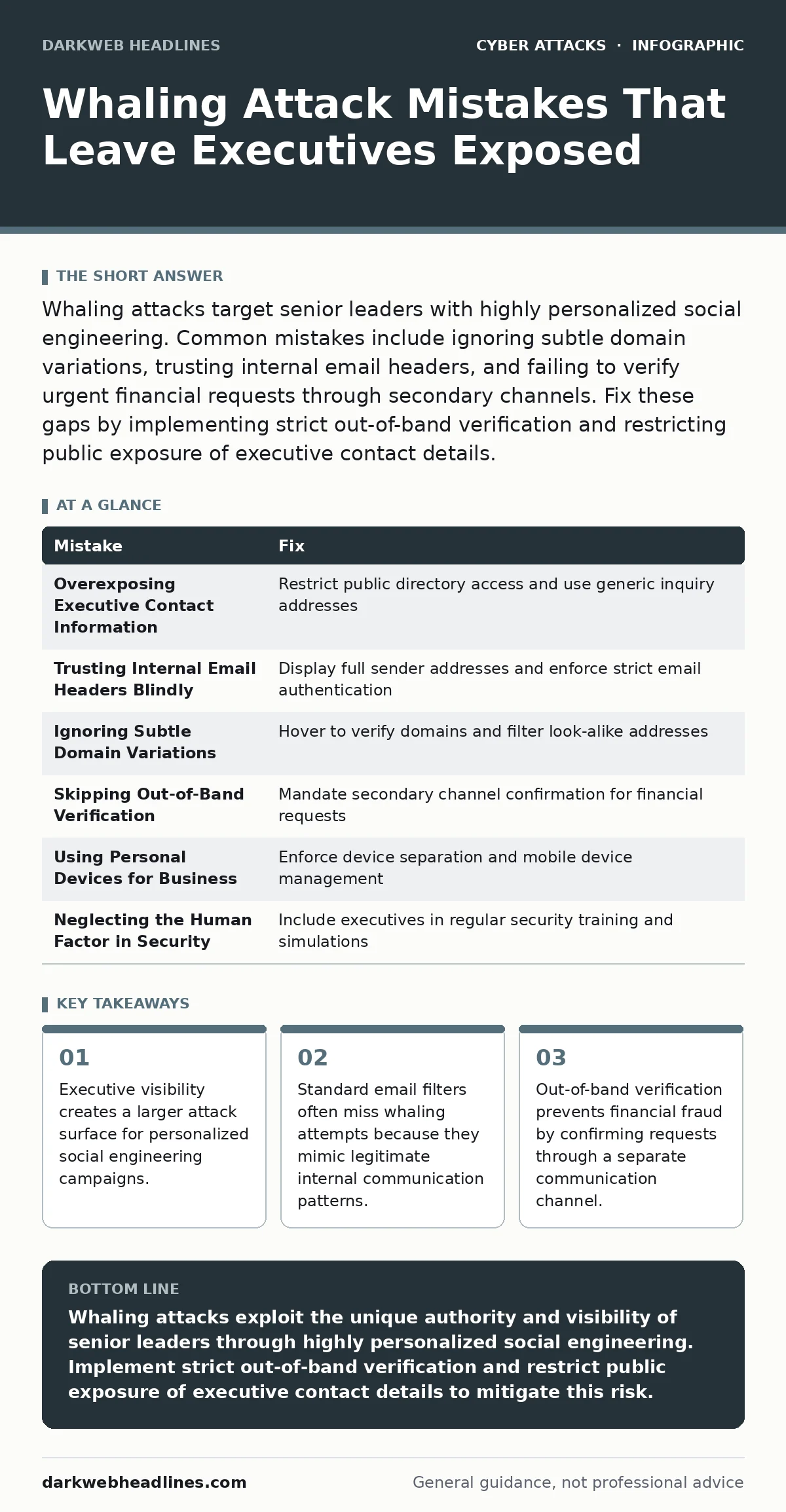
Whaling attacks target senior leaders with highly personalized social engineering. Common mistakes include ignoring subtle domain variations, trusting internal email headers, and failing to verify urgent financial requests through secondary channels. Fix these gaps by implementing strict out-of-band verification and restricting public exposure of executive contact details.
Whaling attacks represent the most targeted form of social engineering. Unlike broad phishing campaigns that cast a wide net, whaling focuses exclusively on high-profile individuals such as CEOs, CFOs, and board members. The attacker invests significant time in researching the target to craft a message that appears entirely legitimate. This precision makes detection difficult because the content often aligns with the victim’s actual responsibilities and recent activities.
Mistake 1: Overexposing Executive Contact Information
Publicly available directories and conference speaker lists provide attackers with the exact email addresses and phone numbers of senior leaders. When an attacker knows your direct contact details, they can bypass generic company mailboxes and target you personally. This direct access allows them to craft messages that appear to come from trusted colleagues or board members who would reasonably have your contact information.
Why it hurts:
High visibility enables attackers to bypass initial security filters. Messages sent to a known executive address are more likely to be trusted by the recipient. The attacker uses this trust to lower your guard, making the request seem routine and urgent. You become a single point of failure for the organization’s financial and operational integrity.
The fix:
Restrict the publication of direct executive contact information. Use generic inquiry addresses for public-facing communications. Implement strict access controls on internal directories so that only authorized personnel can view senior leadership details. This reduces the data available for attackers to personalize their initial contact attempts.
Mistake 2: Trusting Internal Email Headers Blindly
Senior leaders often receive emails that appear to come from internal colleagues or subsidiaries. Attackers can spoof internal domain names to make external messages look like they originated from within the corporate network. Many email clients display the sender’s name prominently while hiding the underlying technical headers that reveal the true source.
Why it hurts:
Spoofed internal emails bypass the psychological barrier of external threats. You are conditioned to trust messages from known colleagues. When an attacker mimics this trust, you may skip standard verification steps. The consequence is often the release of sensitive data or the initiation of fraudulent transactions based on false authority.
The fix:
Configure email clients to display full email addresses rather than just display names. Train executives to inspect the actual sender address for subtle discrepancies. Implement strict SPF, DKIM, and DMARC records to reject emails that fail authentication checks. This technical layer ensures that only verified internal messages reach the inbox.
Mistake 3: Ignoring Subtle Domain Variations
Attackers frequently register domains that look nearly identical to your company’s official domain. They might swap letters, use different top-level domains, or add hyphens. For a busy executive scanning dozens of emails, these minor differences are easy to miss. The message content often references recent projects or internal jargon to reinforce the illusion of legitimacy.
Why it hurts:
Visual similarity tricks the brain into accepting the message as trusted. You may not notice that the domain is slightly different until it is too late. This mistake allows attackers to establish a foothold in your inbox. Once trust is established, they can escalate the request to include sensitive data or financial transfers.
The fix:
Hover over sender addresses and links to reveal the actual destination before clicking. Verify the domain against the official company list. Implement automated filtering that flags emails from domains similar to the corporate domain. This adds a layer of scrutiny to messages that attempt to mimic legitimate sources.
Mistake 4: Skipping Out-of-Band Verification
Urgent requests for wire transfers or sensitive data often pressure the recipient to act quickly. Attackers exploit this urgency by demanding immediate compliance and warning against delays. Skipping verification steps under time pressure is a common mistake that leads to significant financial loss. The attacker relies on your desire to be helpful and efficient.
Why it hurts:
Speed overrides security protocols. You may process a request without confirming its authenticity because the sender appears authoritative. The lack of verification allows fraudulent instructions to proceed unchecked. This mistake can result in irreversible financial transfers or the compromise of critical business secrets.
The fix:
Establish a mandatory out-of-band verification process for all financial requests. Contact the requester using a previously known phone number or a separate communication channel. Never rely on the contact information provided in the suspicious email. This secondary check confirms the identity of the requester and validates the request.
Mistake 5: Using Personal Devices for Business Correspondence
Many executives use personal smartphones or laptops for work to maintain flexibility. These devices often lack the enterprise-grade security controls found on company-managed equipment. Personal email accounts are frequently less secure and more vulnerable to compromise. Mixing personal and professional communications creates a blurred line that attackers can exploit.
Why it hurts:
Personal devices bypass corporate security policies. They may not have encryption, multi-factor authentication, or endpoint detection tools. If a personal device is compromised, attackers gain access to business communications. This breach can lead to the theft of credentials and the interception of sensitive emails.
The fix:
Enforce a strict separation between personal and professional devices. Use mobile device management solutions to secure company data on any device. Implement containerization to keep work apps isolated from personal apps. This ensures that corporate data remains protected even if the personal device is compromised.
Mistake 6: Neglecting the Human Factor in Security
Technical controls are only as effective as the people who use them. Executives are often excluded from regular security training because they are perceived as too busy or too senior to need it. This assumption leaves them vulnerable to sophisticated social engineering tactics. The human factor in security remains the weakest link in any defense strategy.
Why it hurts:
Lack of awareness leads to poor decision-making. Executives may not recognize the signs of a whaling attack because they have not been trained to identify them. This knowledge gap allows attackers to manipulate them successfully. The organization suffers because its leaders are not equipped to defend against targeted threats.
The fix:
Include senior leadership in regular security awareness training. Use realistic simulations that mimic whaling attacks to test their responses. Provide specific guidance on recognizing social engineering tactics. This ongoing education ensures that executives remain vigilant and capable of identifying threats.
Summary Table
| Mistake | Fix |
|---|---|
| Overexposing Executive Contact Information | Restrict public directory access and use generic inquiry addresses |
| Trusting Internal Email Headers Blindly | Display full sender addresses and enforce strict email authentication |
| Ignoring Subtle Domain Variations | Hover to verify domains and filter look-alike addresses |
| Skipping Out-of-Band Verification | Mandate secondary channel confirmation for financial requests |
| Using Personal Devices for Business | Enforce device separation and mobile device management |
| Neglecting the Human Factor in Security | Include executives in regular security training and simulations |
Key takeaways
- Executive visibility creates a larger attack surface for personalized social engineering campaigns.
- Standard email filters often miss whaling attempts because they mimic legitimate internal communication patterns.
- Out-of-band verification prevents financial fraud by confirming requests through a separate communication channel.
Whaling attacks exploit the unique authority and visibility of senior leaders through highly personalized social engineering. Implement strict out-of-band verification and restrict public exposure of executive contact details to mitigate this risk.
Frequently asked questions
How do whaling attacks differ from standard phishing?
Whaling targets specific high-profile individuals with personalized content, whereas phishing casts a wide net with generic messages. The level of research and customization in whaling makes it harder to detect.
Can technical controls stop whaling attacks?
Technical controls like email authentication and filtering reduce the risk but cannot eliminate it. Whaling attacks often bypass technical defenses by mimicking legitimate internal communication patterns. Human verification remains critical.
What is out-of-band verification?
Out-of-band verification involves confirming a request through a separate communication channel. For example, if an email requests a payment, you call the requester using a known phone number to verify the instruction.
Should executives use multi-factor authentication?
Yes, multi-factor authentication adds an extra layer of security to executive accounts. It prevents attackers from accessing accounts even if they obtain the password through social engineering or other means.
How this guide was produced: written by the DarkWeb Headlines editorial team with AI assistance, checked against the public references listed below, and reviewed when the facts change. See our editorial policy or report an error.