Detect WordPress Page Builder Vulnerabilities: Logs, Configs and Blind Spots
Page builders alter the WordPress core execution flow, creating unique attack surfaces that standard vulnerability scanners often miss entirely.

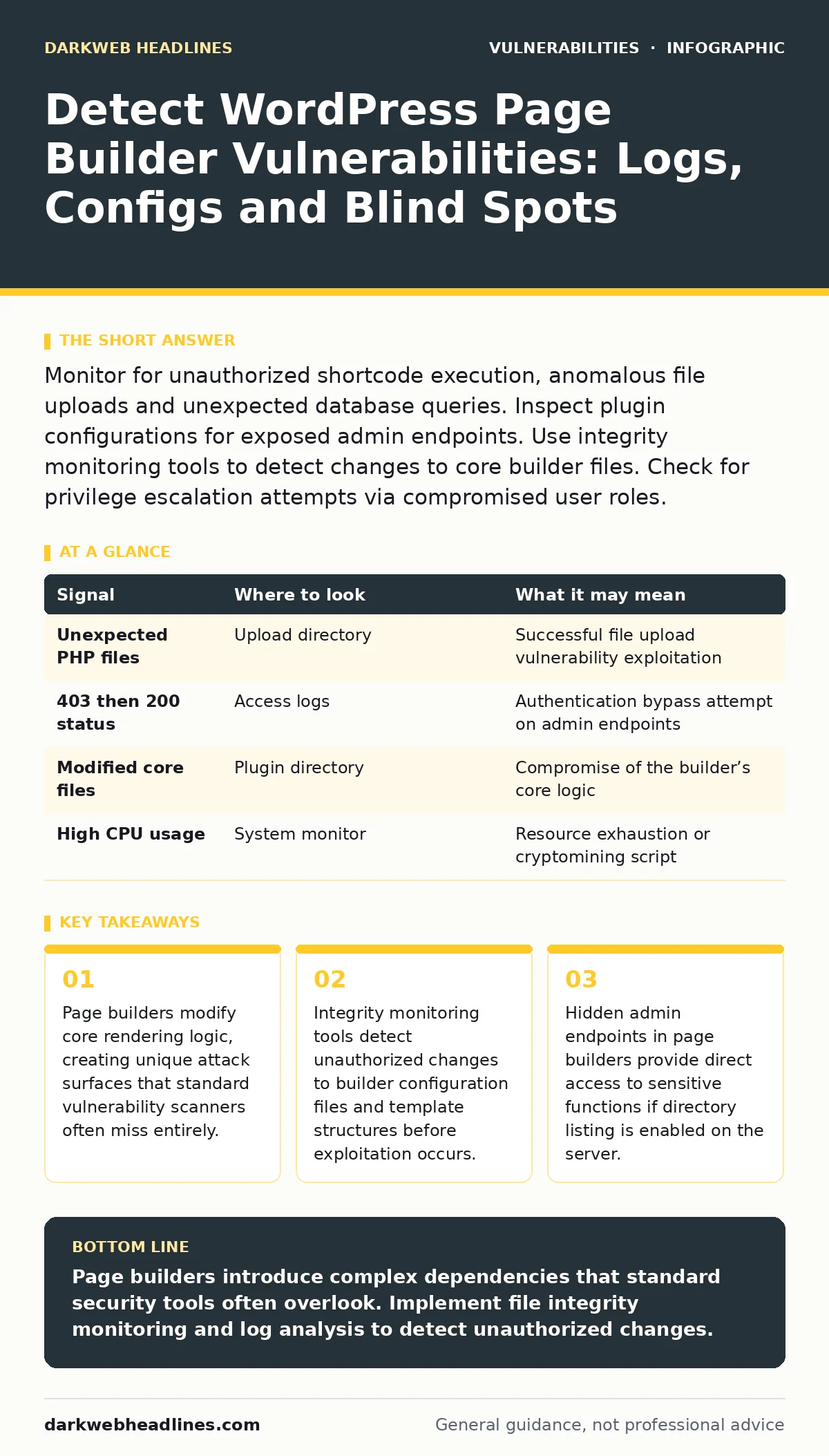
Monitor for unauthorized shortcode execution, anomalous file uploads and unexpected database queries. Inspect plugin configurations for exposed admin endpoints. Use integrity monitoring tools to detect changes to core builder files. Check for privilege escalation attempts via compromised user roles.
Understanding the Attack Surface
Page builders modify how WordPress renders content by intercepting standard theme output. This interception creates a complex dependency chain between the builder, the theme and the core software. You must treat the builder as a separate application running within the website. The builder often introduces its own shortcode parser, media handlers and database tables. These components operate outside the standard WordPress plugin directory structure.
This separation means that a vulnerability in the builder may not appear in standard WordPress security audits. The builder’s code executes with the same privileges as the core WordPress installation. An attacker who compromises the builder can potentially access any data the web server can read. You need to map every component the builder touches to understand where evidence of an attack might appear.
Log Analysis for Anomalous Behavior
Server access logs reveal the initial entry points for most compromises. Look for requests to builder-specific endpoints that do not match known public URLs. Page builders often create hidden admin pages for drag-and-drop interfaces. These pages may be accessible if the builder fails to verify user capabilities correctly. Check for 403 Forbidden responses followed by successful 200 OK responses to the same endpoint.
This pattern suggests an authentication bypass attempt. Monitor for requests containing malformed JSON payloads in POST bodies. Builders rely heavily on JSON for state management. A malformed payload might trigger parsing errors that reveal application logic or crash the service. Review logs for unusual query parameters that reference builder internal IDs. Attackers often manipulate these IDs to access other users’ drafts or private content.
File System Integrity Checks
The file system holds the most direct evidence of a successful compromise. Page builders generate dynamic CSS and JavaScript files to render layouts. An attacker may inject malicious code into these generated assets. You must compare the current state of these files against a known good baseline. Use a file integrity monitoring tool to detect any changes to builder core files. Pay special attention to the wp-content/uploads directory. Builders often store temporary files here during the editing process. If the builder fails to sanitize file names, an attacker may upload executable scripts. Check for PHP files in directories that should only contain images or CSS. Review the file modification timestamps for builder plugins. A sudden change in multiple files suggests a bulk update or a malicious overwrite.
| Signal | Where to look | What it may mean |
|---|---|---|
| Unexpected PHP files | Upload directory | Successful file upload vulnerability exploitation |
| 403 then 200 status | Access logs | Authentication bypass attempt on admin endpoints |
| Modified core files | Plugin directory | Compromise of the builder’s core logic |
| High CPU usage | System monitor | Resource exhaustion or cryptomining script |
Database Query Inspection
The database stores the structure of every page built with the tool. Attackers often inject malicious shortcodes into page content. These shortcodes execute when the page is rendered by any visitor. You must audit the wp_posts table for unexpected shortcode strings. Look for shortcodes that reference external domains or unusual function names. Builders often allow custom JavaScript injection for advanced styling. Check the wp_postmeta table for meta keys associated with custom scripts. These scripts execute on every page load, making them powerful persistence mechanisms. Review database user permissions. Builders sometimes create their own database tables with overly permissive access rights. An attacker with read access to these tables can extract sensitive configuration data.
Network Traffic and API Endpoints
Modern page builders use REST API endpoints for real-time editing. These endpoints may lack proper nonces or capability checks. Monitor network traffic for requests to /wp-json/ paths that reference builder namespaces. Look for requests that do not include valid authentication cookies. Page builders often expose endpoints for saving drafts or publishing content. An attacker can use these endpoints to deface the website or inject malicious content. Check for CORS (Cross-Origin Resource Sharing) misconfigurations. A builder may allow requests from any origin, enabling cross-site request forgery attacks. Review the response headers for these API endpoints. Missing security headers like X-Content-Type-Options can facilitate prototype pollution attacks in the browser.
See also: Malicious Typosquatted Packages: 7 Mistakes That Invite Supply Chain Attacks · TOCTOU Bugs: 7 Mistakes That Leave Your Code Open to Race Conditions
Common Blind Spots in Detection
Many security teams focus solely on the WordPress core and ignore the builder’s dependencies. This oversight leaves the site vulnerable to supply chain attacks. The builder may load libraries from third-party CDNs. If a library is compromised, every site using the builder is affected. You must verify the integrity of these external resources. Another blind spot is the interaction between the builder and other plugins.
A conflict may create a privilege escalation vulnerability that neither plugin vendor anticipated. Review the debug logs for fatal errors related to hook conflicts. These errors often indicate that two plugins are trying to modify the same data structure. Finally, do not ignore staging environments. Attackers often test exploits on staging sites before moving to production.
Tooling for Continuous Monitoring
Automated tools are necessary to detect changes at scale. Use a web application firewall to block known exploit patterns targeting builder endpoints. Configure the firewall to inspect POST requests for malicious payloads. Deploy an intrusion detection system that monitors for unusual database queries. Integrate these tools with a security information and event management platform.
This allows you to correlate events across different data sources. For deeper analysis, consider using static application security testing tools. These tools analyze the builder’s source code for potential vulnerabilities. They can identify issues like SQL injection or cross-site scripting before deployment. Regularly update your scanning rules to include new builder-specific attack vectors.
Key takeaways
- Page builders modify core rendering logic, creating unique attack surfaces that standard vulnerability scanners often miss entirely.
- Integrity monitoring tools detect unauthorized changes to builder configuration files and template structures before exploitation occurs.
- Hidden admin endpoints in page builders provide direct access to sensitive functions if directory listing is enabled on the server.
Page builders introduce complex dependencies that standard security tools often overlook. Implement file integrity monitoring and log analysis to detect unauthorized changes.
Frequently asked questions
How do page builders differ from standard WordPress themes in terms of security?
Page builders intercept core rendering logic and introduce their own code parsers, creating additional attack surfaces that themes do not have.
Can a compromised page builder lead to a full server compromise?
Yes, if the builder allows arbitrary file uploads or executes unvalidated code, an attacker may gain remote code execution on the server.
What is the first sign of a successful page builder exploit?
Look for unexpected PHP files in the upload directory or unauthorized changes to page content in the database.
Do security plugins protect against page builder vulnerabilities?
Standard security plugins often miss logical flaws in page builders. You need specialized monitoring and integrity checks for comprehensive protection.
How this guide was produced: written by the DarkWeb Headlines editorial team with AI assistance, checked against the public references listed below, and reviewed when the facts change. See our editorial policy or report an error.