Slowloris Attack Mistakes: 7 Server Errors That Invite Resource Exhaustion
Slowloris attacks exploit server thread limits by holding connections open with incomplete headers, turning a single low-bandwidth connection into a denial of service.

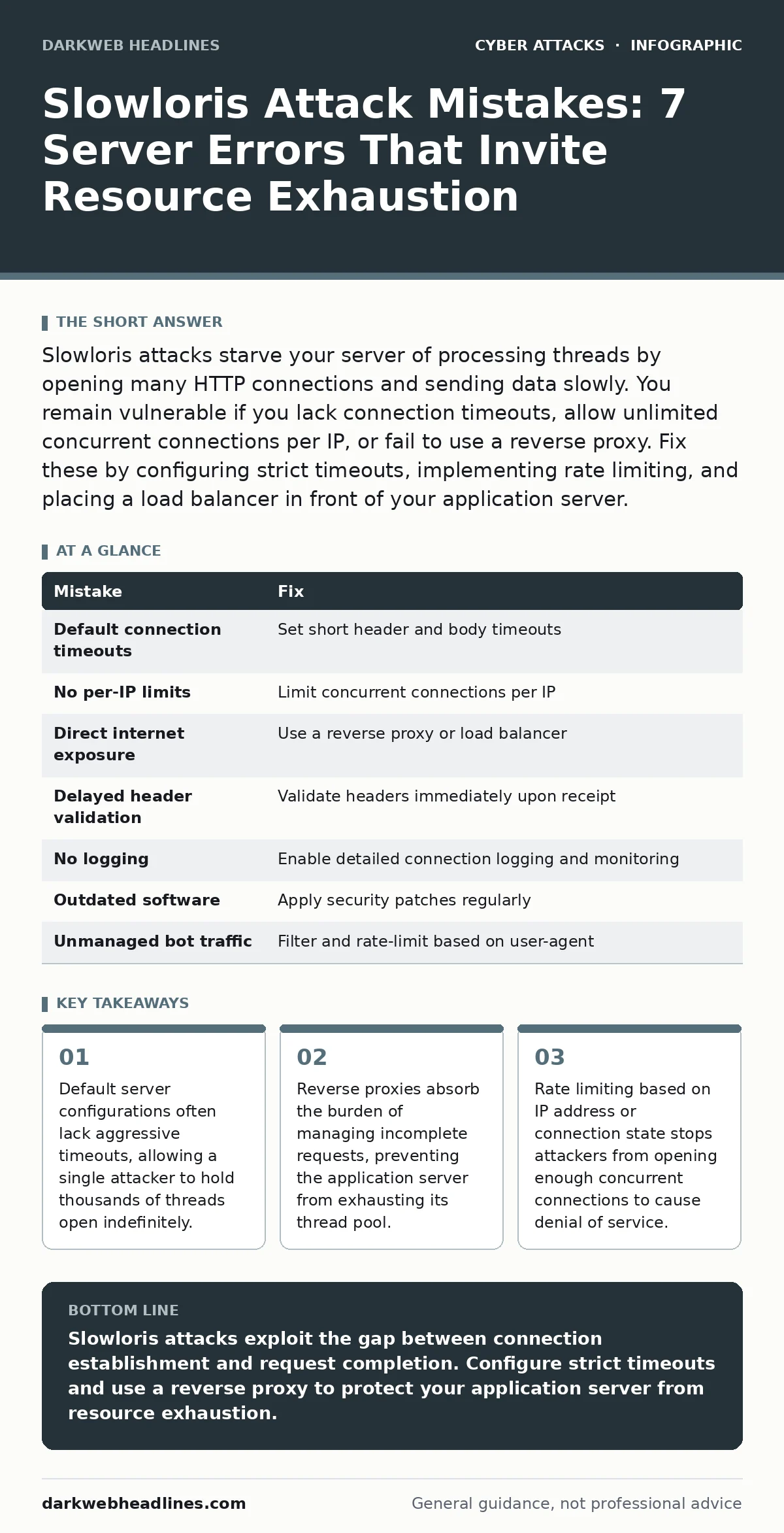
Slowloris attacks starve your server of processing threads by opening many HTTP connections and sending data slowly. You remain vulnerable if you lack connection timeouts, allow unlimited concurrent connections per IP, or fail to use a reverse proxy. Fix these by configuring strict timeouts, implementing rate limiting, and placing a load balancer in front of your application server.
Mistake 1: Leaving default connection timeouts active
Most web servers ship with default timeout values that are too generous for security. A Slowloris attack works by opening a valid HTTP connection and then sending the request header byte-by-byte over a very long period. If your server waits for the full header before timing out, it reserves a worker thread for that connection. An attacker only needs enough open connections to exhaust your thread pool to deny service to legitimate users.
Why it hurts:
Each incomplete connection consumes a thread or process slot on your server. When the thread pool is full, the server cannot accept new connections. This causes a denial of service without requiring high bandwidth. The server appears healthy but is effectively frozen because every available worker is waiting for data that will never arrive.
The fix:
Configure your web server to enforce short timeouts for both header reception and body transmission. Set the header timeout to a few seconds rather than minutes. If the client does not send the complete header within this window, the server closes the connection. This forces the attacker to restart the process, increasing the cost of the attack and reducing the number of sustained connections.
Mistake 2: Ignoring per-IP connection limits
Web servers often track connections globally rather than per client. An attacker using a single IP address can open thousands of connections simultaneously. If your server does not limit the number of concurrent connections from one source, it allows a single machine to consume all available resources. This is particularly dangerous for services that handle many simultaneous requests, such as real-time chat or gaming platforms.
Why it hurts:
Unlimited concurrent connections per IP allow a single attacker to monopolize server resources. The server treats each connection as legitimate until it times out. This creates a bottleneck where legitimate users from other IPs cannot connect because the server has no free threads. The attack succeeds even if the total bandwidth usage is negligible.
The fix:
Implement strict limits on the number of concurrent connections allowed from a single IP address. Configure your server or firewall to drop new connections from an IP that has already opened the maximum allowed number of connections. This caps the damage an attacker can do from one source. Combine this with geographic filtering if your service does not require global access.
Mistake 3: Running the application server directly on the internet
Many developers deploy application servers like Apache or Nginx directly to the public internet. These servers are designed to process requests, not to withstand malicious connection floods. When a Slowloris attack hits the application server directly, it consumes the threads needed to run your application logic. This leaves no capacity for legitimate business operations.
Why it hurts:
Application servers are optimized for throughput, not security. They often lack built-in mechanisms to detect and mitigate slow, incomplete requests. When the application server handles the connection management, the attack directly impacts your business logic. The server becomes unresponsive to all users, not just the attacker.
The fix:
Place a reverse proxy or load balancer in front of your application server. The reverse proxy handles incoming connections, manages timeouts, and forwards only complete, valid requests to the backend. If a connection is incomplete or slow, the proxy drops it before it reaches the application server. This shields your backend from resource exhaustion.
Mistake 4: Failing to validate HTTP headers immediately
Some servers accept partial HTTP headers and buffer them until the full request is received. This behavior is exploitable by Slowloris attacks. The attacker sends valid header fields one at a time, keeping the connection open. The server buffers the data, consuming memory and thread resources. If the server does not validate headers as they arrive, it remains vulnerable to this slow-drip attack.
Why it hurts:
Buffering partial headers consumes memory and keeps threads occupied. The server cannot process other requests while waiting for the buffer to fill. This creates a denial of service condition that is difficult to detect because the connections appear valid. The server is waiting for data that the attacker intentionally withholds.
The fix:
Configure your server to validate HTTP headers as they are received. Reject connections that send headers in an unusual order or with excessive delays between fields. Use a proxy that enforces strict header validation rules. This ensures that incomplete or malformed requests are dropped immediately, freeing resources for legitimate traffic.
Mistake 5: Disabling connection logging and monitoring
Without detailed logging, you cannot detect Slowloris attacks in real time. These attacks generate low-volume traffic that often blends in with normal background noise. If your logs do not record connection duration, incomplete requests, or per-IP connection counts, you will not notice the attack until service disruption occurs. Monitoring gaps allow the attack to persist undetected.
Why it hurts:
Lack of visibility means you react only after the service is down. By then, the attacker has already exhausted your resources. You cannot distinguish between legitimate slow connections and malicious ones. This delays remediation and increases the duration of the outage. Post-incident analysis becomes difficult without granular data.
The fix:
Enable detailed logging for all HTTP connections, including start time, end time, and bytes transferred. Monitor for connections that remain open longer than the average request duration. Set up alerts for spikes in incomplete requests or high concurrent connections from single IPs. This allows you to detect and mitigate the attack before it causes significant disruption.
Mistake 6: Neglecting to update server software
Older versions of web servers may have known vulnerabilities related to connection handling. Developers often patch these issues in subsequent releases. Running outdated software leaves you exposed to techniques that have been documented for years. Slowloris is a well-known attack, and modern server versions include better defaults for timeout and connection management.
Why it hurts:
Outdated software lacks security improvements and bug fixes. It may use inefficient thread models that are easier to exhaust. Attackers often target known vulnerabilities in older software versions. Failing to update increases the attack surface and reduces the effectiveness of built-in mitigations. This makes your server an easy target for resource exhaustion attacks.
The fix:
Keep your web server and operating system up to date with the latest security patches. Subscribe to security advisories for your server software. Test updates in a staging environment before deploying to production. Regular updates ensure you benefit from improved connection handling and security features that mitigate Slowloris and similar attacks.
Mistake 7: Overlooking the impact of legitimate bot traffic
Legitimate bots, such as search engine crawlers, can sometimes behave in ways that resemble Slowloris attacks. They may open many connections and send requests slowly. If you do not distinguish between malicious and legitimate traffic, you may either block important crawlers or fail to block attackers. This ambiguity complicates defense strategies.
Why it hurts:
Blocking all slow connections may disrupt legitimate services that rely on bots for indexing or monitoring. Conversely, allowing all slow connections leaves you vulnerable to attacks. The lack of distinction makes it difficult to configure effective rate limiting. You may experience false positives or false negatives in your security controls.
The fix:
Implement user-agent filtering to identify and manage bot traffic. Allow known legitimate bots to bypass certain rate limits while enforcing strict rules for unknown agents. Use a web application firewall to inspect traffic patterns and distinguish between normal bot behavior and malicious Slowloris attempts. This balances security with service availability.
| Mistake | Fix |
|---|---|
| Default connection timeouts | Set short header and body timeouts |
| No per-IP limits | Limit concurrent connections per IP |
| Direct internet exposure | Use a reverse proxy or load balancer |
| Delayed header validation | Validate headers immediately upon receipt |
| No logging | Enable detailed connection logging and monitoring |
| Outdated software | Apply security patches regularly |
| Unmanaged bot traffic | Filter and rate-limit based on user-agent |
Key takeaways
- Default server configurations often lack aggressive timeouts, allowing a single attacker to hold thousands of threads open indefinitely.
- Reverse proxies absorb the burden of managing incomplete requests, preventing the application server from exhausting its thread pool.
- Rate limiting based on IP address or connection state stops attackers from opening enough concurrent connections to cause denial of service.
Slowloris attacks exploit the gap between connection establishment and request completion. Configure strict timeouts and use a reverse proxy to protect your application server from resource exhaustion.
Frequently asked questions
Can a firewall stop a Slowloris attack?
Traditional firewalls inspect packets but often do not track connection state or duration. They may allow the initial connection and subsequent slow data packets. You need application-layer filtering or a web application firewall to detect and block Slowloris patterns.
Does HTTPS protect against Slowloris?
HTTPS encrypts the content but does not prevent slow connection establishment. The attacker can still open TLS connections and send data slowly. You must configure TLS timeouts and connection limits on the server side to mitigate the attack.
How do I distinguish Slowloris from a slow internet connection?
Slowloris involves many simultaneous connections from a single source, each sending data at an abnormally slow rate. Legitimate users with slow connections typically have fewer simultaneous connections. Monitor for high concurrency and incomplete requests.
Is Slowloris still a relevant threat?
Yes, Slowloris remains relevant because it requires minimal bandwidth and can bypass basic rate limiting. It exploits fundamental HTTP connection handling. Proper timeout configuration and proxy usage are still the most effective defenses.
How this guide was produced: written by the DarkWeb Headlines editorial team with AI assistance, checked against the public references listed below, and reviewed when the facts change. See our editorial policy or report an error.